DNS change request template for an event domain
A DNS request such as “point tickets to the new platform” is too vague to approve safely. Use this event-domain change card to specify the actual record, affected journeys, responsible operators and proof that the change worked.
Boletolibre editorial team
Published
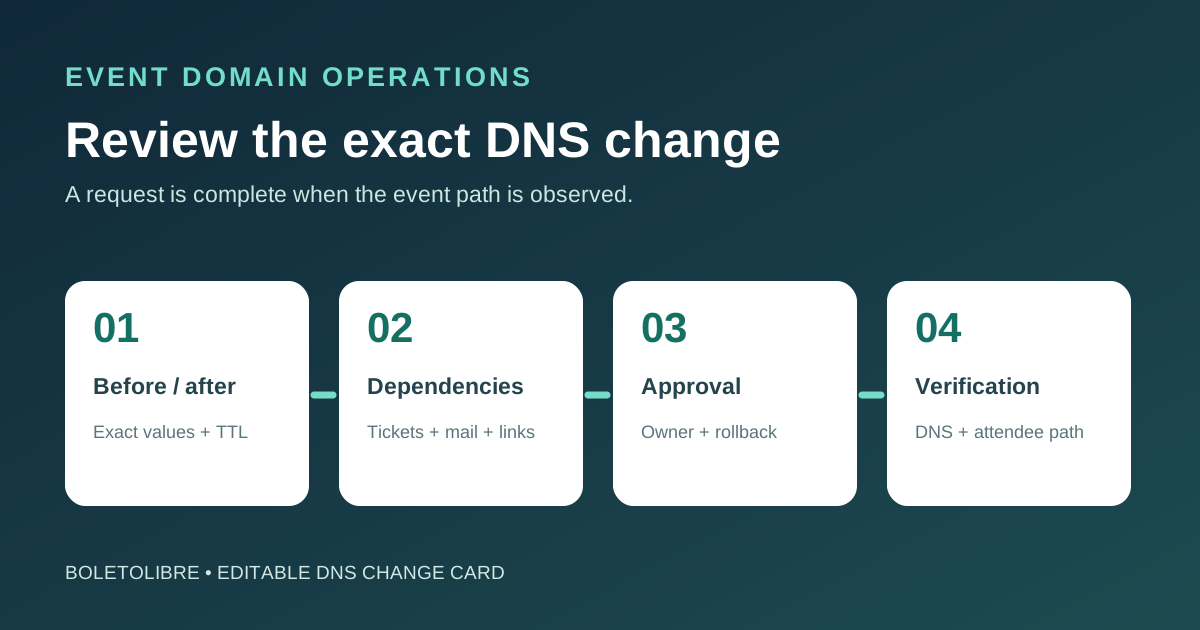
Download the DNS change request and approval card
Download the editable event-domain DNS change card (Markdown, English)
One card per approved change or coordinated batch. The form records exact before/after values, requester, reviewers, dependencies, implementation owner and observed result. It should link to the actual change ticket or infrastructure commit.
Describe the change in attendee terms
State which event edition and hostname will change, why, and when the attendee or staff journey needs it. A ticketing CNAME, mail MX record or verification TXT record can affect different teams. The leading Google result is a request-form template that captures affected name, record type, implementation time, impact and sign-off; make those fields specific enough that an operator can review the real DNS change.[1]
Name the DNS account and authoritative zone. A record requested in the wrong zone may be accepted by a dashboard but have no public effect. Identify the service owner and who is allowed to approve the change. Do not collect a password or API token in the request.
Specify before and after values exactly
| Field | Record it on the card |
|---|---|
| Record identity | Fully qualified name, record type, routing policy/selector if any, zone/account |
| Current state | Observed values, TTL and date/source of zone export |
| Requested state | Exact new values, TTL and provider instructions or service ID |
| Dependencies | Website, registration, checkout callback, email, certificate, verification and redirects |
| Approval | Technical reviewer, business/service owner, change window and rollback owner |
Avoid approving a vague “fix DNS” request. DNS changes can have multiple records and provider-specific behavior. Route 53, for example, accepts a change batch as a transaction: all changes in that batch are validated together or none are applied. Do not assume another provider has the same batch semantics.[2]
Write a verification and reversal plan before approval
Define the read-only baseline query, the expected authoritative answer after the change, and a real event journey to test: landing page, ticket purchase, confirmation mail or vendor callback. Identify who monitors each path and what result triggers reversal. Keep the exact old record values and the person who can restore them. A rollback may need its own DNS change and subsequent observation.
For time-sensitive changes, record the implementation window and the evidence needed for acceptance. Do not promise a universal propagation interval. A provider status can show its authoritative servers updated while public resolvers still hold cached answers. In Route 53, GetChange INSYNC means its own DNS servers have the change; it is not proof that every attendee now sees the intended page.[3]
Close the request with observed evidence
The implementer records the actual change ID or commit, execution time and unexpected deviations. The verifier records authoritative and independent resolver answers plus the affected attendee path. The requester accepts the result or opens a follow-up; the DNS inventory gets updated. Keep an emergency path for a genuine incident, but document its approver and post-change review too.
Sources and further reading
- DNS Configuration Change Request Form TemplateJotform · Accessed
- ChangeResourceRecordSetsAmazon Route 53 · Accessed
- GetChangeAmazon Route 53 · Accessed