Check a sent event email’s browser copy before sharing it
A sent invitation may also have a browser-based copy and a place in your email provider’s campaign archive. Those surfaces can reach people outside the original recipient list. Before placing a ‘view online’ or archive link on an event page, review what a visitor can actually see and follow. This guide gives an event organizer a bounded visibility audit, a decision for each link, and a record of what the email owner must change or verify. Provider controls differ; the campaign settings and a logged-out check decide the outcome.
Boletolibre editorial team
Published
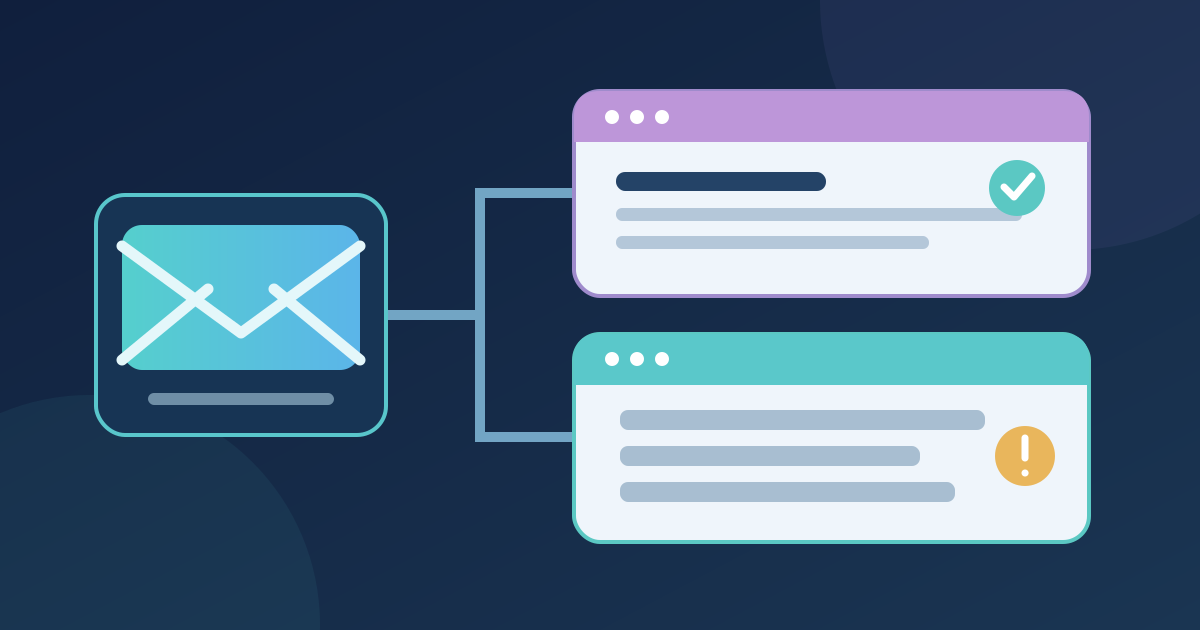
Decide which invitation facts can travel
Begin with the specific sent campaign and the reason to share it: a public programme recap, a copy for new subscribers, or an invitation that remains limited to a named group. Mark the event name, date and public registration page as shareable only if they are current and approved. Mark recipient-specific ticket links, access codes, individual prices, private joining instructions and personal details for separate review. A browser copy is a publication surface, not merely a convenient backup of an inbox message. If you cannot safely publish the complete invitation, choose an approved public event page or a separate share-safe summary instead of distributing the archived copy. Keep actual private URLs out of a broadly shared review sheet.[1][2]
Locate the browser copy and the archive index
Ask the email owner for the exact URL of the sent campaign’s browser copy, its archive index if one exists, and any ‘view in browser’ link inside the delivered message. Record where each URL is currently linked: event site, social post, partner kit, welcome email or internal document. In Mailchimp, a campaign page is the browser-based copy of an individual email, while an archive page lists recent campaigns; the two are different surfaces. An email may also be shared by copying its campaign-page URL. Do not assume that removing a campaign from an archive list disables a direct browser-copy URL. Your provider’s current controls and an actual open test must establish what each route does.[1][3]
Open it as someone outside the audience
Test the exact URL in a clean browser session without an organizer login or subscriber state, using the access level that a public reader would have. Open the campaign page directly, then navigate from the archive index if that index exists. Record whether both paths load, redirect, request authentication or show different content. If the provider has a preview mode, use it to prepare the check, but do not substitute an editor preview for the published page. Repeat on a phone-sized view if the invitation will be shared there. The point is to document observable access, not to certify secrecy: someone who already received or copied a URL may have a route that the archive index no longer advertises.[1][2]
Read the published version line by line
Compare the visible subject, date, venue, programme claims, sponsor names, ticket state and call to action against the current approved event facts. Check images and alt text as well as the text that may differ between an inbox and browser view. Some providers offer conditional content for the hosted version; Mailchimp documents an option to hide selected invitation text from its campaign page before send, including a private-event ticketing example. Treat that as a provider feature with its own preview and test steps, not as access control for the destination behind a link. A sent email and its hosted copy may not update together; log any mismatch explicitly.[2]
Classify every destination reached from the copy
Click each visible event-related link from the outsider view. Separate public information pages, public registration choices, limited-access invitations and recipient-specific credentials. Confirm the correct event edition and whether the final destination still offers the action promised by the email. A link that looks harmless in the archived text can redirect to a personalized ticket, an expired offer or a checkout requiring a different audience. Ask the ticket or web owner to verify destination-level eligibility; do not infer it from how the email provider displays the link. Record only a redacted link reference and the observed outcome in the worksheet. If a private credential is exposed, route it to the responsible owner under the event’s approved process.[2][3]
Set an archive rule before the next send
Before sending future invitations, decide whether the browser copy is meant to be public, which campaigns belong in an archive index, and which facts must stay out of a shareable version. Make that decision part of the campaign approval, alongside the intended recipients and ticket state. Inspect the provider’s current archive settings, conditional-content options and ‘view in browser’ link behavior; do not copy a Mailchimp setting into another sender by analogy. If a public online copy is useful for people whose inbox suppresses images or HTML, preserve that accessibility route while keeping private details elsewhere. Test the delivered email and the outsider browser copy as separate views before release.[2][1]
Treat an already-sent invitation as a live incident
If a sent browser copy exposes a stale or limited-access detail, first preserve the campaign reference, affected URL and a restricted evidence record. Ask the email owner what the current provider can change about the hosted page or archive listing. Mailchimp says sent inbox messages cannot be stopped or edited, and its archive guidance warns that deleting a campaign also removes reporting data while leaving recipients’ inbox copies intact. Removing a listing, changing a website link and deleting a campaign are different actions with different consequences. Work with the ticket or web owner on the destination itself, then decide whether a factual correction to recipients is needed. Do not promise that hiding one route retracts a copied message or URL.[4][2]
Work through an invitation-only workshop
Imagine a workshop invitation sent to approved guests. The organizer wants to link its recap from a public event page, but the sent email contains a guest-specific registration address and an old start time. The archive index lists the campaign; the direct browser copy also opens in a logged-out session. The appropriate decision is not to share that copy as-is. Record the exposed content, ask the sender and registration owners to check their controls and destination, and publish a separate approved recap with the current public facts. If a provider can change an archive listing, retest both the index and direct URL afterward. The example makes no claim that a hidden listing revokes prior access.[1][2]
Record the approval and recheck the live route
The worksheet should show each surface, URL reference, intended audience, outsider observation, link class, discrepancy, owner and release decision. Use ‘approved to share’, ‘share a different page’, or ‘hold for owner review’ rather than a vague pass mark. Have one person who owns email content and one who owns the event destination agree on any correction. After a setting or link change, repeat the logged-out direct-page and archive-index checks and retain the observation date. Revisit the decision when the event edition, ticket state or archive configuration changes. This is a content-and-route check; it does not establish legal permission to publish personal information or technical access-control assurance.[1][3]
Download the email archive visibility and link-review worksheet (Markdown, English)
Sources and further reading
- About Email Campaign Archives and PagesMailchimp · Accessed
- Hide Content in Email Campaign Archives and PagesMailchimp · Accessed
- Why We Can't Stop or Edit Sent CampaignsMailchimp · Accessed