Prevent duplicate event reminder emails: an automation QA checklist
An attendee receives the same arrival reminder twice. The copy may be correct; the paths that enrolled the person may not be. Before activating an event reminder flow, map the ways a contact can enter it, then test a few controlled states against the sends you expect. This checks flow behavior, not just how one email looks in an inbox.
Boletolibre editorial team
Published
Map the routes to each reminder
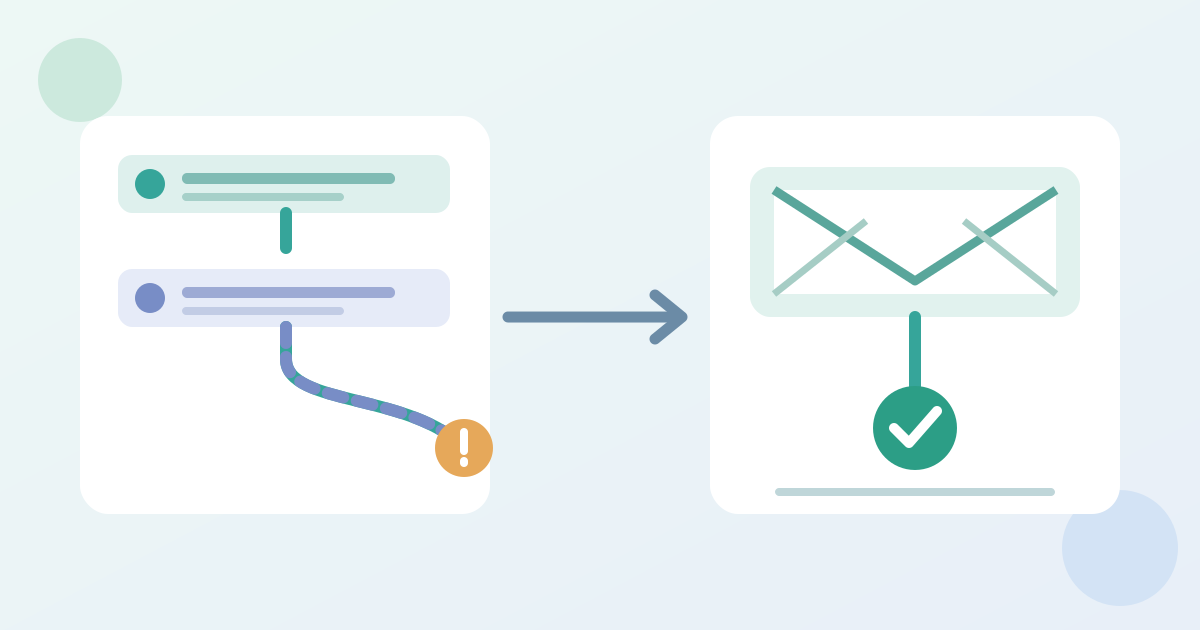
List every active trigger that could send the same event message: registration, a list or tag change, a scheduled date rule, a manual campaign and a second flow. Note which event edition and recipient state each route accepts. Two routes may be valid separately but overlap for one registrant. Dotdigital documents duplicate sends caused by overlapping join actions, multiple program enrolments and incorrect exclusions. Your provider may use different names or re-entry rules, so inspect its current settings rather than assuming an address is deduplicated across flows.[1][2]
Run controlled contact cases
Use the worksheet to define a small matrix before testing: a new eligible registrant, an already registered contact, a cancelled record and a contact that entered once before. Add a changed-date case if the reminder depends on an event date field. Use controlled test records and an authorized test environment or narrowly scoped live segment; do not enroll real attendees merely to probe the flow. For each case, write the expected message identifier, send count and suppression outcome. A template test email can check appearance, but it does not prove how recipient-specific triggers and rules behave. Mailchimp, for example, says contact-specific merge tags do not work in its ordinary test sends.[3]
Compare send evidence with the expected path
After each controlled case, compare the expected path with the provider's actual flow activity and send history, where available. Check whether a contact entered two programs, re-entered the same one, or received both an automated reminder and a separate campaign. Record the provider's campaign or message identifier rather than relying on similar subject lines. If the provider exposes no contact-level route, mark the case unverified and ask the sending owner how to test it safely. Keep personal addresses inside the authorized platform; use test-case references in the shared sheet.[1]
Release only the checked flow
Put the flow on HOLD if an unintended send occurs, a required suppression fails, or the evidence is missing for a high-impact case. Assign the owner to correct the entry rule or exclusion, then rerun the affected case from a clean test state. Record the approved flow version, event facts, release owner and observation window. Recheck after any trigger, audience or schedule edit. This workflow complements the separate pre-send copy and link review; passing one does not certify the other.[1]
Download the event reminder automation QA matrix (Markdown, English)
Sources and further reading
- Prevent and troubleshoot sending duplicate emails in automationDotdigital Marketing Help Centre · Accessed
- Create a Marketing Automation FlowMailchimp · Accessed
- Preview and Test Your EmailMailchimp · Accessed