Enable attendee self-cancellation for event registration
Self-cancellation lets a registrant withdraw without a support reply when the platform and registration flow permit it. Confirm that this is the intended route for the exact event and audience; do not treat it as a refund or ticket-void control.
Boletolibre editorial team
Published
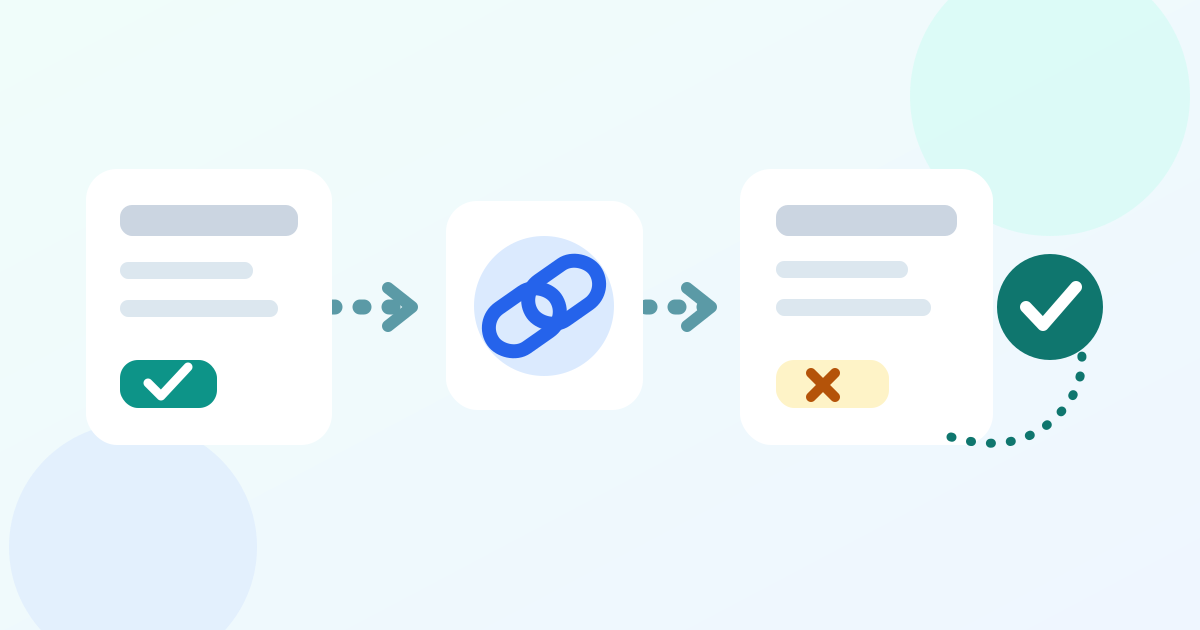
Check the cancellation scope
Decide which registration records attendees may cancel and who handles exceptions. Zuddl supports this control for non-ticketed flows only. Microsoft Customer Insights - Journeys can show linked session registrations on its cancellation page; canceling one session and canceling the whole event are different outcomes. For ticketed registrations, verify your provider's available route before showing a link.[2][1]
Enable the supported control
Turn on the setting in the selected registration flow. Zuddl names an Allow attendee cancellations toggle under Registration flow > Advanced settings; EventCreate places Allow Attendees to Cancel Their Registration under Setup > Registration > Advanced. These are provider-specific paths. Save the setting, then inspect the attendee-facing confirmation screen or cancellation page.[2][3]
Place and check the link
Give the attendee a reachable link through the provider's supported confirmation channel. Microsoft documents a Cancel event registration link in a confirmation-email button. EventCreate displays its link on the confirmation page and email when enabled; Zuddl requires adding the link to email manually. Preview the actual message for the chosen flow.[1][2][3]
Test the resulting record
Use a controlled sample registration to open the link and cancel only the intended scope. If sessions are involved, verify whether one session or the entire event changed. Reopen the organizer record: confirm its status, the relevant session roster, and any configured cancellation notice. Zuddl says its cancellation email must be enabled separately; EventCreate records Cancelled attendee status. Check a second sample where cancellation should be unavailable. Assign an owner for link failures or unexpected state.[1][2][3]
Download the self-cancellation preflight card (Markdown, English)
Sources and further reading
- Set up event registration cancellationMicrosoft Learn · Accessed
- Allowing attendees to cancel their registrationZuddl Knowledge Base · Accessed
- How to Allow Attendees to Cancel or Edit Their RegistrationEventCreate Help Center · Accessed