Ticketing
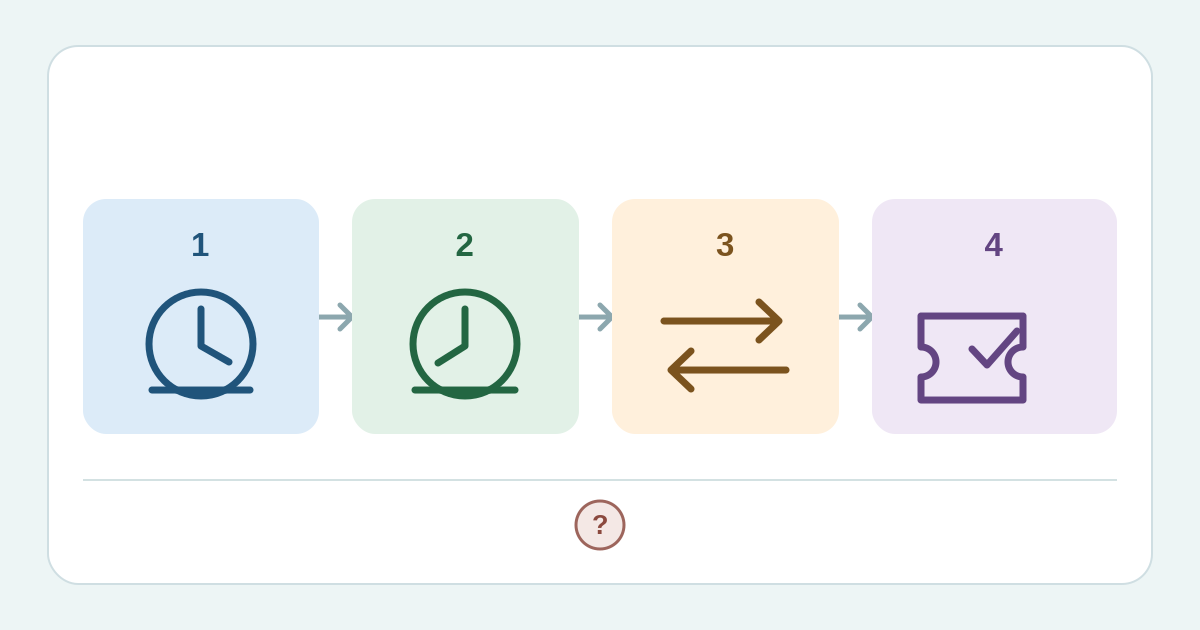
Abandoned event registration emails: design the trigger and stop rules
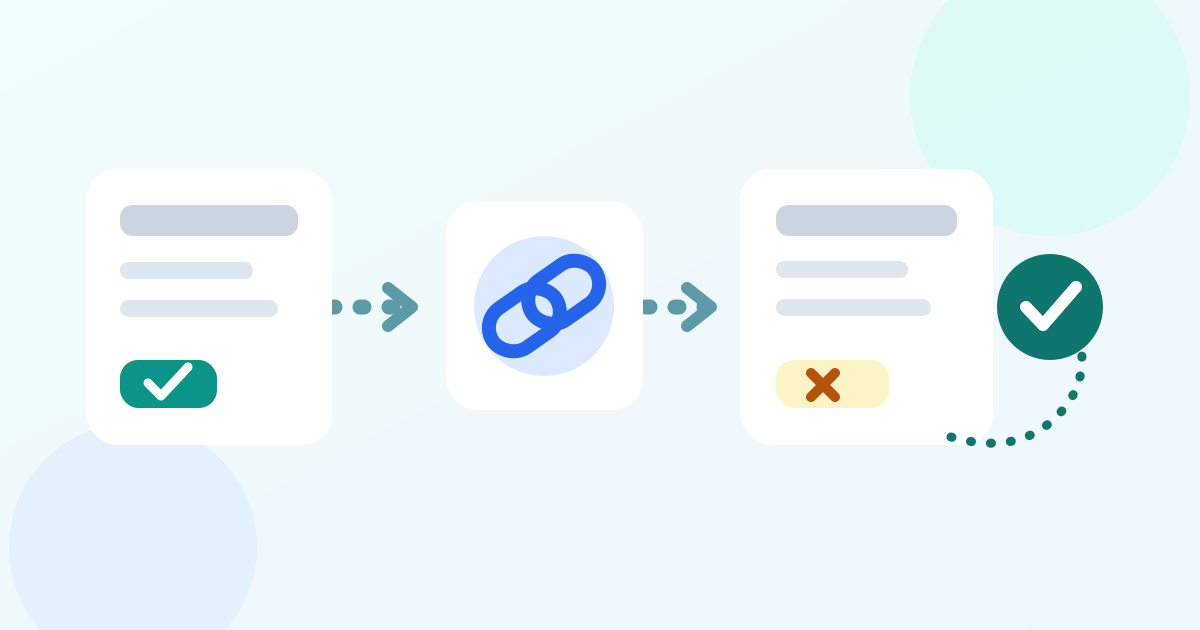
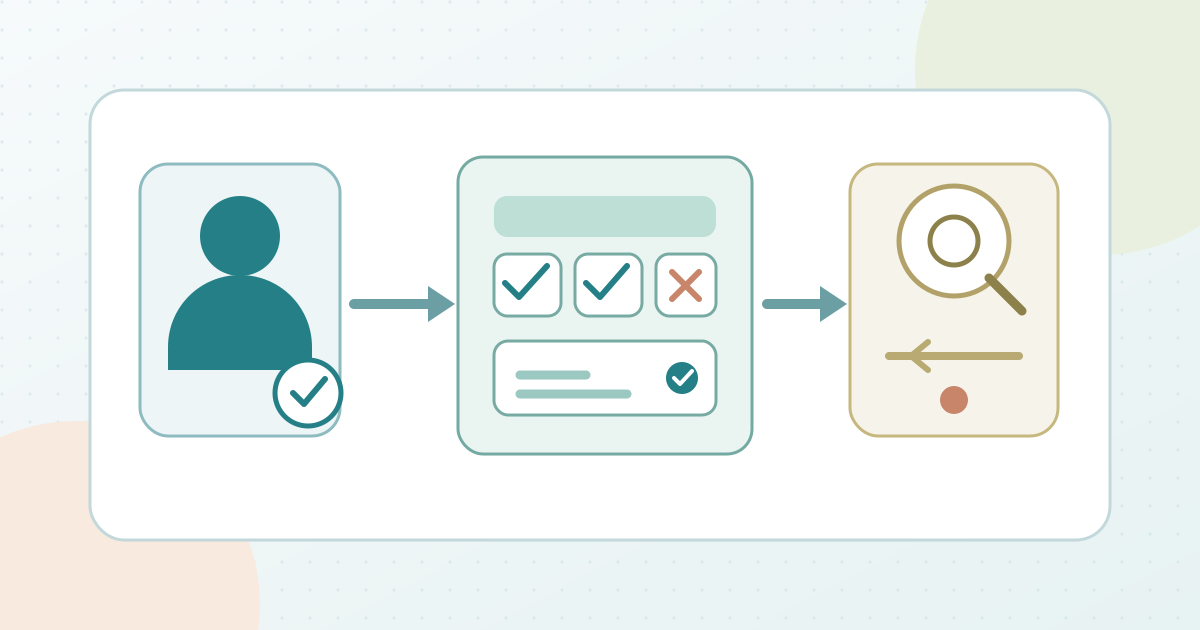
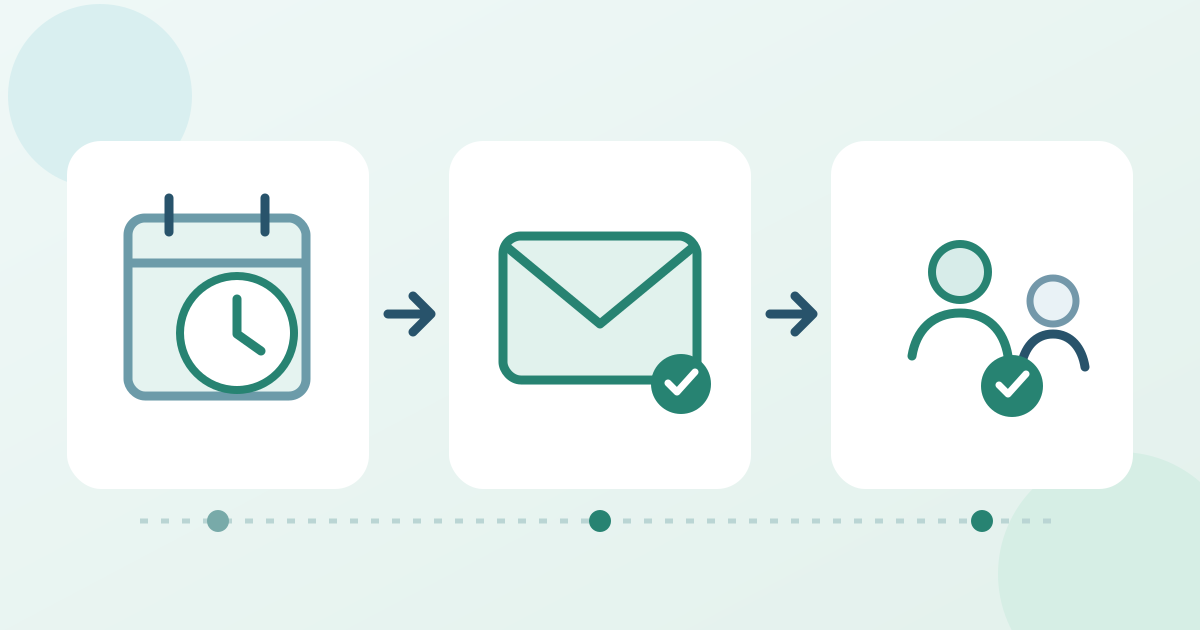
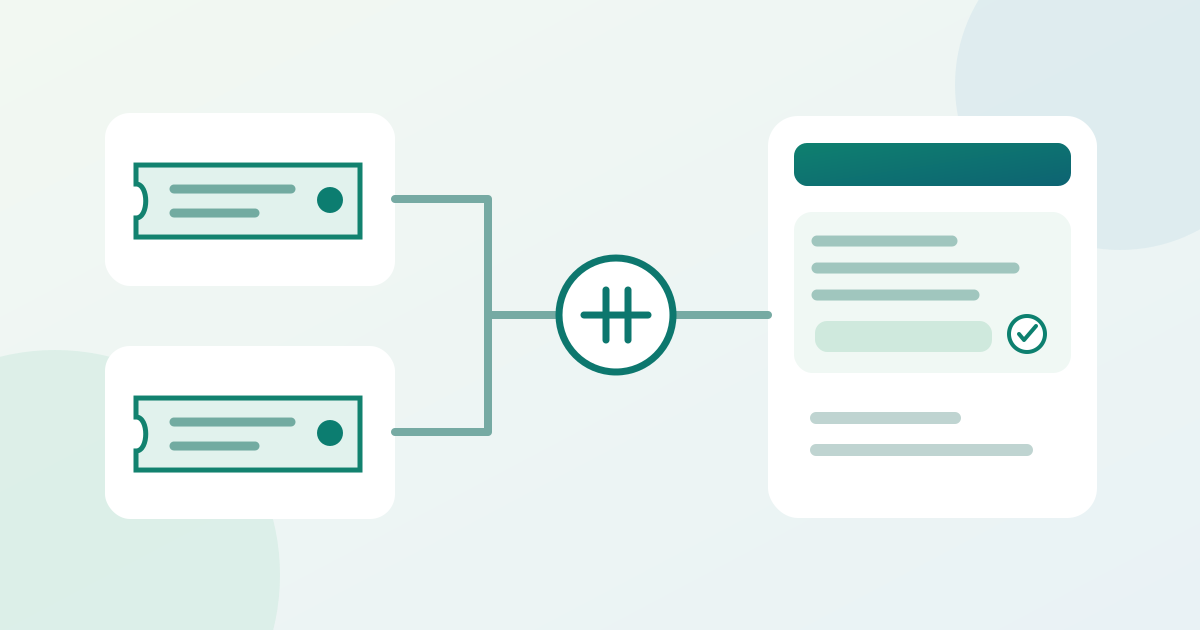
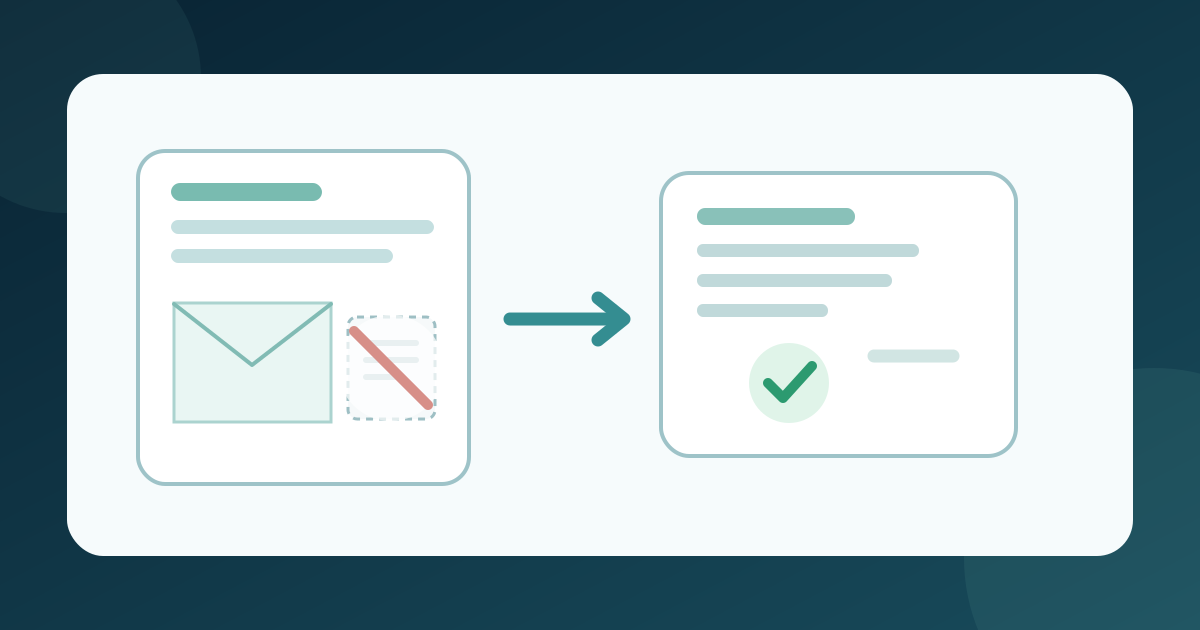
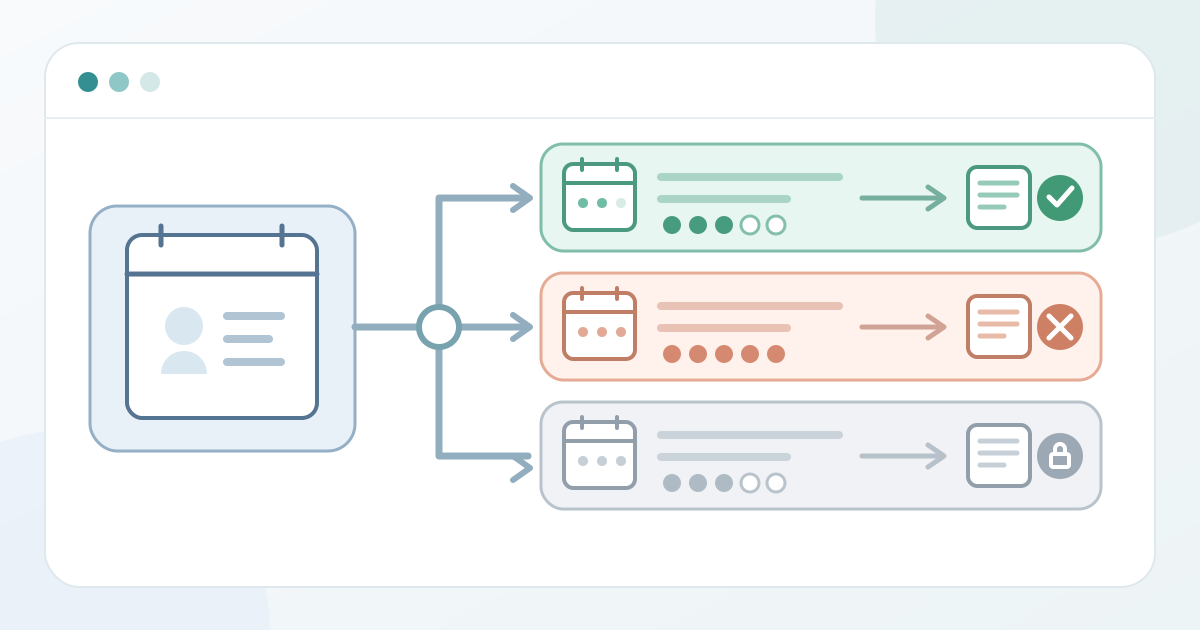
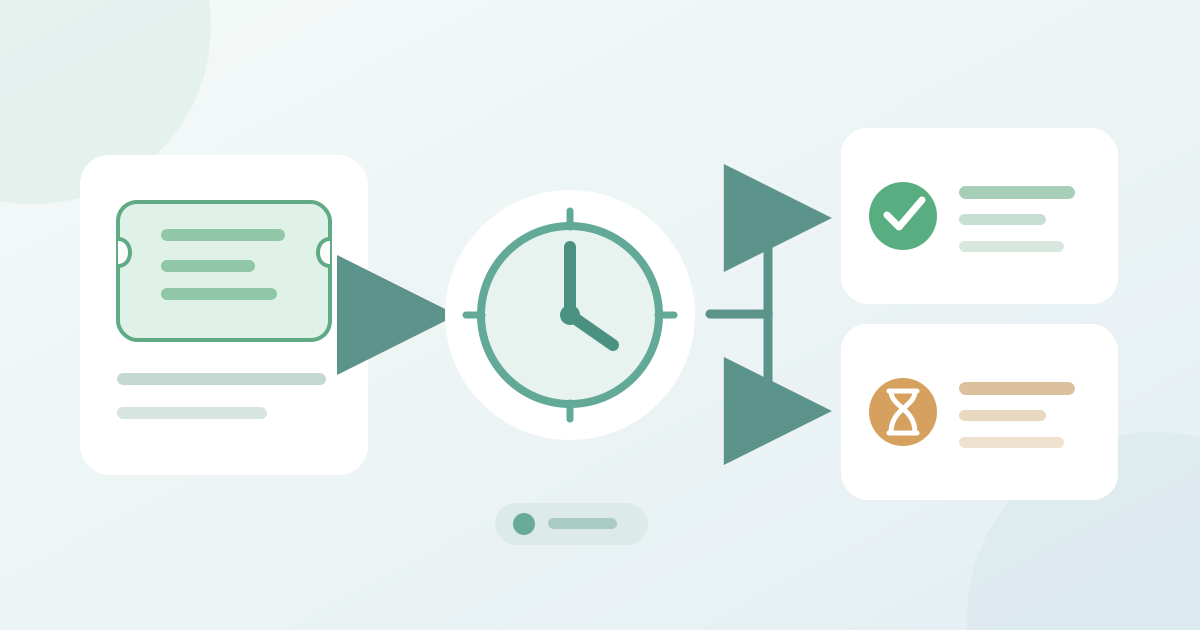
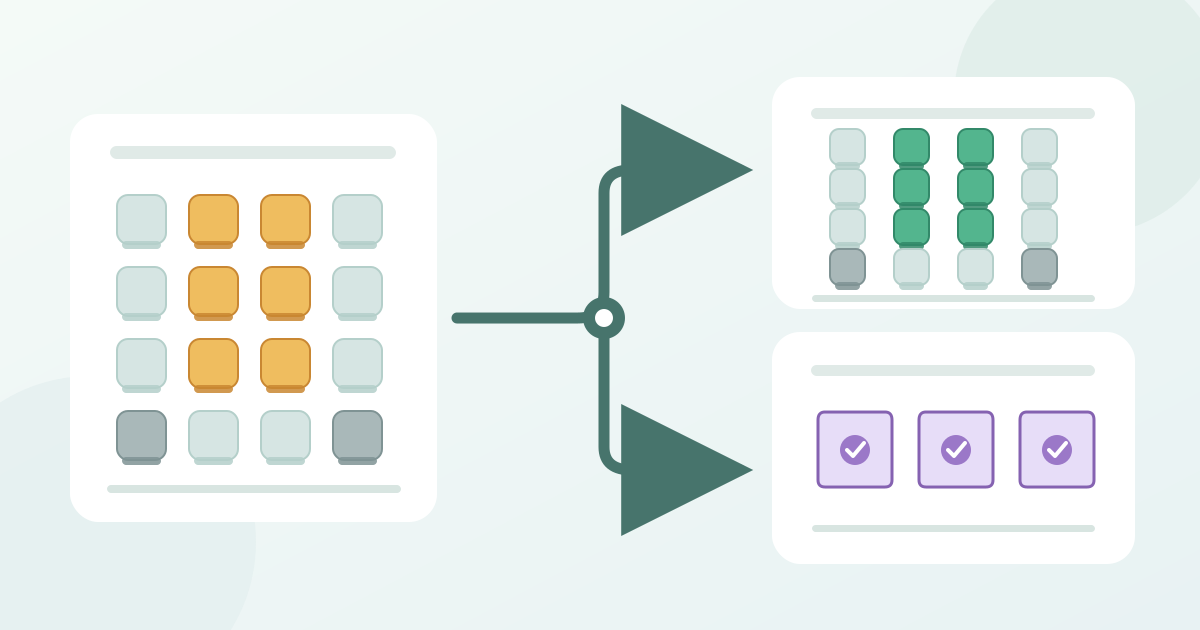
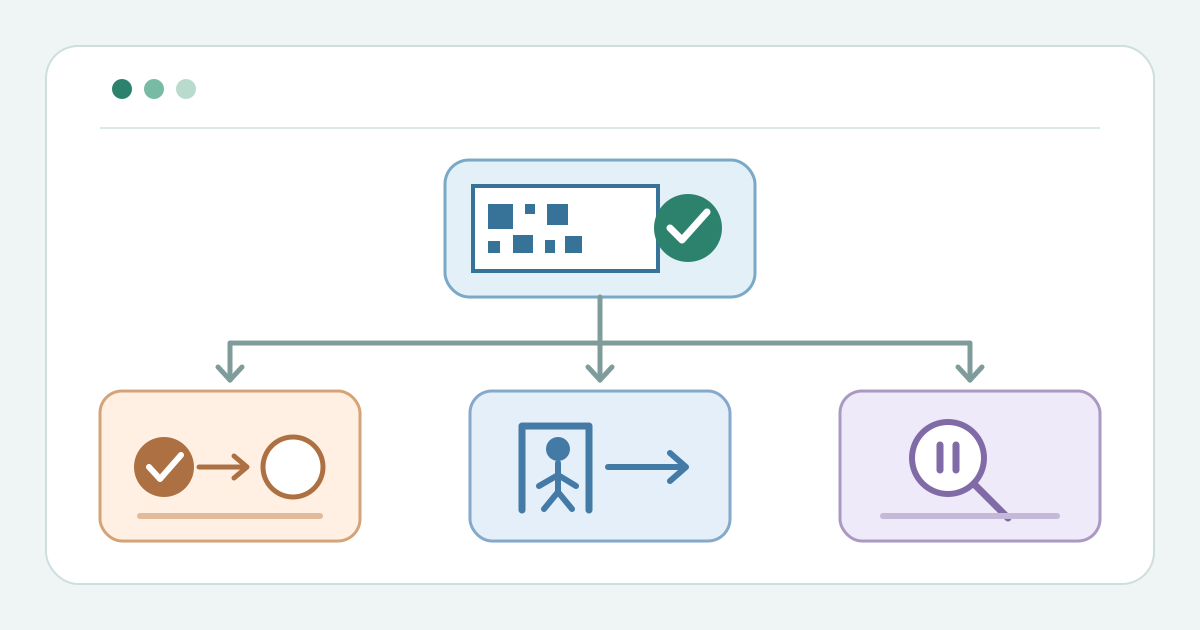
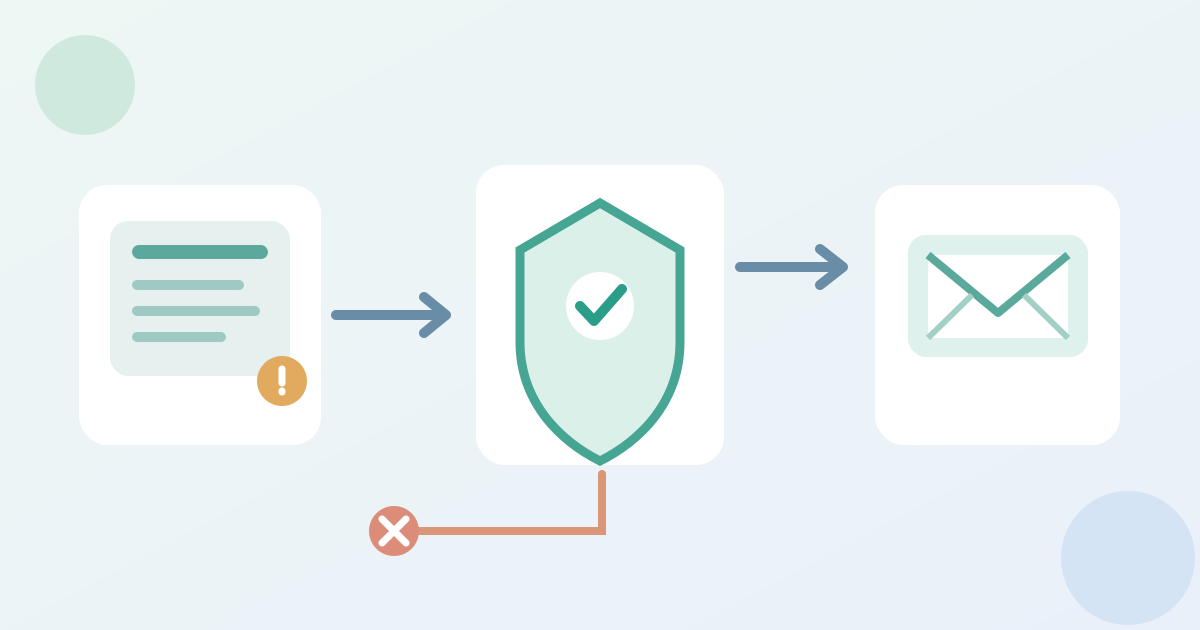
Define when an incomplete registration reminder may start, what cancels it and how to test the workflow without promising a ticket.
The Boletolibre journal
Practical guides, clear definitions and sourced comparisons for event organizers. Explore ticketing, websites, planning and regional requirements.
Ticketing
Define when an incomplete registration reminder may start, what cancels it and how to test the workflow without promising a ticket.
Ticketing
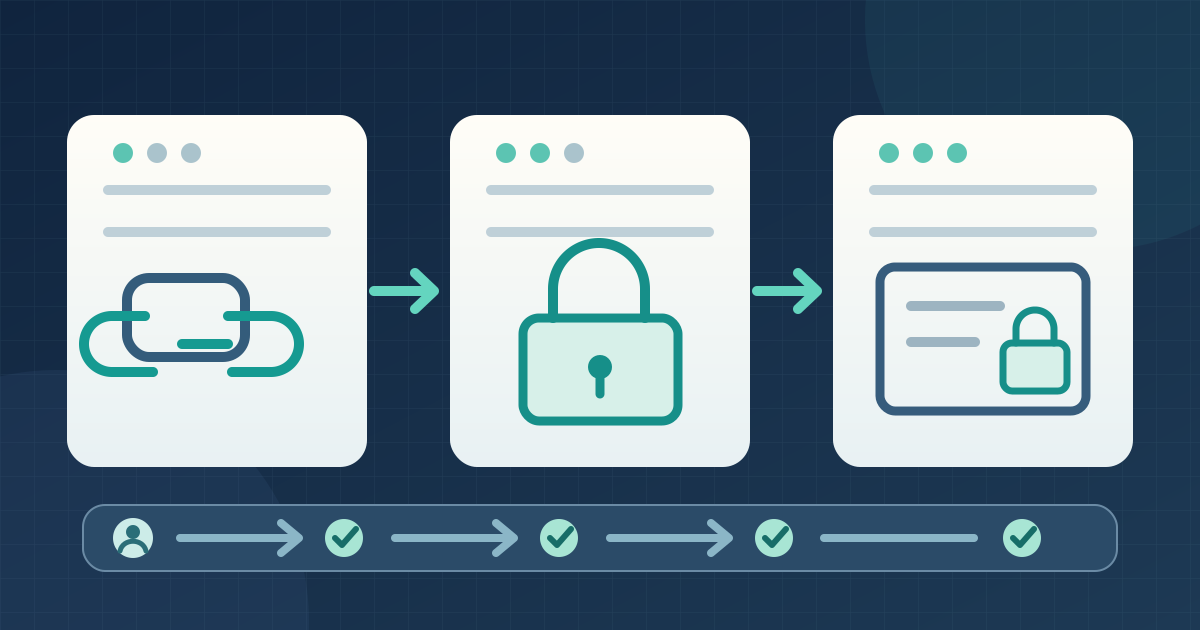
Set up a supported cancellation link, test what it changes, and verify the registration record.
Ticketing
Record a concise order handoff, check who can see it, and keep the note separate from ticket and admission state.
Ticketing
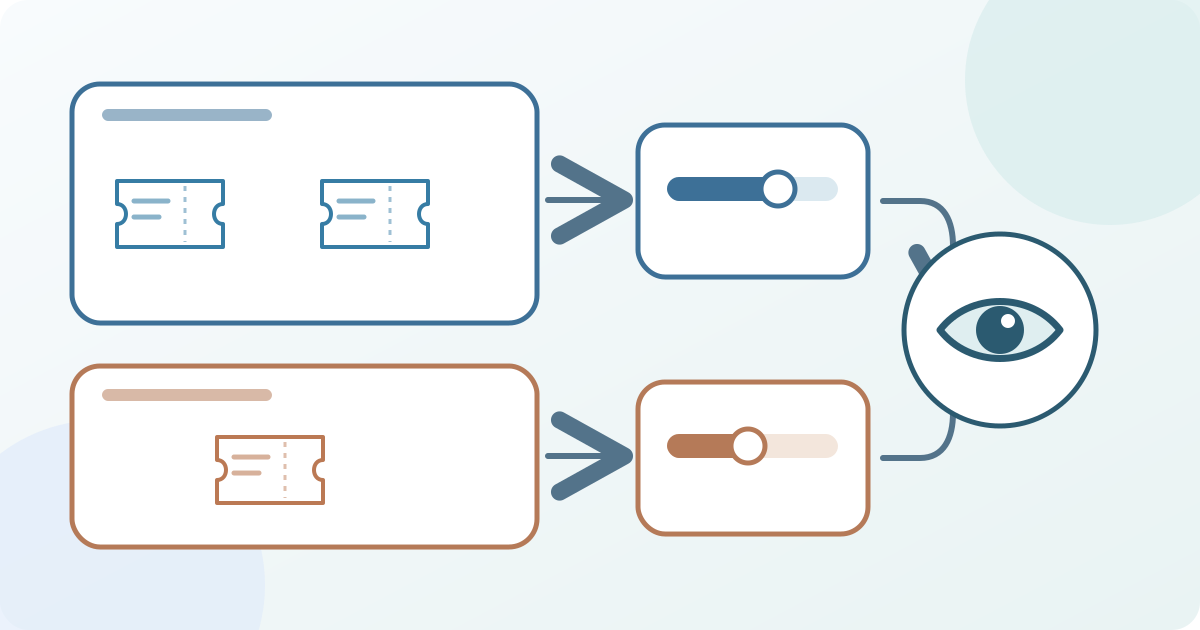
Change the buyer-facing sequence of ticket options, distinguish it from a default selection, and check the published page.
Ticketing
Make both attendance modes clear at booking, then verify venue, online joining information and the resulting confirmation.
Ticketing
Assign an event ticketing task to a separate account, check the role and event scope, verify acceptance, and remove access when the assignment ends.
Ticketing
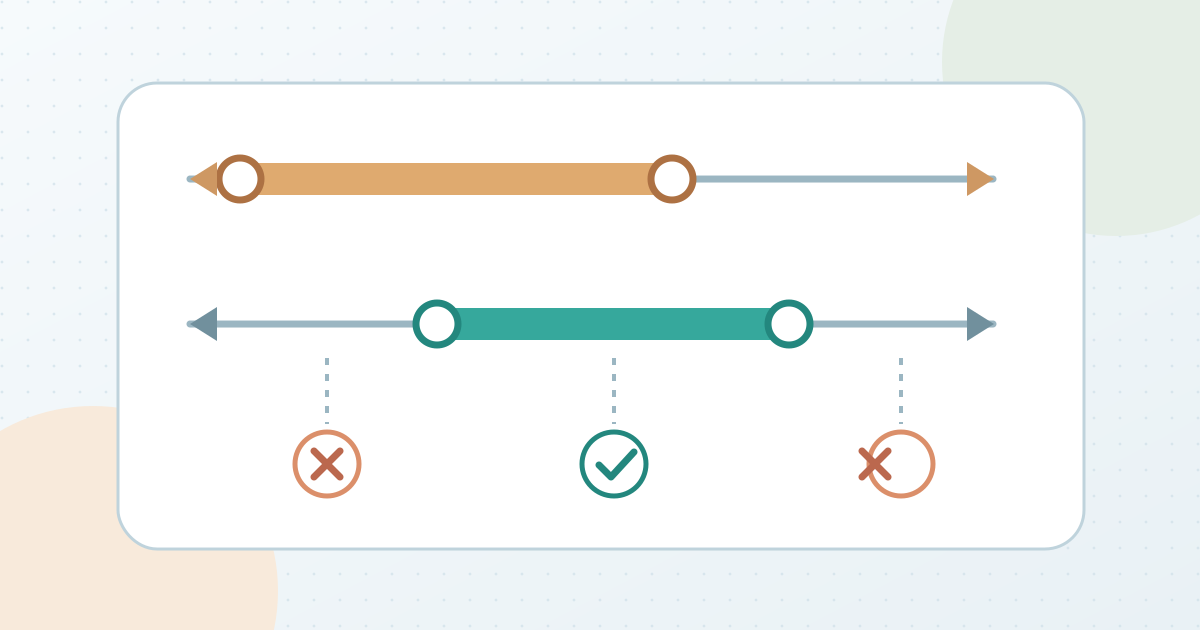
Define when a ticket type may be scanned at entry, then test before, inside and after that period.
Ticketing
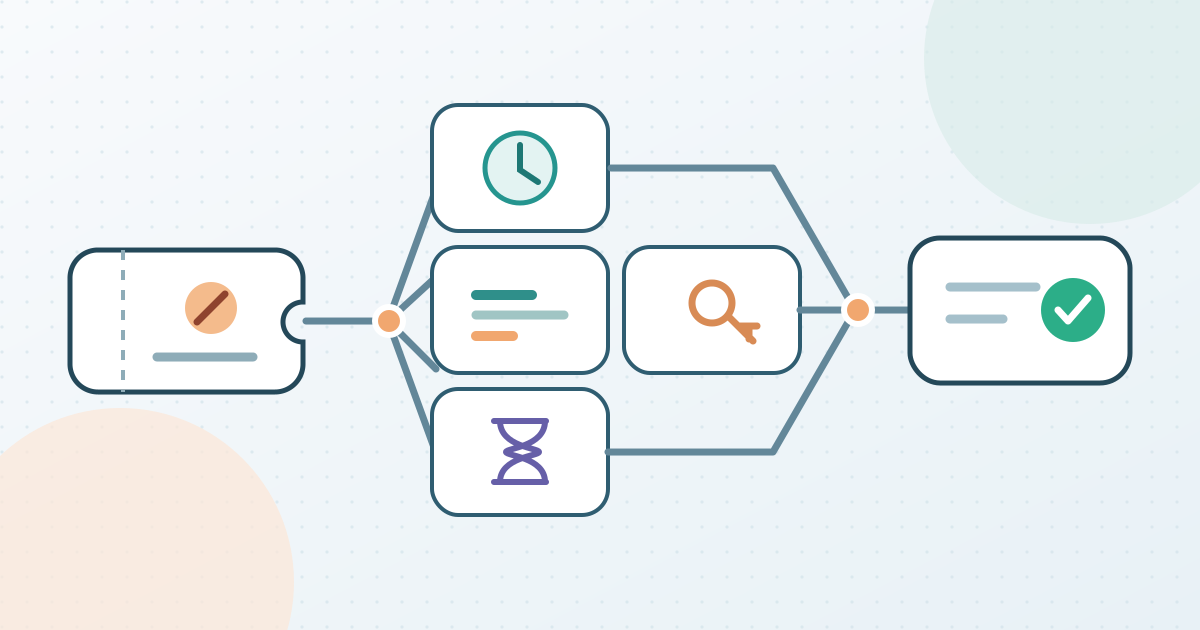
Trace a missing, unavailable or sold-out ticket from the buyer message to the setting that actually controls it.
Ticketing
Configure a ticket price change tied to a sales count, then verify which offer buyers actually see.
Ticketing
Unregister a person from one session while checking that their main event registration remains in place.
Ticketing
Check the event trigger, recipient reach and saved send state before relying on an automatic ticket reminder.
Ticketing
Set up a supported group credential, then test what buyers receive and what the gate records.
Ticketing
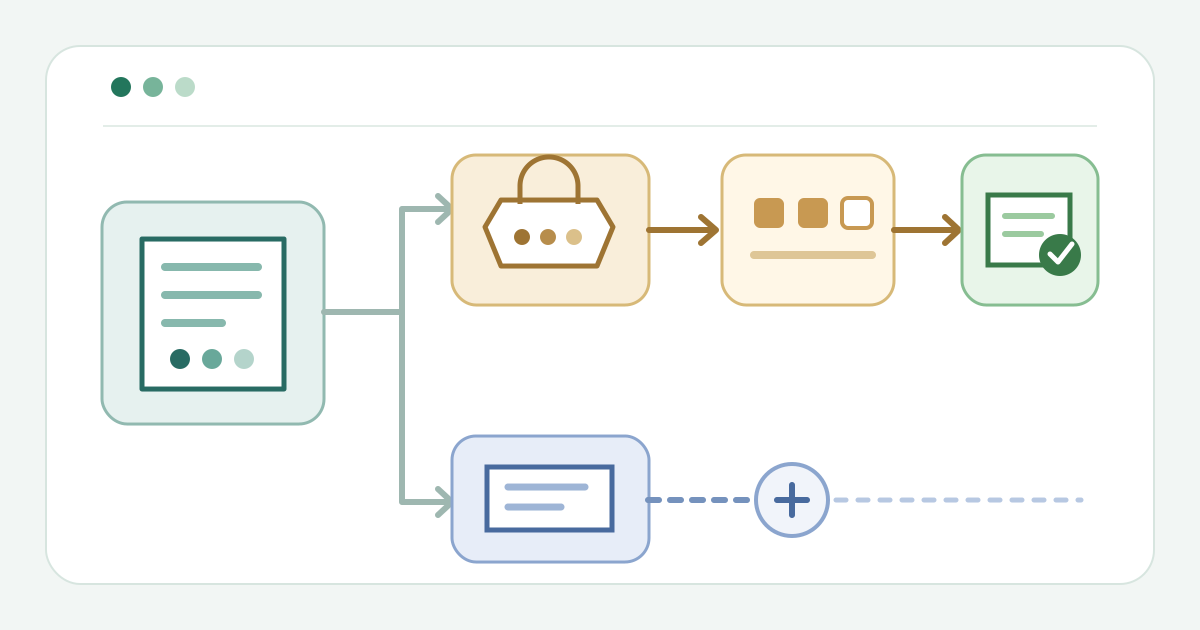
Confirm the order now, release the ticket later, and test each buyer and gate handoff.
Ticketing
Find the exact ticket, use its supported assignment or claim route, and verify admission status before returning the guest to a gate.
Ticketing
Find the right order, change only its buyer contact when authorized, and verify ticket access after the edit.
Ticketing
Configure a ticket-type quantity step and test the selectable counts, price and issued admissions before opening sales.
Ticketing
Target a confirmation block by ticket type and preview single-type and mixed orders without assuming each holder gets a separate email.
Ticketing
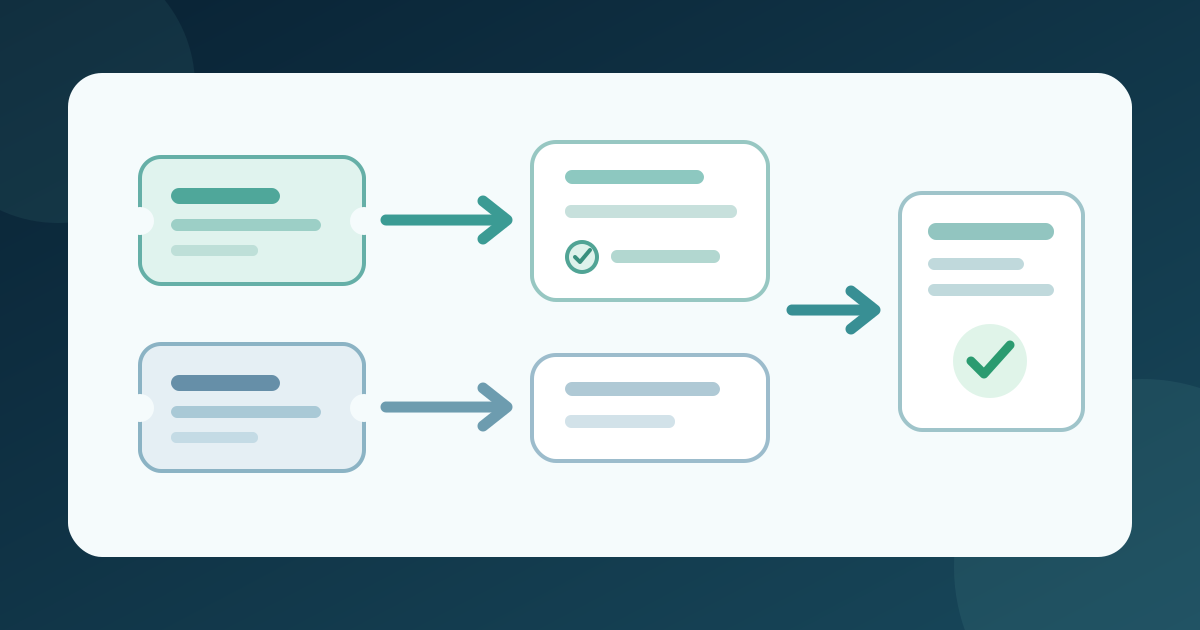
Map a prerequisite ticket, set a supported dependency, and test dependent-only and valid mixed baskets before sales open.
Ticketing
Choose the right stock scope, enable a supported remaining-ticket display, and check what buyers actually see.
Ticketing
Choose one answer per order or one per ticket, set the form scope, and verify both buyer and attendee records with a controlled multi-ticket order.
Ticketing
Choose an organizer inbox, check whether order alerts apply to one event or a whole box office, and verify delivery against the order record.
Ticketing
Set distinct on-sale and off-sale times for ticket types, compare the event cutoff, and test each buyer-facing transition.
Ticketing
Place a provider-generated ticket widget on an event page, verify the actual checkout path, and keep a tested alternate link.
Ticketing
Choose and test an event-level access setting by separating unlisted pages, page passwords and registration passwords.
Ticketing
Enable and test self-service edits to existing registration answers without confusing them with ticket transfer or new-question backfill.
Ticketing
Turn off a supported PDF-ticket option, tell registrants what to bring, and test the actual admission route.
Ticketing
Map one question to eligible ticket types, configure the supported visibility control, and test included, excluded and mixed orders.
Ticketing
Adjust one ticket type’s configured quantity while checking issued tickets, the separate event cap and the live buyer view.
Ticketing
Turn on a supported wallet pass, inspect what the buyer receives, and prove the pass works at your planned gate.
Ticketing
Map an outside attendee file to the right event, check duplicate behavior, and verify registration, tickets and check-in separately.
Ticketing
Choose a repeat-event structure, configure each occurrence, and test tickets, capacity and admission date by date.
Ticketing
Configure the page shown after event checkout, keep its status consistent with email, and test ticket retrieval and support links.
Ticketing
Map ticket types to buyer-facing sections, check whether a group shares stock, and test availability before tickets go on sale.
Ticketing
Set a separate booking ceiling for each session, test available and full states, and verify the session roster before registration opens.
Ticketing
Set up a new ticket type on a live event, check when buyers can see it, and reconcile inventory before announcing it.
Ticketing
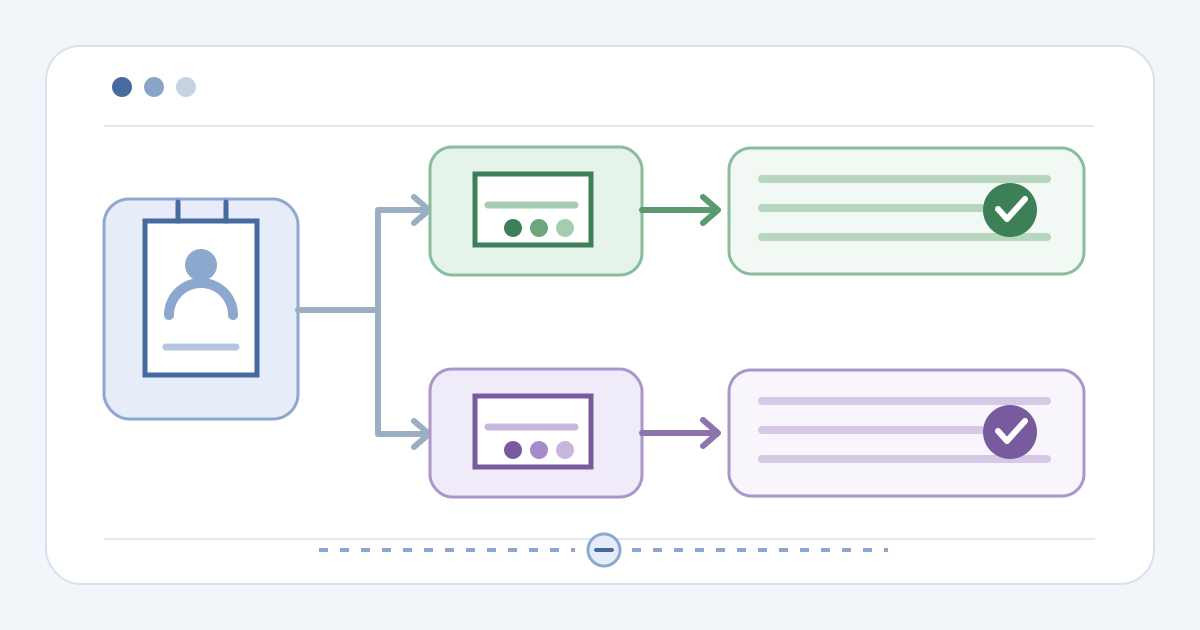
Set the eligible ticket scope, test a recipient handoff, and verify which record check-in staff should use.
Ticketing
Set the window for one ticket checkout, then check a completed and an expired attempt against the order and stock records.
Ticketing
Clone an event as a draft, compare the new date and ticket settings, and verify the buyer view before publishing.
Ticketing
Set a device-side ticket-type filter for one entrance, prove allowed and excluded samples, and restore the prior selection when the gate closes.
Ticketing
Scope each staff member to the intended event and check-in task, verify their app view on a real device, and close access after the shift.
Ticketing
Release approved house, artist or production holds with a seat-level record, then verify public sale or issuance from the hold without changing approved capacity.
Ticketing
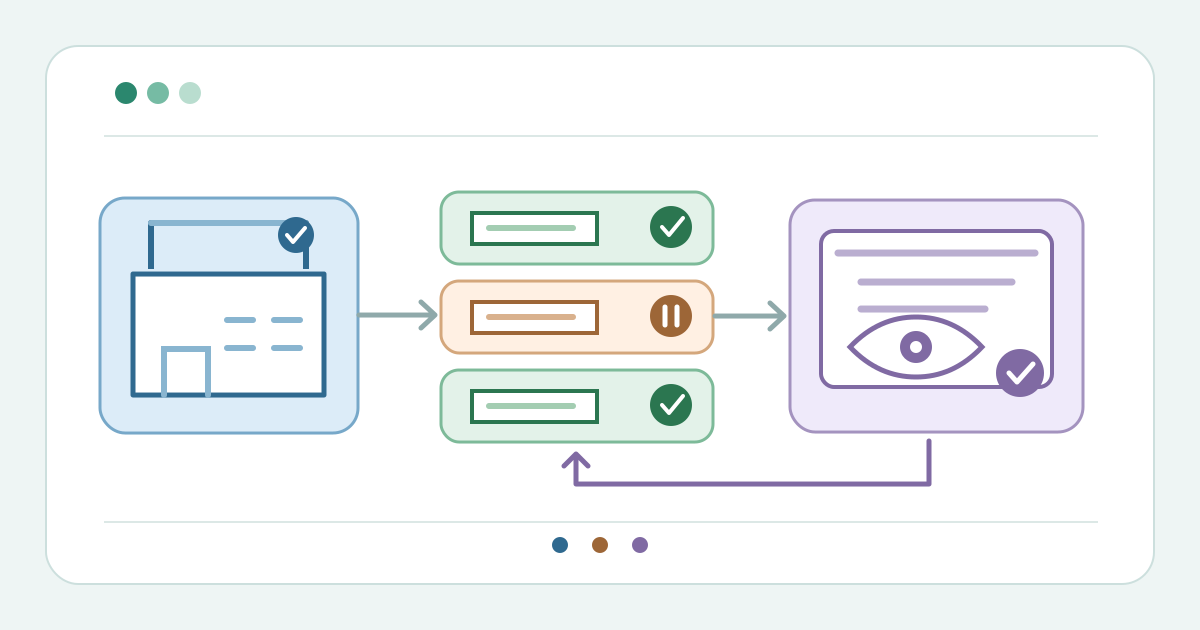
Verify the request and target seat, apply the provider's seat-change path, then reconcile the ticket, seating map and gate record.
Ticketing
Move sponsor ticket commitments into a controlled allotment, guest assignment and final admission reconciliation.
Ticketing
Map each included event, choose the supported pass model, reconcile capacity and test admission before selling a series pass.
Ticketing
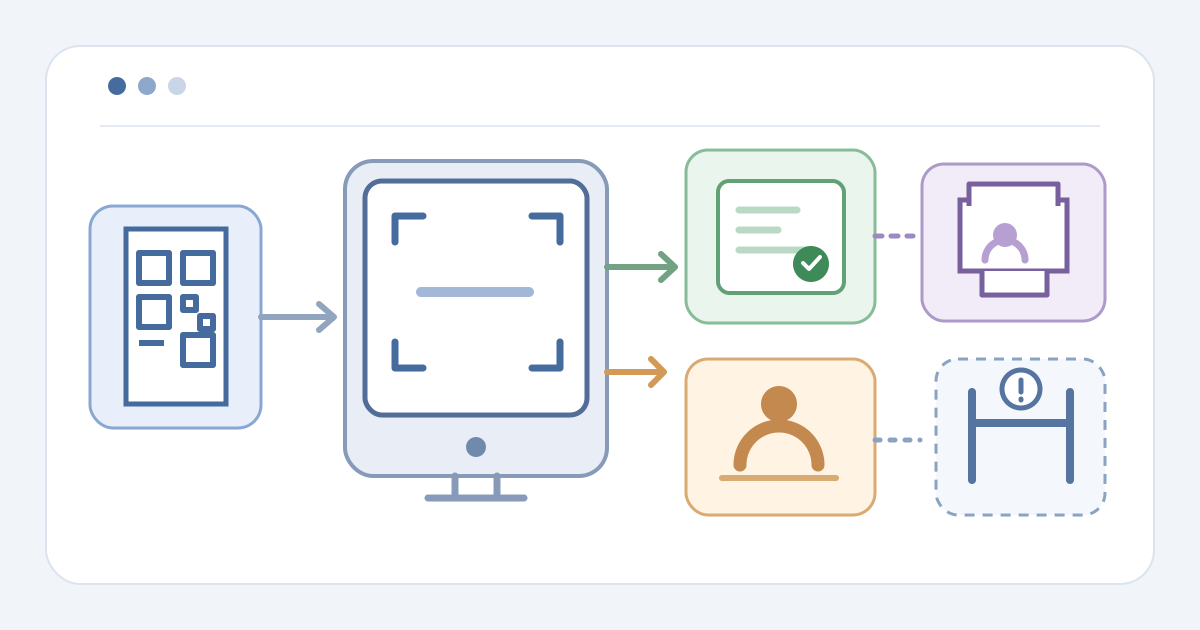
Prepare an attendee-operated check-in station, test ticket and badge outcomes, and route exceptions to a staffed owner.
Ticketing
Prepare session-level attendance capture without confusing it with event admission or room-access control.
Ticketing
Verify and hand over prepaid event extras without confusing product redemption with admission check-in.
Ticketing
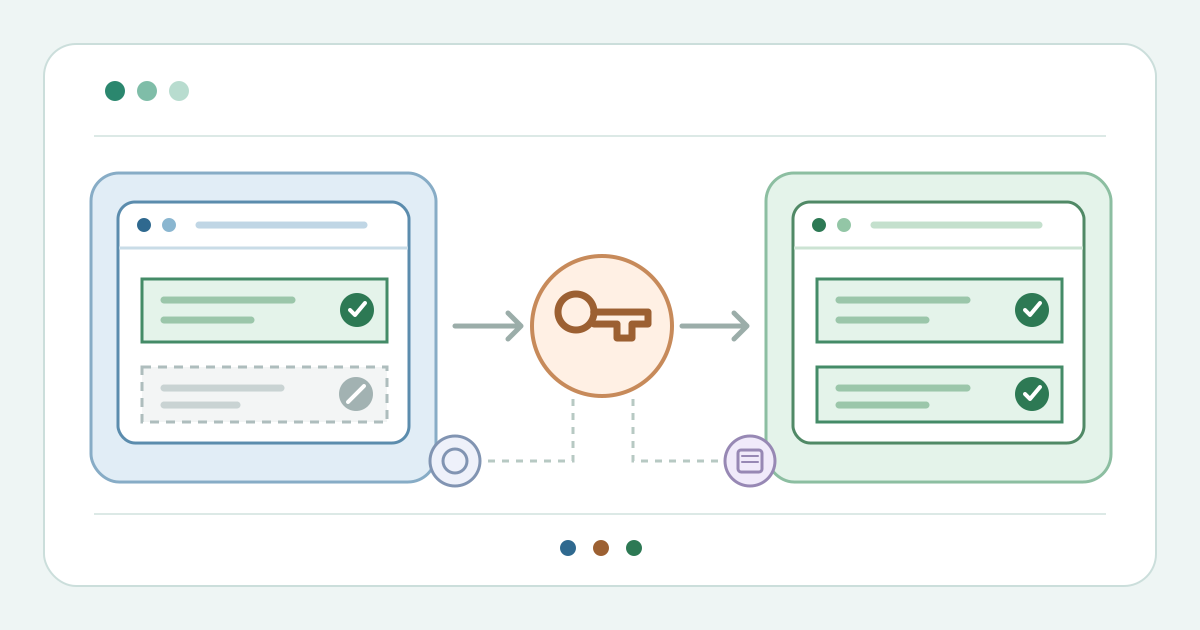
Reveal selected hidden ticket types with a code, then test public, valid, wrong and expired-code buyer views. Includes an editable QA matrix.
Ticketing
Change one identified ticket without cancelling the whole order. Verify remaining admissions, payment status and buyer notice with a per-ticket card.
Ticketing
Set up attendee badge printing at registration, proof the template and printer, verify the check-in sequence, and handle failed output and reprints.
Ticketing
Build an event ticket refund policy around applicable rights, clear decisions and payment reconciliation, with a fictional example and a practical launch check.
Ticketing
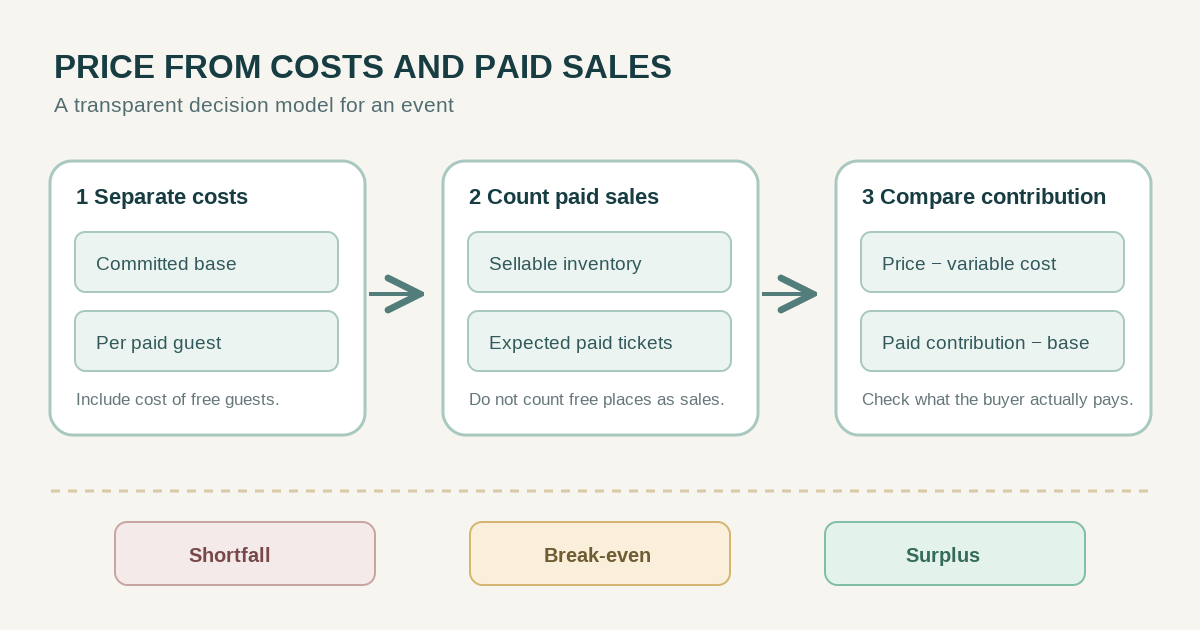
Use fixed costs, paid attendance and per-ticket costs to model break-even and ticket tiers, with a clearly fictional worked example.
Ticketing
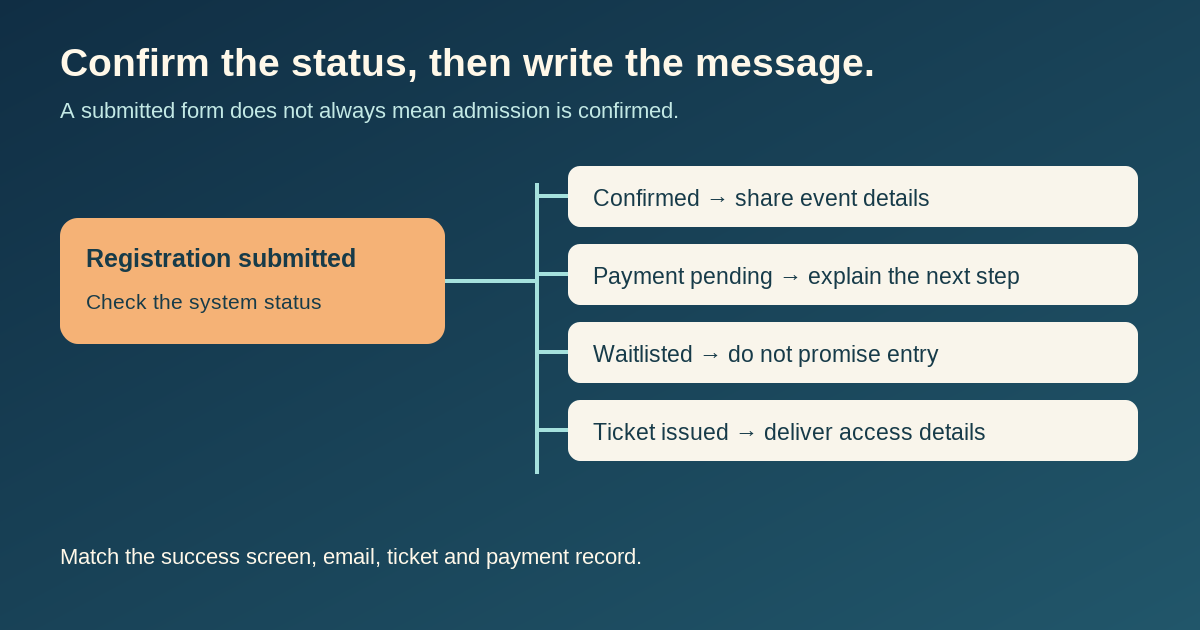
Use original event confirmation email templates for confirmed registration, pending payment, waitlist and issued tickets without promising the wrong status.
Ticketing
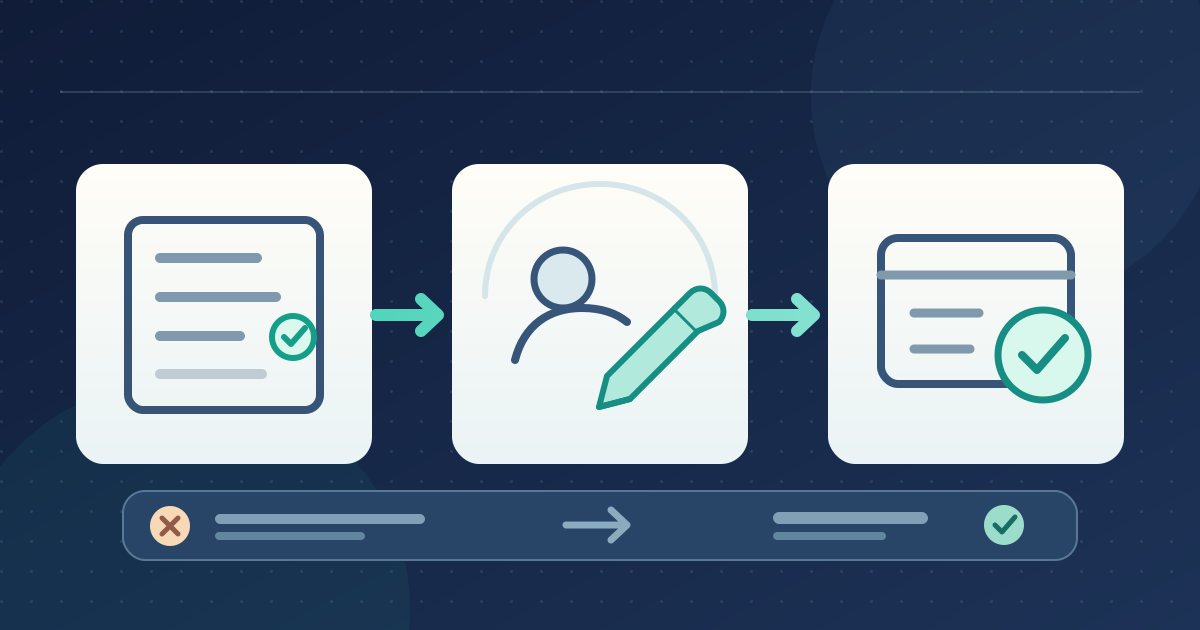
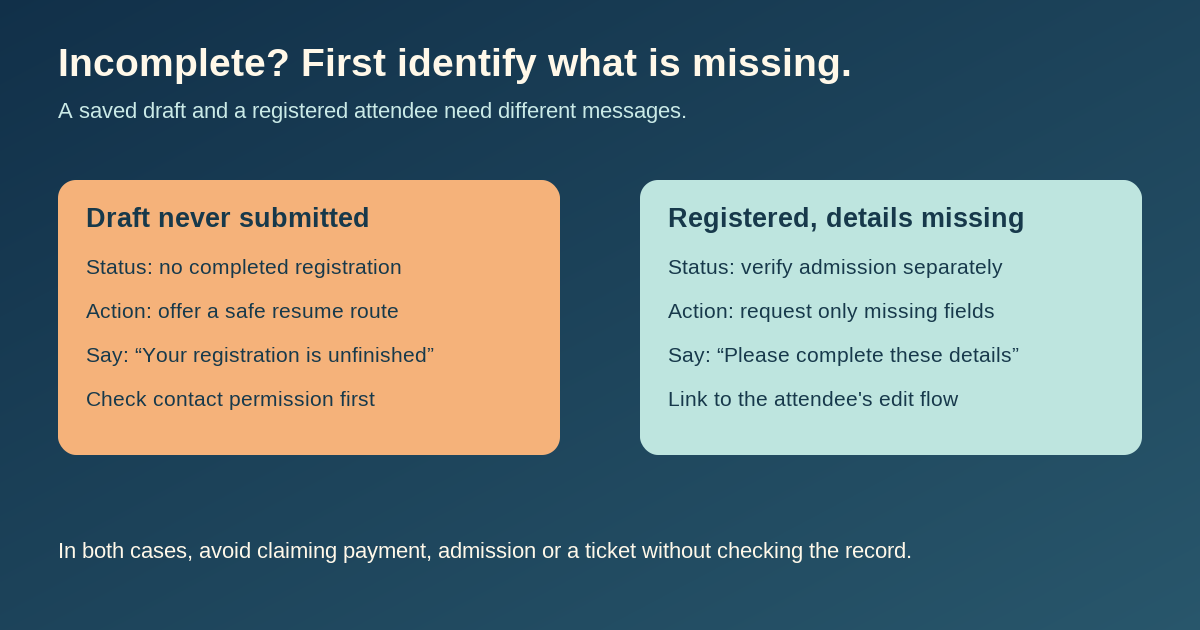
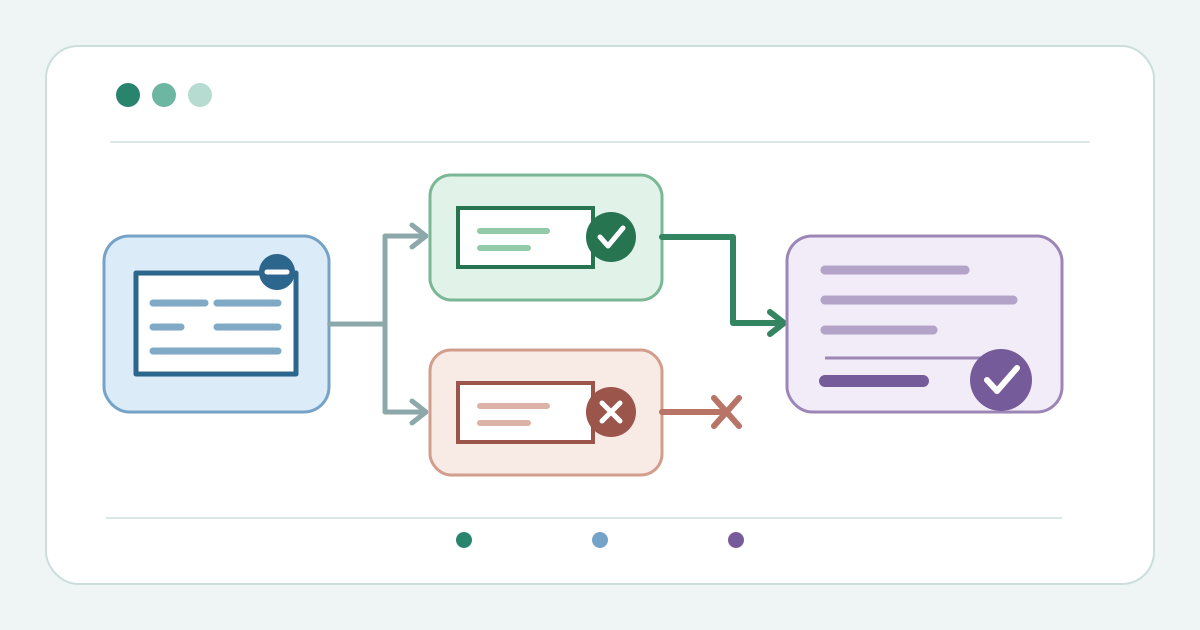
Handle abandoned event forms and submitted registrations with missing attendee details using status-aware follow-up and a review sheet.
Ticketing
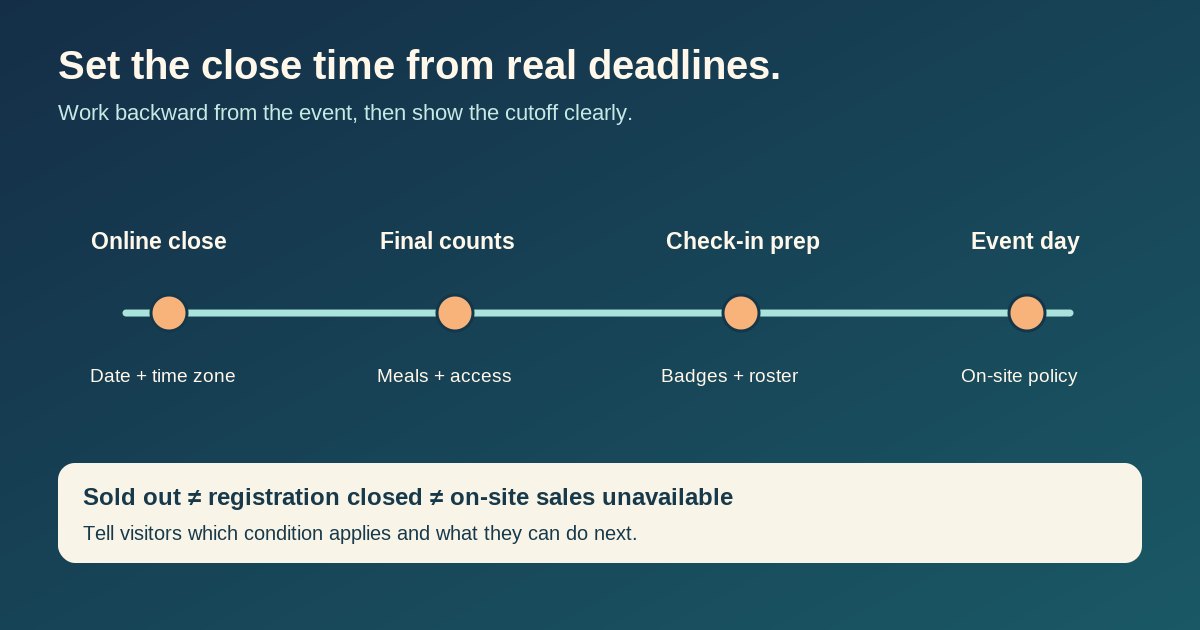
Choose an event registration cutoff from vendor lead times, capacity and attendee needs; use an editable worksheet and clear closed-page copy.
Ticketing
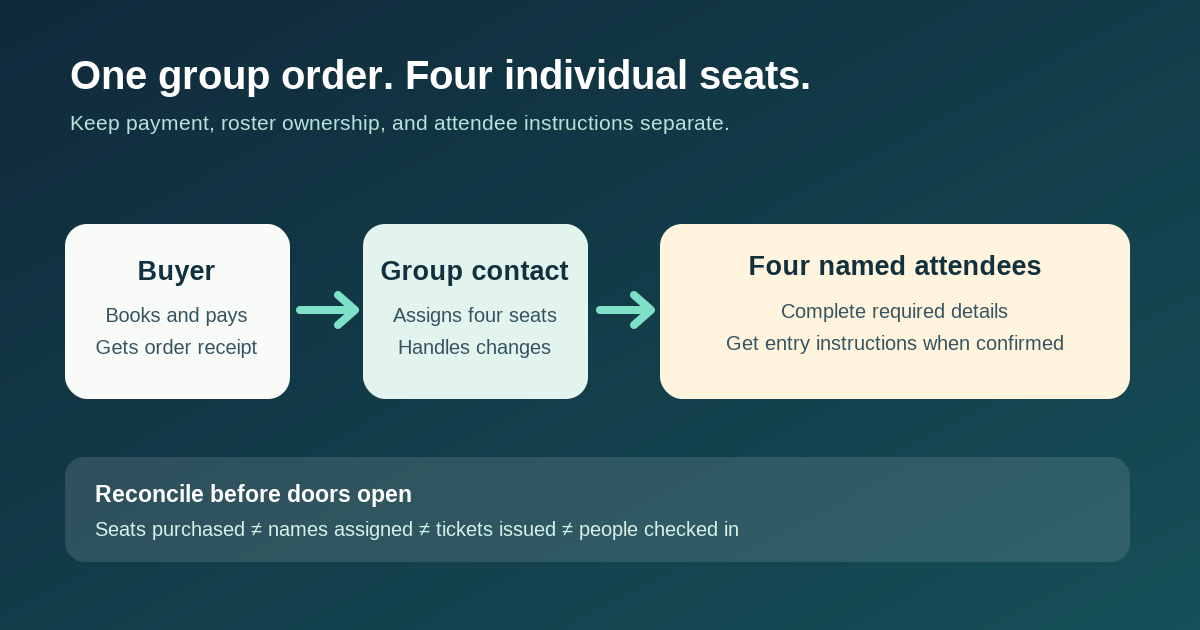
Design one group booking with separate buyer, group contact and attendee handoffs. Download a four-seat roster worksheet and reconcile tickets before check-in.
Ticketing
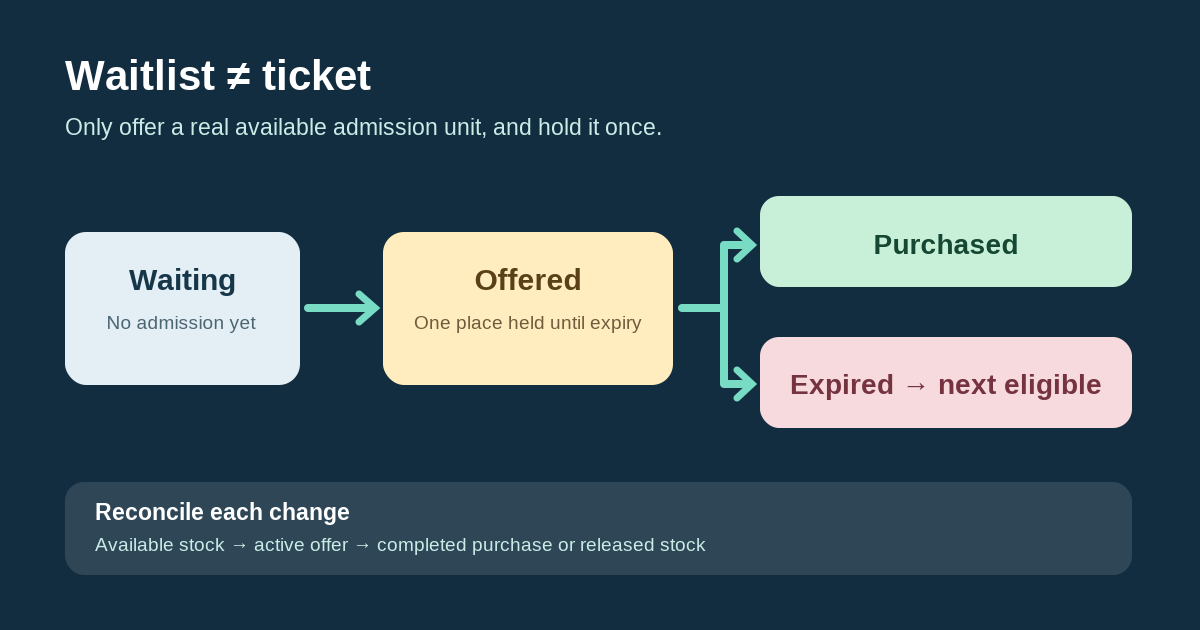
Plan an event ticket waitlist with honest attendee messages, a defined offer window and a stock-reconciliation ledger. Download an original operations template.
Ticketing
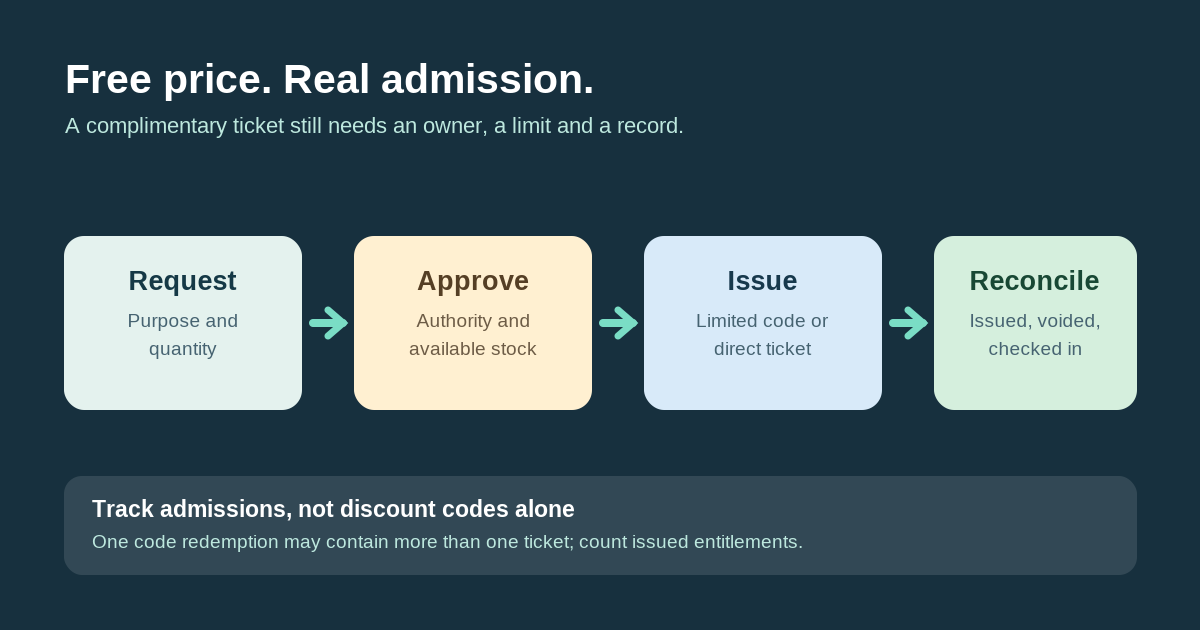
Control free-admission requests without losing track of inventory. Use a comp-ticket approval ledger for requests, limited codes, issued tickets and check-in.
Ticketing
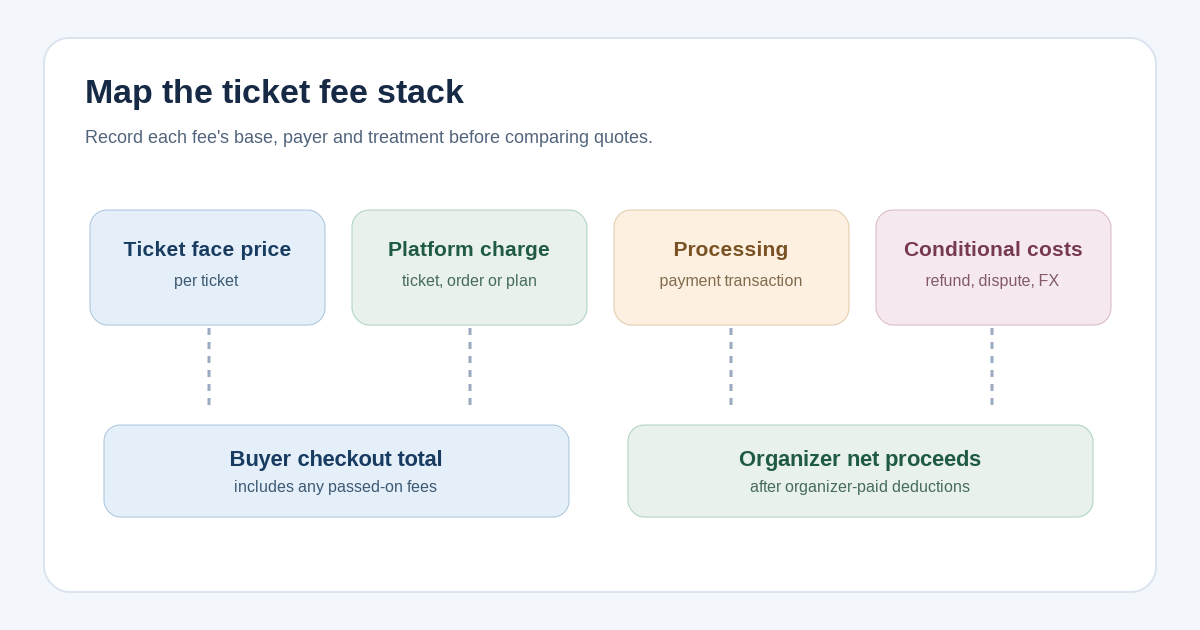
Separate platform, ticket, order and processing charges; identify who pays; and compare buyer checkout totals with organizer net proceeds.
Ticketing
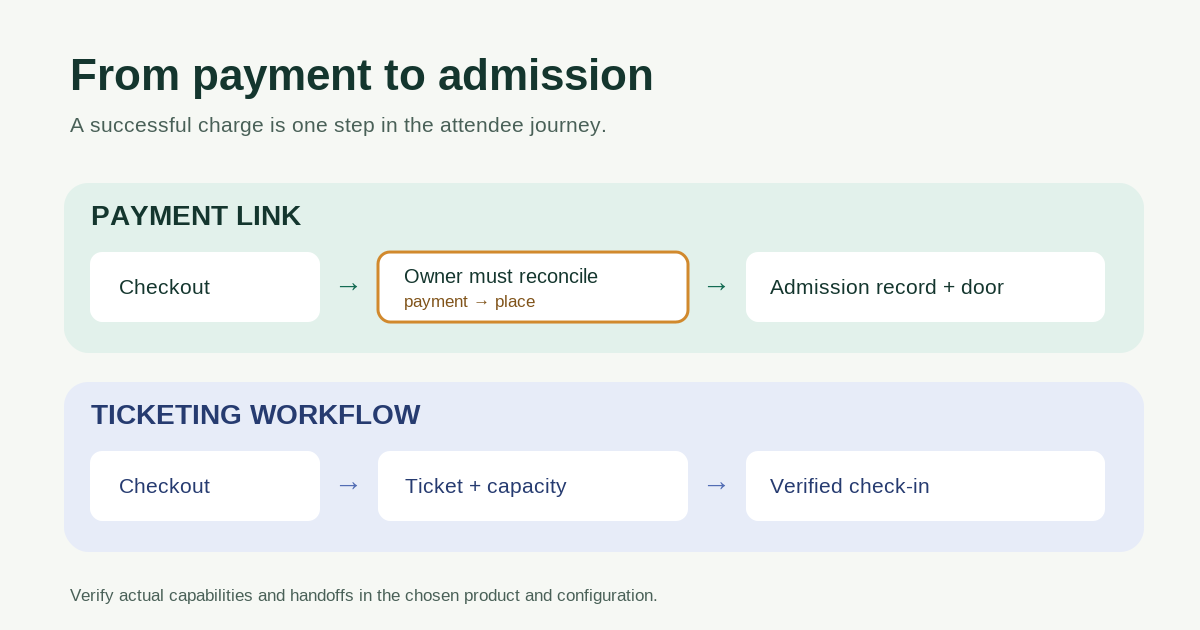
Compare payment acceptance with ticket issuance, capacity, attendee records and check-in. Use an original handoff worksheet before choosing a sales flow.
Ticketing
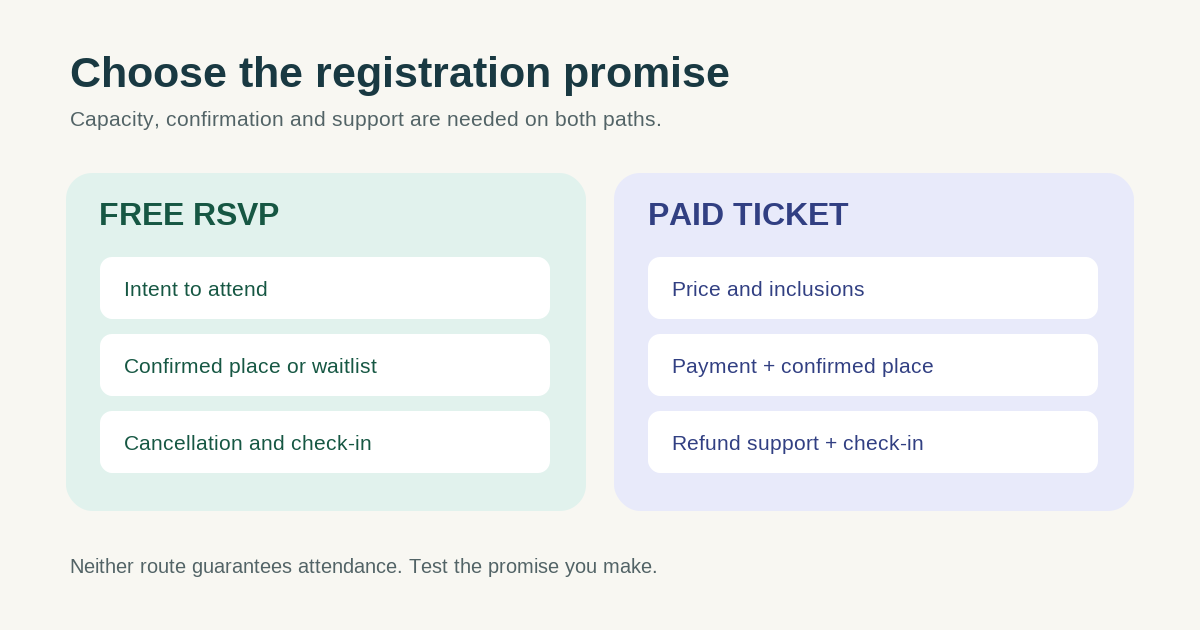
Compare free RSVP and paid ticket workflows for capacity, cost recovery, attendee promises and support. Download an original decision worksheet.
Ticketing
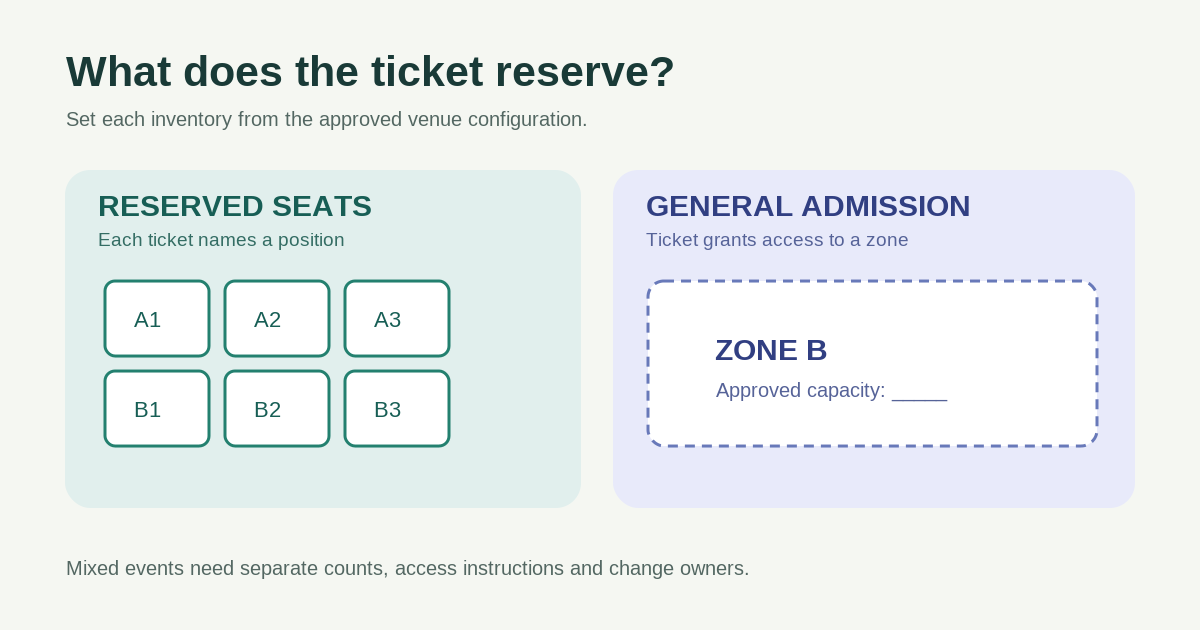
Compare numbered seats and general-admission zones using venue capacity, buyer promises, accessibility and entry operations. Includes an editable worksheet.
Ticketing
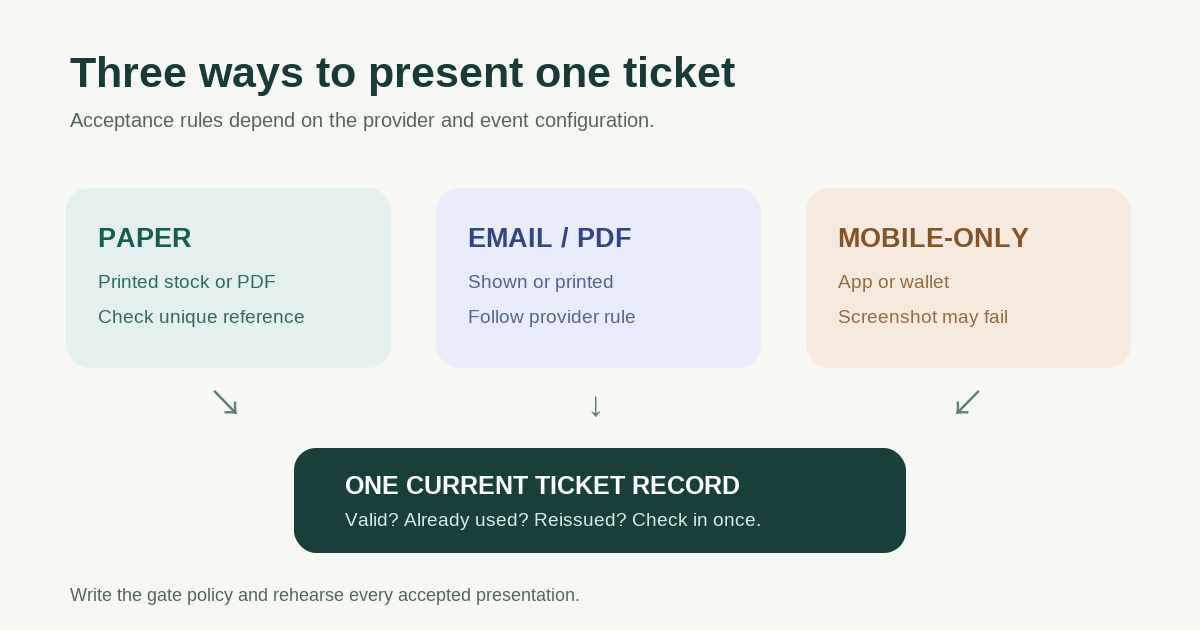
Compare paper, printable PDF and mobile-only tickets by validation, attendee access and door operations. Download an original acceptance-policy worksheet.
Ticketing
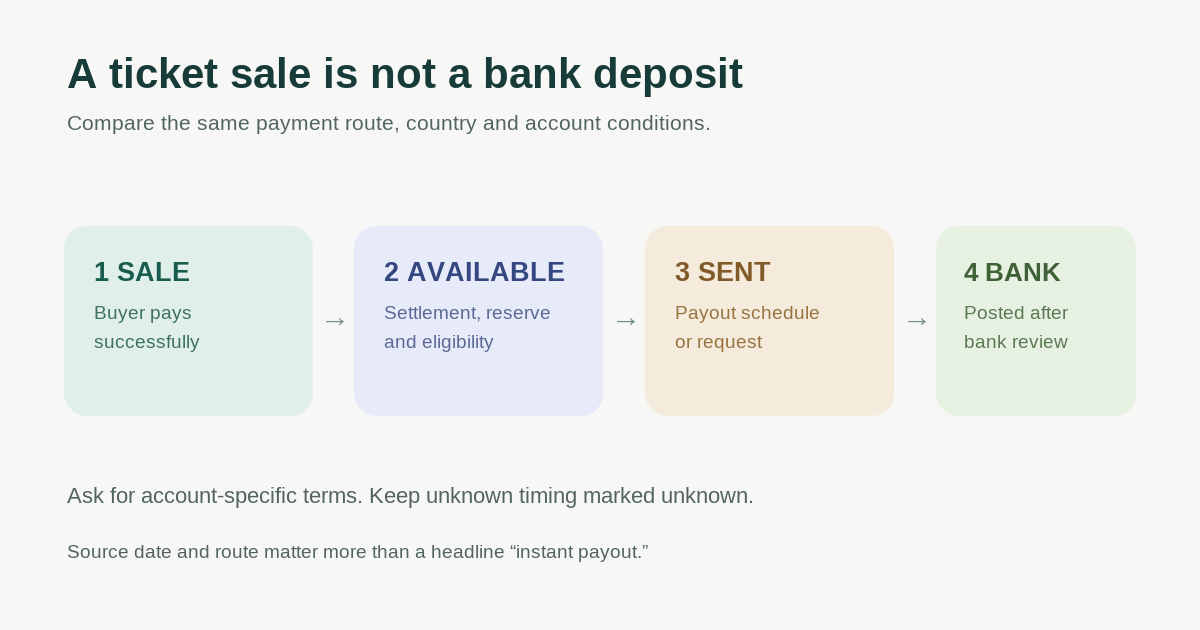
Use a dated worksheet to compare payout route, eligibility, reserves, deductions and bank arrival for the same event conditions.
Ticketing
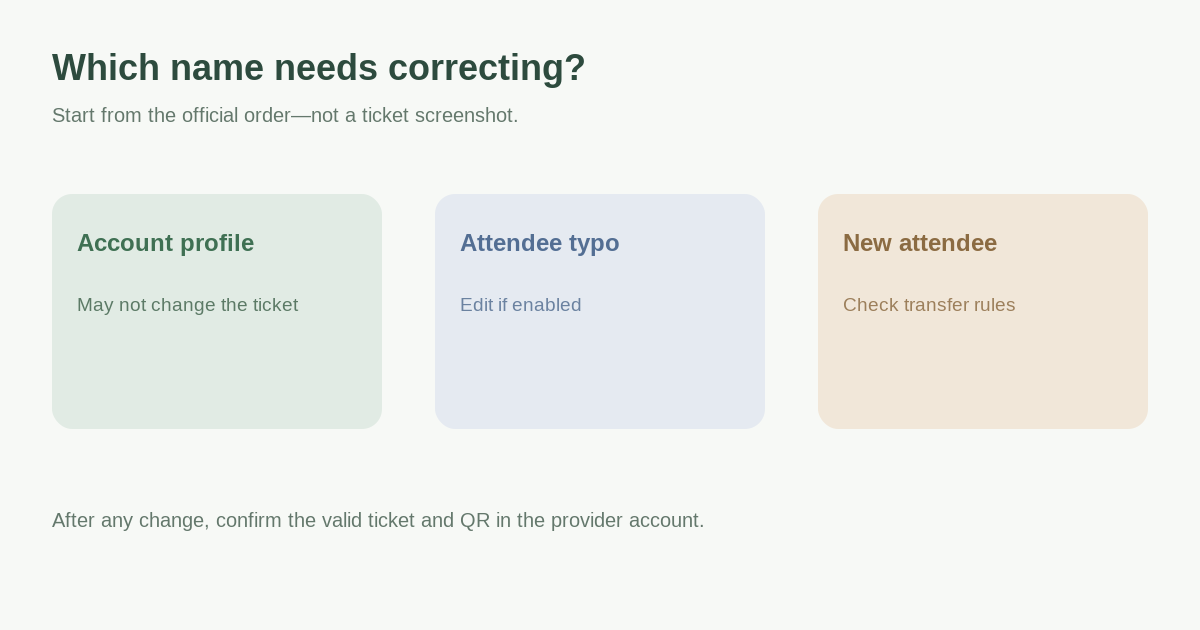
Find the official edit route, distinguish a typo from a ticket transfer, and confirm the updated ticket before event day.
Ticketing
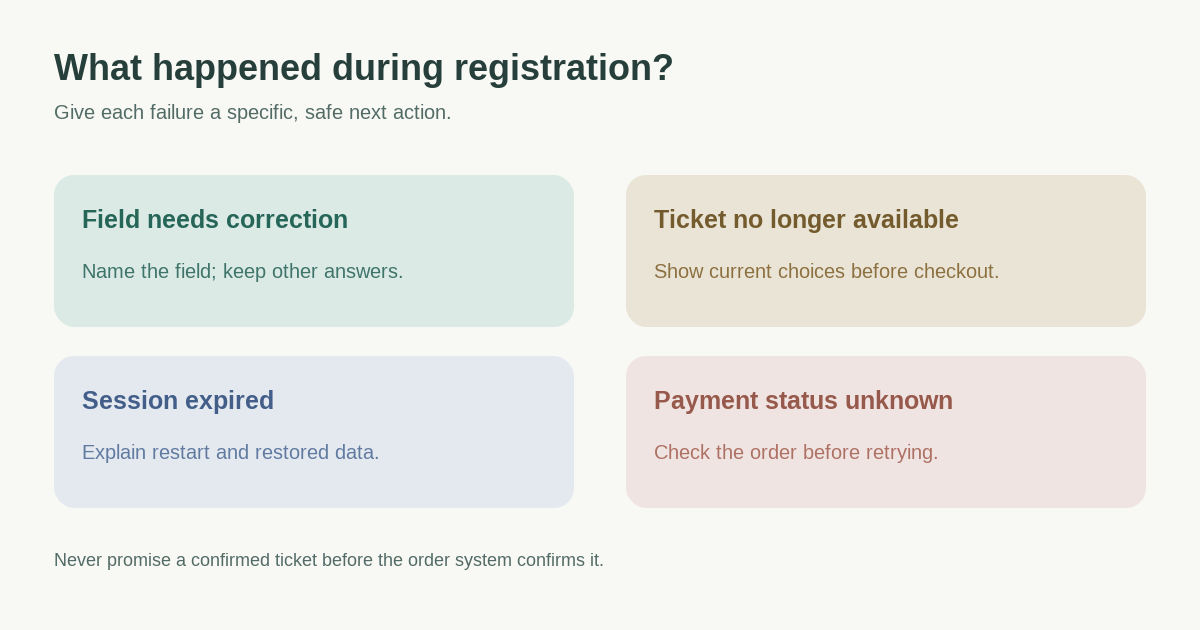
Write field-specific registration errors and distinct inventory, session and payment recovery messages. Includes an editable copy and QA matrix.
Ticketing
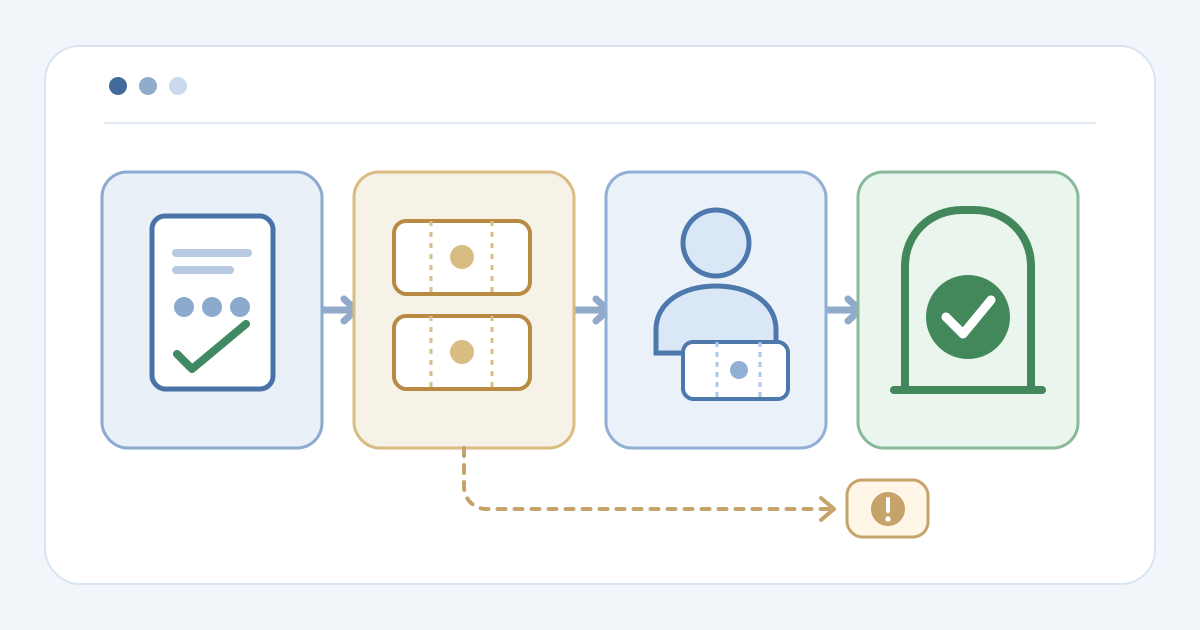
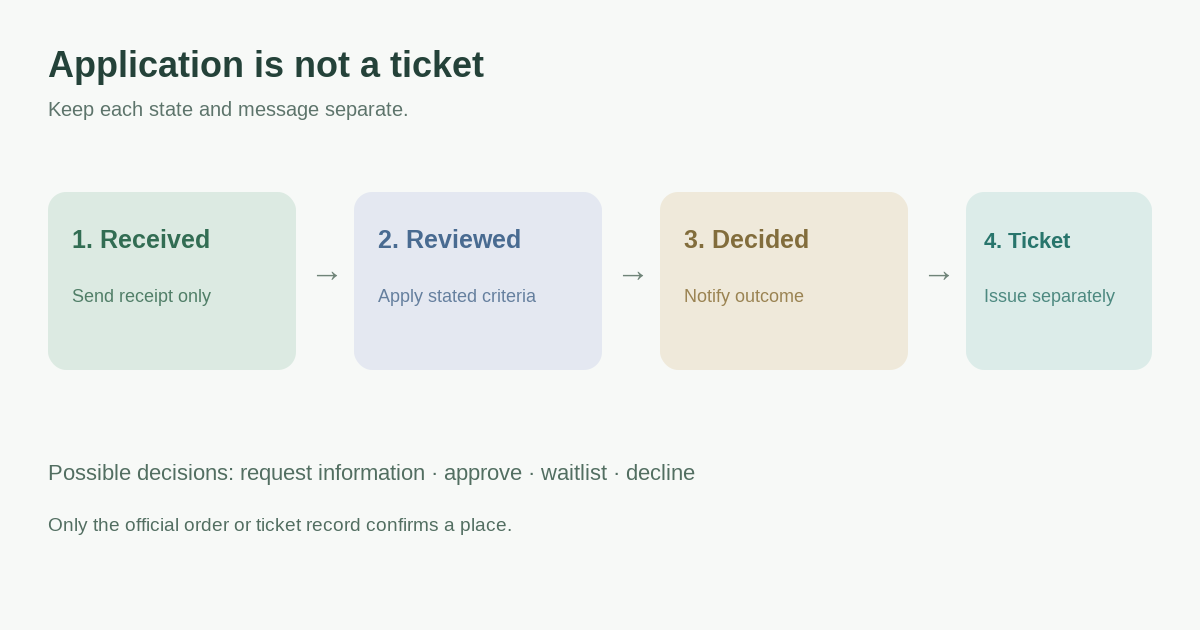
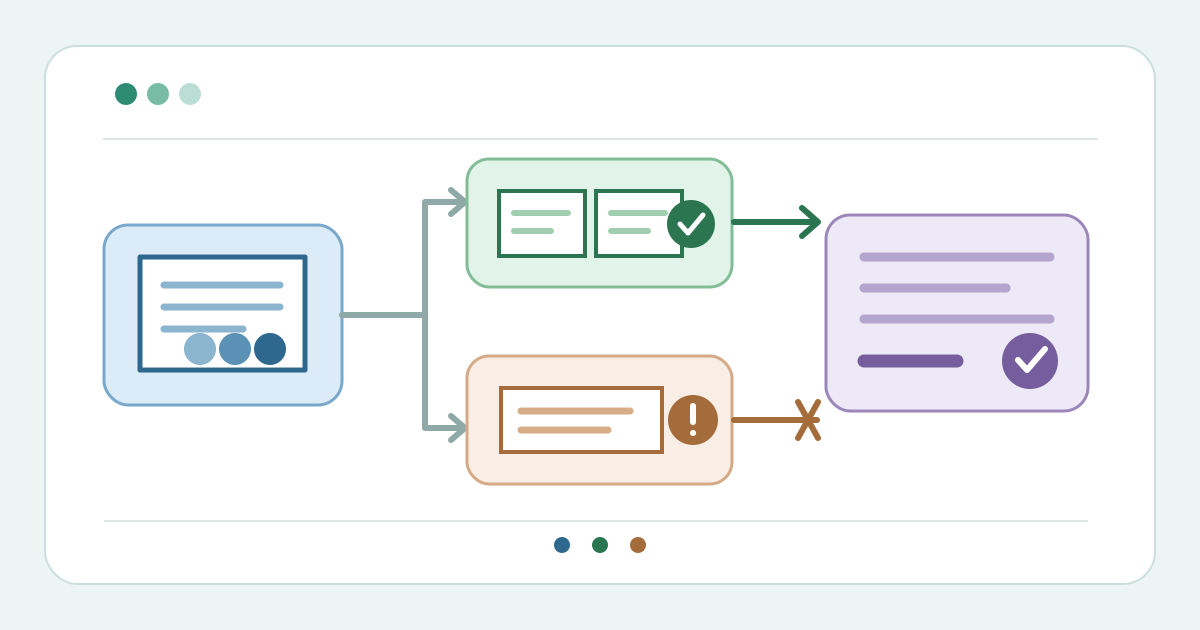
Plan an application, reviewer decision, applicant notice and ticket confirmation as separate stages. Includes an editable decision and communication template.
Ticketing
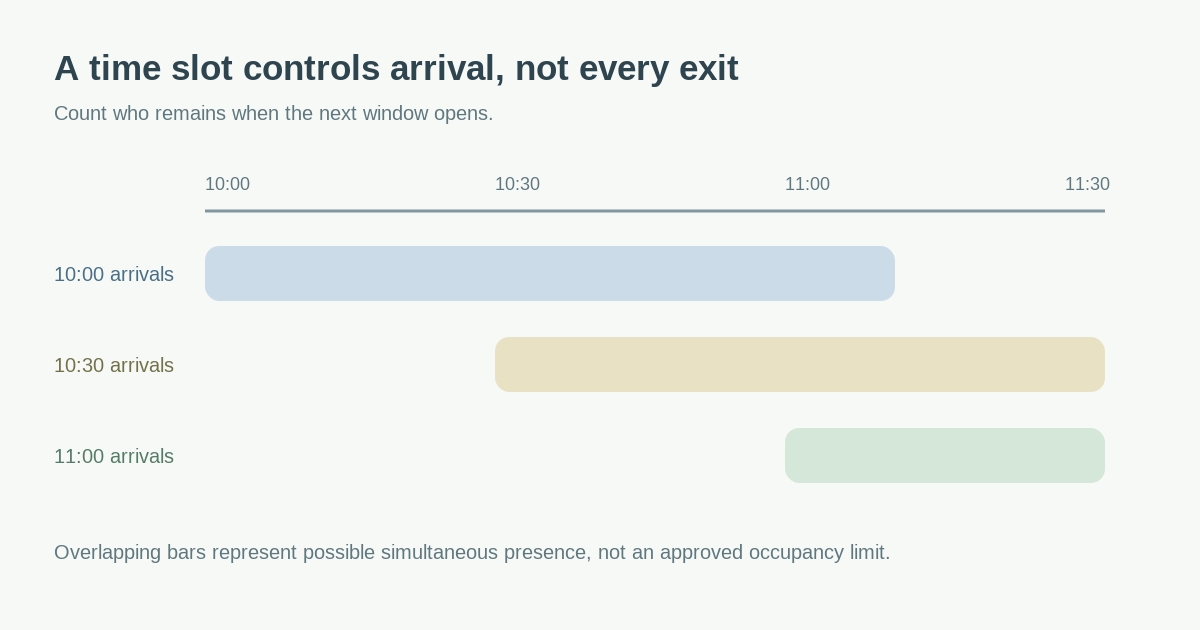
Plan arrival-window ticket inventory without mistaking slot limits for safe occupancy. Includes an editable capacity and operations worksheet.
Ticketing
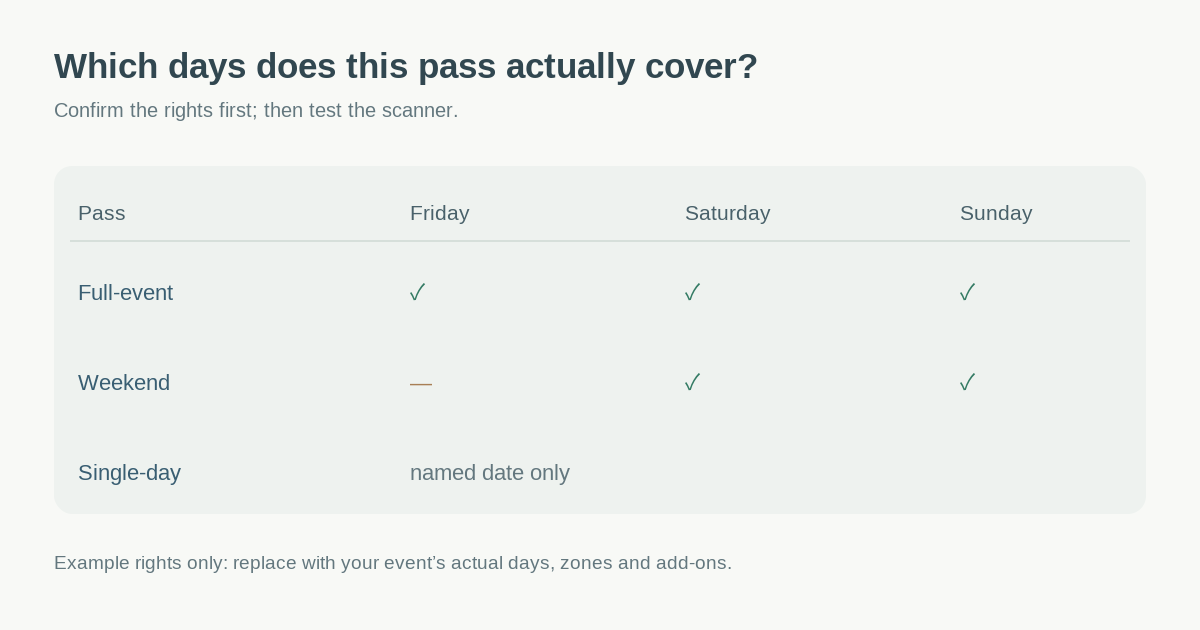
Build clear day-pass and full-pass entitlements, then test the ticket system across every day. Includes an editable access matrix.
Ticketing
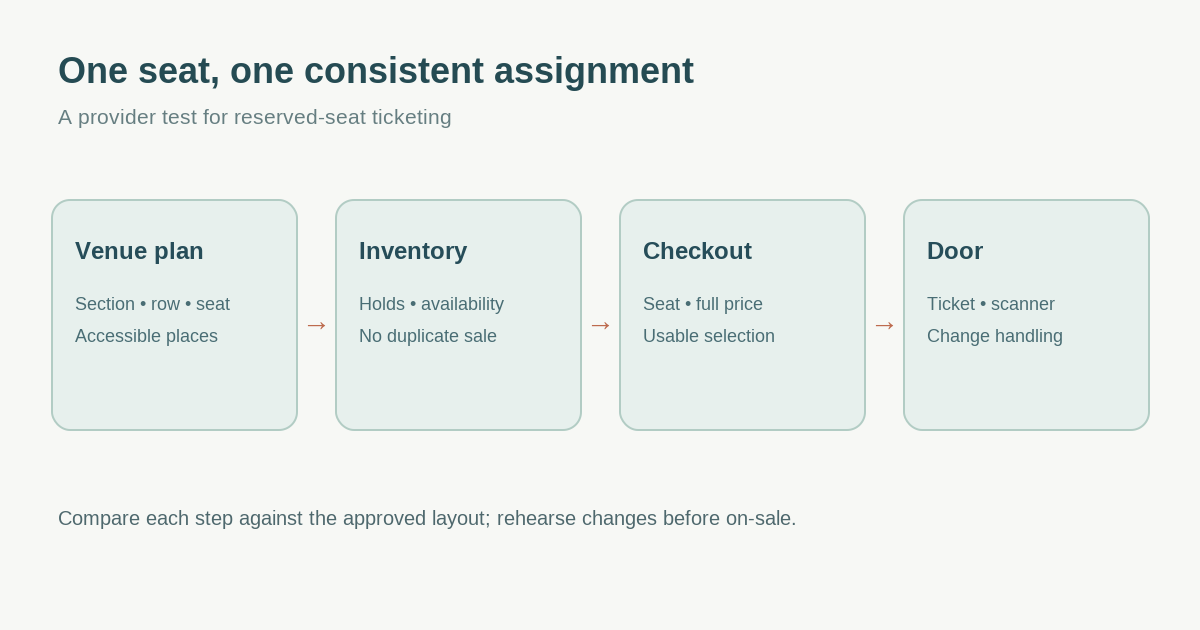
Turn a venue seat plan into testable ticketing requirements. Use the editable buyer, inventory, accessibility and door checklist.
Ticketing
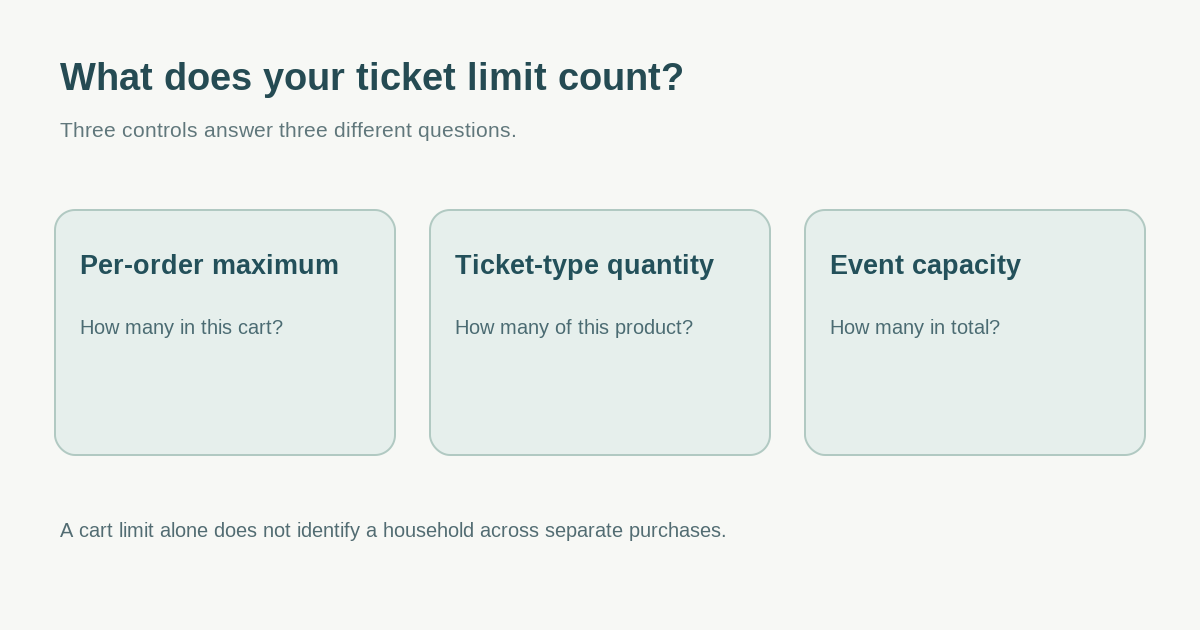
Set and test ticket quantity limits without confusing per-order caps, event capacity or household enforcement. Includes an editable decision sheet.
Ticketing
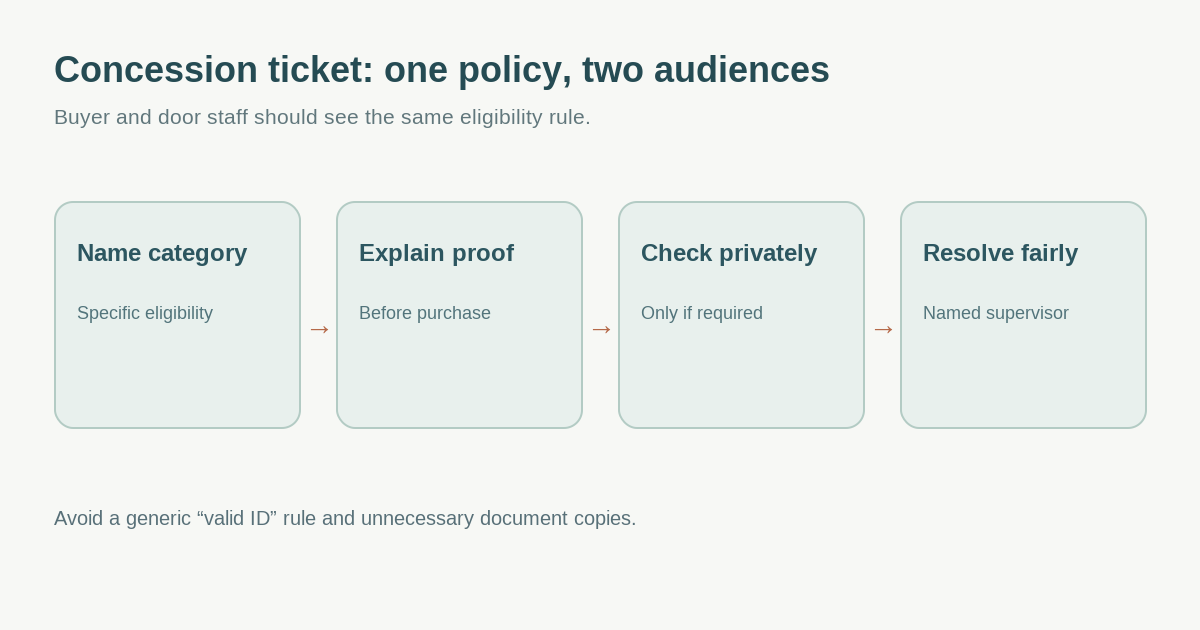
Define exactly who qualifies for each discounted ticket, what evidence is needed and how staff resolve a mismatch. Includes an editable policy card.
Ticketing
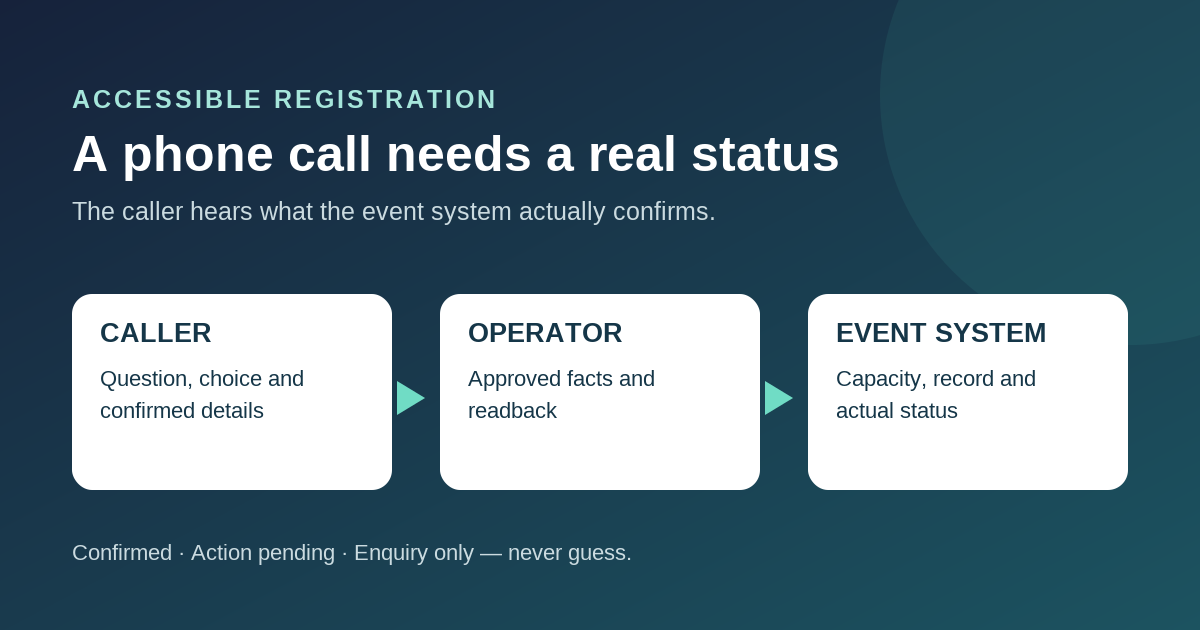
Offer a reliable phone registration route with a caller script, status record, capacity check and human fallback.
Ticketing
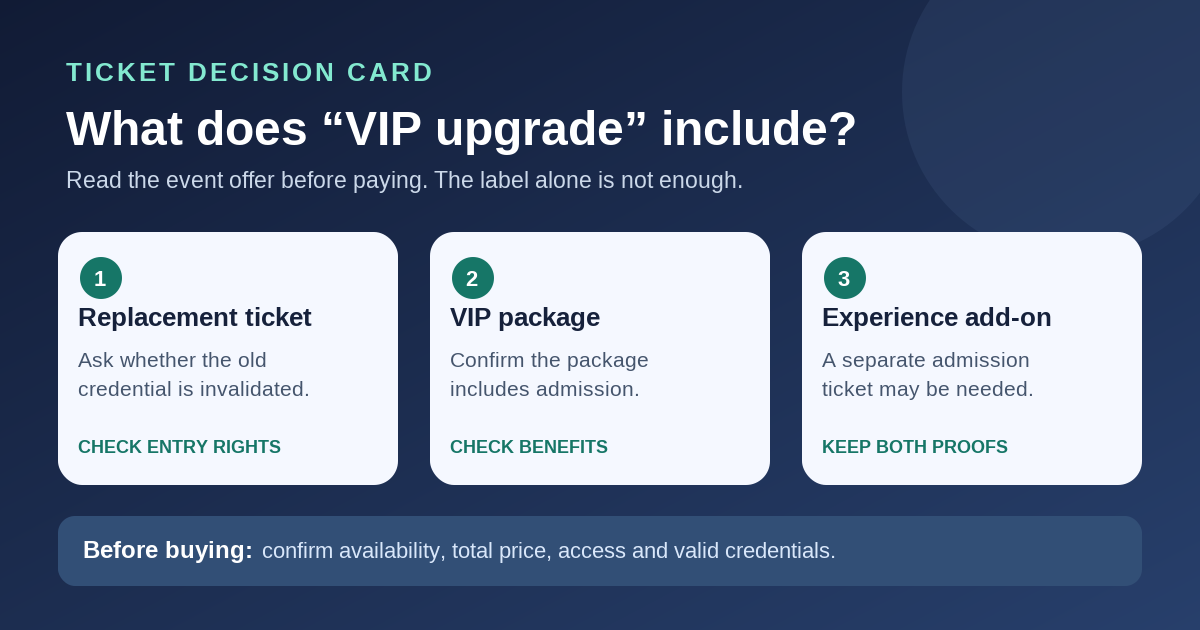
Learn the difference between a VIP ticket exchange and a separate VIP experience upgrade, then use a decision card before paying or visiting the gate.
Ticketing
Set up ticket sales at the door, trace each payment to an issued ticket and check-in, then close stock and payment records with a one-page worksheet.
Ticketing
Add a question to a live event without treating future buyers and existing ticket holders as the same audience; use an answer-backfill worksheet.
Ticketing
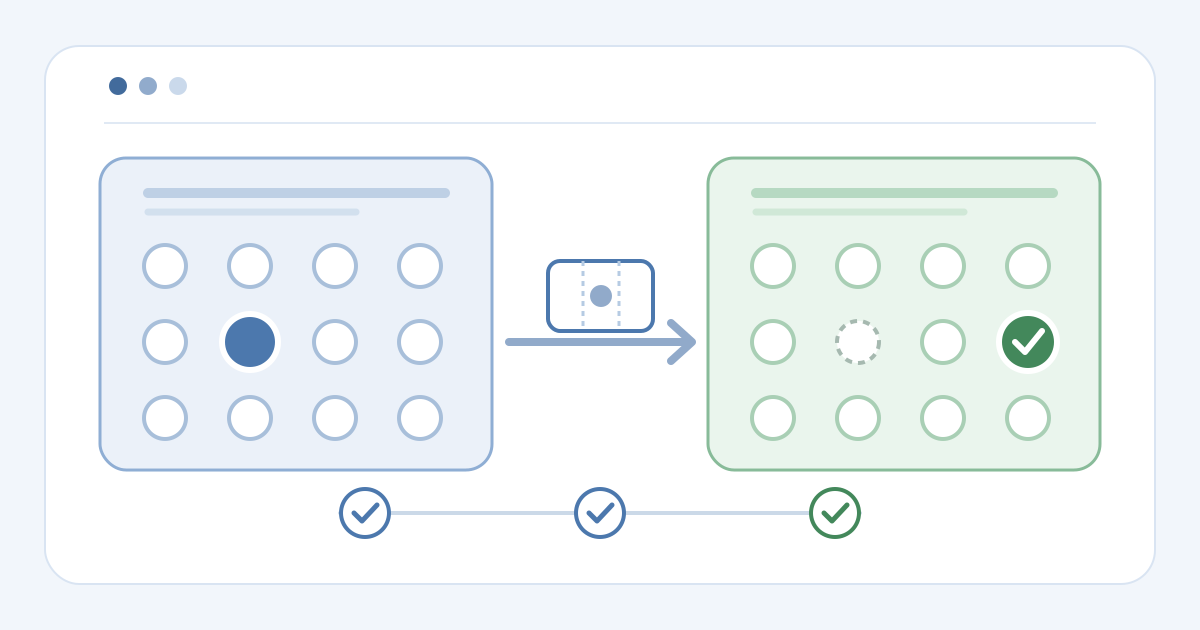
Move an existing ticket to a different event time slot with a verified source and destination count, current entitlement, and admission handoff.
Ticketing
Configure a ticket discount code, verify eligible tickets and redemption limits, and test checkout before sharing it. Includes an editable setup and QA matrix.
Ticketing
Admit only the people present when a group ticket order arrives in stages. Check whether tickets can be marked individually or require an approved exception path.
Ticketing
Pause one ticket type, verify what buyers and existing ticket holders see, and restart sales only after an approved check. Includes an editable decision card.
Ticketing
Correct a mistaken event check-in without confusing it with a real exit, re-entry, or ticket cancellation.