CAA record checklist before an event-site certificate change
A working event website can still hit a certificate issuance problem after a hosting or CDN switch. CAA records can restrict which certificate authorities may issue for a hostname. Use this review before a planned change or when a renewal reports a CAA error; it does not replace domain validation or a live certificate check.
Boletolibre editorial team
Published
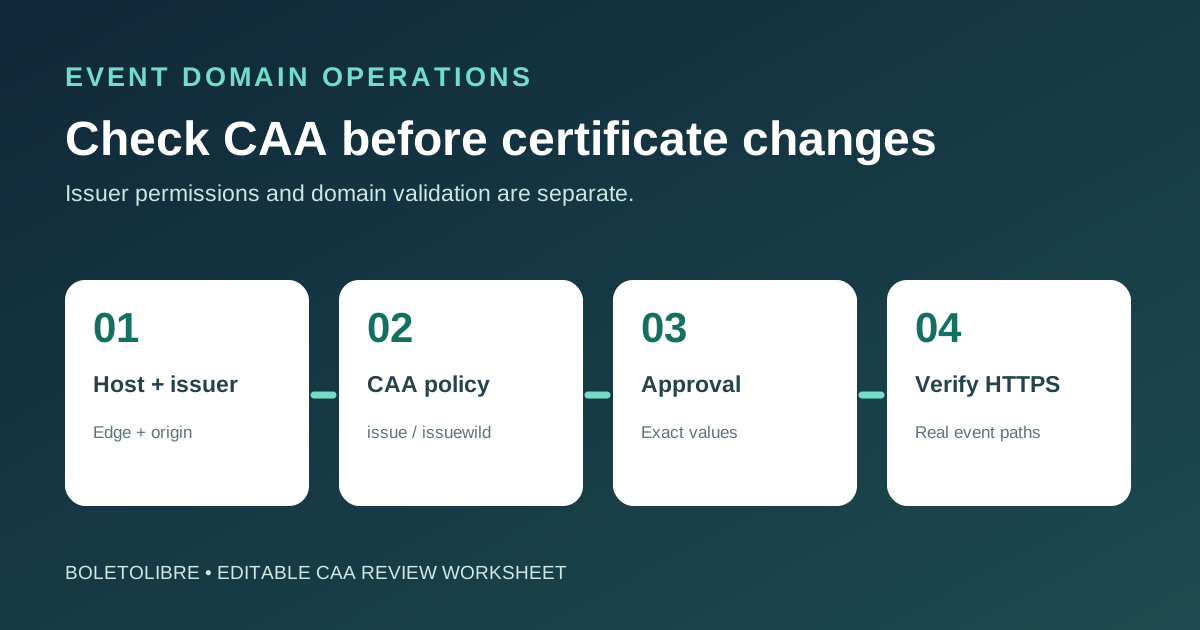
Download the CAA review worksheet
Download the editable event-site CAA review worksheet (Markdown, English)
Use one row for each public hostname and certificate context, including the CDN edge and origin if both need certificates. Record where the intended issuer came from, who controls authoritative DNS, and the evidence of the final result. Avoid putting private keys or account tokens in the sheet.
Map every certificate and hostname
| Review item | Evidence to capture |
|---|---|
| Hostname and context | Event page, registration, tickets; edge or origin; wildcard/SAN |
| Intended issuer | Provider documentation or support confirmation for this certificate |
| CAA observation | Effective issue/issuewild values, query time and source |
| Owner and decision | Authoritative DNS owner, approver, exact change or no-change reason |
| Result | Provider issuance status, served certificate and HTTPS journey |
List the event landing domain, registration hostname, ticket subdomain and any wildcard or SAN names. Identify which service requests or renews each certificate. The issuer shown on today’s certificate is a clue, not proof of which CA the new platform will use. Ask the host or certificate provider for its current CAA requirements.
Read the effective CAA policy
Query the relevant hostname and follow the provider’s guidance for parent-domain and CNAME behavior. Record all observed CAA issue and issuewild entries, plus the query time and resolver. A missing CAA policy does not itself block issuance; an existing restrictive policy may. CAA authorizes an issuer, while DNS/HTTP domain-control validation is a separate check.[2][3][4]
Agree the smallest approved change
If the intended issuer is not allowed, have the DNS and service owners review the provider’s documented values and the exact change request. Consider other active certificate paths before removing an issuer. Some managed platforms add CAA records automatically, so inspect public answers as well as the dashboard. Do not copy a generic CA value into production without provider confirmation.[2][3][4]
Verify issuance and the attendee path
After the approved change, use the certificate provider’s issuance or renewal status and inspect the certificate served by each affected hostname. Test HTTPS on the event page, registration and official ticket route. Record any validation failure separately from a CAA failure; a green DNS response alone does not prove that TLS and attendee journeys work.
Sources and further reading
- CAA Record Check for Client SSL RenewalsCertPilot · Accessed
- Certification Authority Authorization (CAA)Let's Encrypt · Accessed
- Certification Authority Authorization (CAA) problemsAWS Certificate Manager · Accessed
- Add CAA recordsCloudflare · Accessed