Conference audience Q&A microphone-runner checklist
An audience question can be lost when the microphone arrives late or changes hands without a cue. Give the runner a short, room-specific brief linking the moderator, audience and AV technician. This checklist assumes a handheld audience microphone; confirm the room layout, participation routes and equipment plan with the venue. The runner moves the mic and reports faults, while the moderator selects turns and the technician owns audio.
Boletolibre editorial team
Published
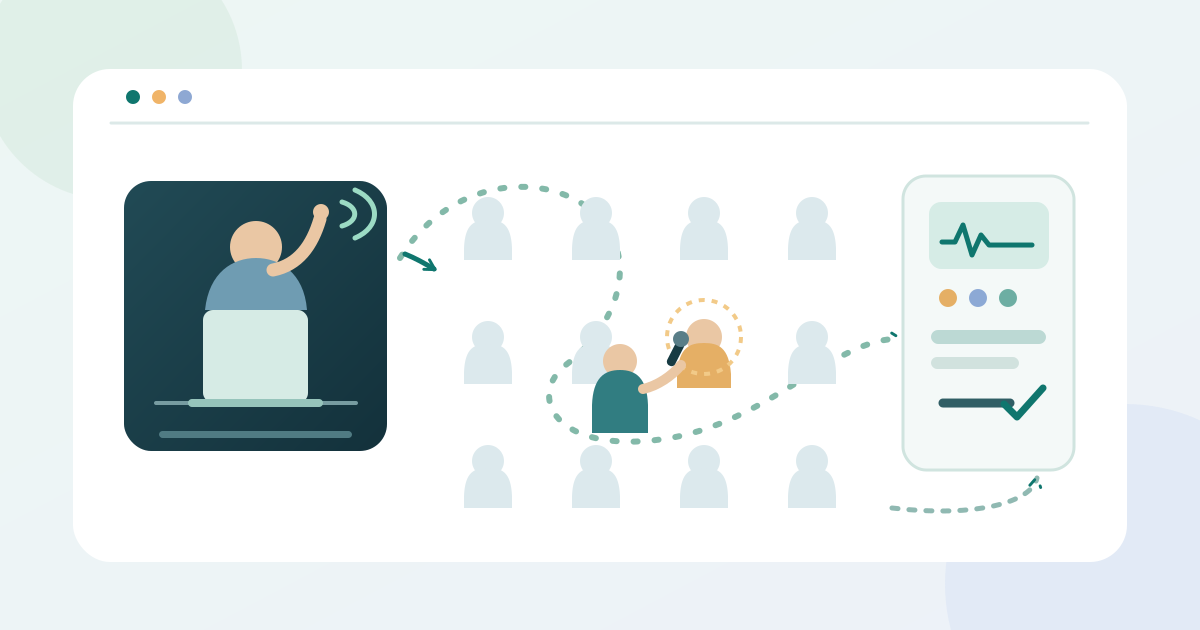
Copy one runner sheet for the session
Download the editable microphone-runner sheet (Markdown, English)
The English worksheet records the session, microphone ID, runner and backup, approved standing zones and routes, moderator cue, technician contact, question turns and final equipment handoff. Copy it for each room or session and keep it with the live run sheet. It does not replace the chair brief or AV plan.
Agree on positions and a clear path
Walk the room with the venue lead. Mark where the runner may wait and how to reach each seating zone without blocking circulation or asking people to move unexpectedly. Agree on a way for someone who cannot reach the planned handoff point or hold the mic to ask a question; the moderator and venue access lead should approve that route.
- Approved wait point and path to each seating zone
- Moderator’s visible or audible call, stop and skip cues
- AV technician contact and failed-mic replacement handoff
Rehearse the cue and audio handoff
Confirm the mic ID and who holds it before Q&A. MSU Denver lists a traveling microphone for live questions and recommends role communication and rehearsal. Let the technician test the actual microphone and demonstrate the event-specific on/off or mute behavior. The runner should report a dead mic or weak signal to that technician, not change system settings.[1]
Practice a short sequence: moderator calls a zone or person; runner approaches by the approved path; attendee gets the mic or approved alternative; moderator indicates when the turn ends; runner retrieves or moves the mic. Ohio State advises explaining microphone use to attendees and using explicit turn changes for hybrid participation. Agree how the moderator will signal a stop or skip.[3]
Move one question at a time
Before taking questions, the moderator should tell attendees how to signal interest, whether a mic will circulate and how many questions may be asked per turn. Johns Hopkins gives these as choices for the moderator to establish. The runner should follow the cue rather than select the next speaker or promise a turn. If two hands appear at once, wait for the moderator’s decision.[2]
| Moment | Runner does | Decision owner |
|---|---|---|
| Before Q&A | Wait at the approved point with the tested mic | Moderator starts; technician confirms audio |
| Question turn | Move only on cue, hand off, then retrieve | Moderator selects and ends the turn |
| Fault or obstruction | Stop, report and use the agreed fallback | Technician or venue lead resolves |
If the route is blocked or an attendee needs a different way to participate, pause and use the agreed alternative or ask the venue lead. For a hybrid session, a designated monitor can pass a written remote question to the moderator to voice, if that channel is part of the plan. Ohio State describes this approach; it is not a substitute for checking the event’s actual access needs.[3]
Return the mic and record open issues
At the announced stop, return the mic to the agreed AV holder and record the handoff time. Note any skipped zone, audio fault or alternative-question request with an owner for follow-up; do not collect attendee names just for this tally. If the device needs cleaning between users, follow the operator’s model-specific procedure and assigned role rather than improvising a health claim or a universal wipe rule.
Sources and further reading
- Best Practice Guides and ResourcesMSU Denver Office of University Events · Accessed
- Guide for Moderators or FacilitatorsJohns Hopkins University · Accessed
- Hosting Successful Hybrid EventsThe Ohio State University Department of English · Accessed