How to delegate an event subdomain to another DNS provider
A ticketing or production partner may ask to control DNS for a subdomain without controlling your whole event domain. Delegation creates a child-zone boundary. Prepare the records, agree on ownership, and verify both DNS authority and attendee flows before relying on it.
Boletolibre editorial team
Published
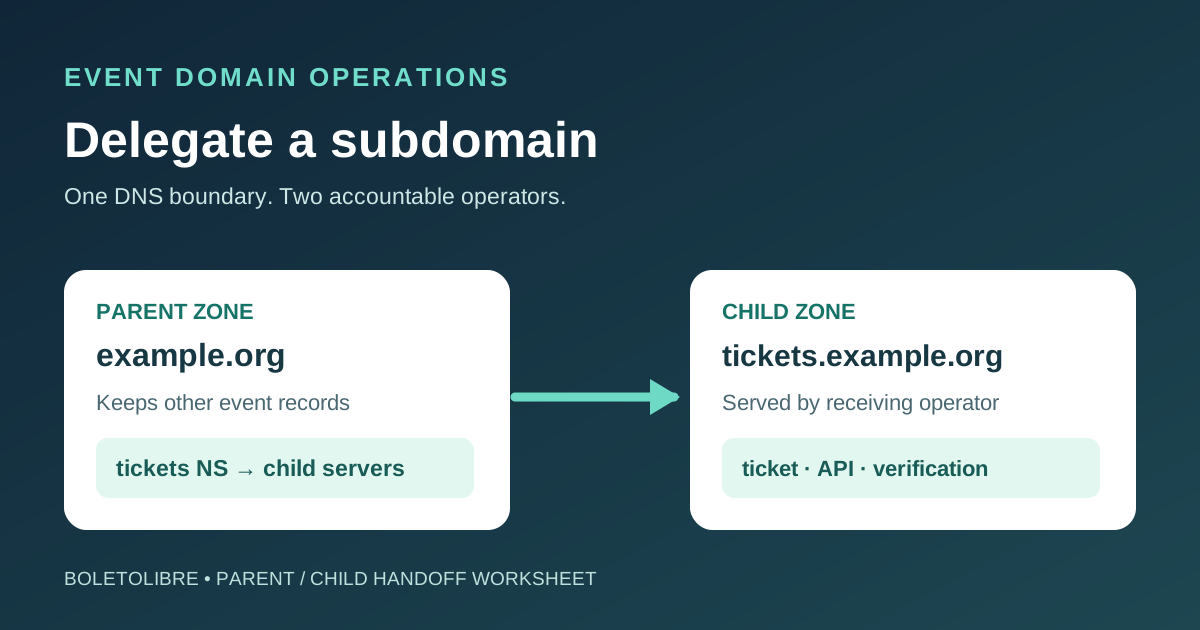
Download the parent–child DNS handoff sheet
Download the editable subdomain delegation worksheet (Markdown, English)
The worksheet records the exact child zone, assigned nameservers, current records, owners, cutover approval and observed answers. Fill it before changing the parent zone.
What delegation changes
Delegating tickets.example.org does not move example.org to a new DNS provider. A parent-zone NS record sends DNS queries for the child name and names beneath it to the child zone’s nameservers. The receiving operator becomes responsible for records in that child zone. A CNAME that merely points tickets.example.org to an event platform is a different arrangement: the parent DNS operator still controls the record.[2][3]
Use delegation when a trusted event team or vendor must manage a whole namespace, such as tickets.example.org and api.tickets.example.org. If the requirement is only one website hostname, a record in the existing zone may be simpler. Agree in writing who operates the child zone, who can change it, and who will remove the delegation after the event.
Prepare the child zone before publishing the parent NS records
Inventory every record at and below the proposed cut. Include web, mail, TXT verification, ticketing return links and API names. Create the child zone with the receiving DNS provider, obtain the exact assigned nameservers, and create the required records there. AWS Route 53 explicitly calls for copying relevant records from the parent to the child before adding the parent NS record.[2]
Ask both operators to check provider-specific setup limits, DNSSEC/DS handling if enabled, wildcard behavior, certificate validation and account access. The first Google result has a trailing-dot entry rule and a wildcard warning for its own DNS Made Easy interface; do not generalize either into a rule for every provider. Confirm the input format in the actual DNS consoles.[1]
Make the authority change and verify it
| Stage | Parent-zone operator | Child-zone operator |
|---|---|---|
| Before change | Approve the exact child name, NS targets and rollback contact | Confirm zone exists and answers for required names |
| Change | Publish the child NS records at the delegation point; resolve conflicting records per provider rules | Keep matching zone and assigned nameservers active |
| Verification | Query the parent’s authoritative nameservers for the child NS set | Query each child authoritative nameserver for expected A/AAAA/CNAME/MX/TXT and SOA answers |
| Attendee flow | Check event links and support routes from normal networks | Test registration, confirmation, checkout callbacks and email where used |
The parent and child carry corresponding NS information. Compare their answers directly and observe a normal resolver as caches update; do not use a fixed propagation promise as acceptance evidence. Keep the previous configuration and a reversal owner available until the event flows have been checked.[2][4]
Document control and exit
Name one operator for the parent NS records and one for the child-zone contents. A parent administrator cannot safely assume that editing a parent-zone A record will override a live delegation. Put the child zone in the domain inventory, record its billing/account owner, and ensure the organization can still access it if a vendor leaves.[3]
For retirement, first map the remaining services and published attendee links. Move or remove the child records and parent NS delegation as an approved change, then verify the resulting answers. Do not delete the child zone while the parent still points to nameservers that no longer serve it.
Sources and further reading
- How to Create and Delegate a Subdomain to a 3rd party DNS providerDNS Made Easy · Accessed
- Routing traffic for subdomainsAmazon Route 53 · Accessed
- Subdomain delegation and available setupsCloudflare · Accessed
- Azure DNS delegation overviewMicrosoft Learn · Accessed