How to diagnose DNS NXDOMAIN on an event website
A DNS_PROBE_FINISHED_NXDOMAIN message can hide a typo, an expired or misdelegated domain, or a record placed in a zone the public internet does not use. Confirm the exact name and active DNS authority before making changes.
Boletolibre editorial team
Published
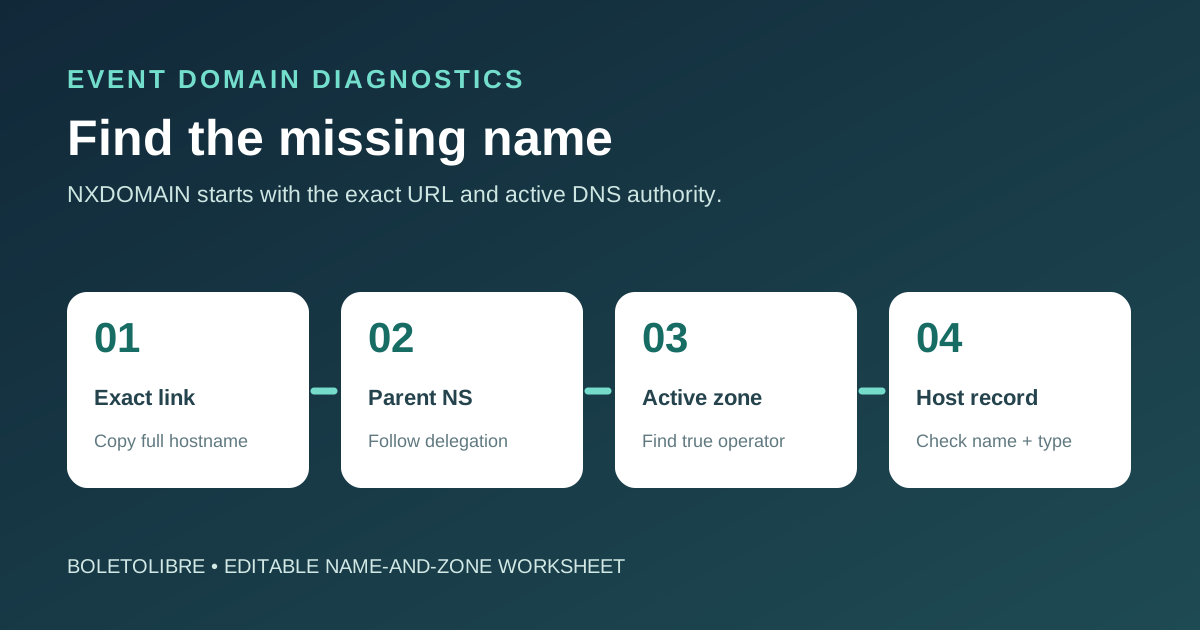
Download the name-and-zone tracing worksheet
Download the editable NXDOMAIN diagnosis sheet (Markdown, English)
Start with the exact event URL from the failed link. The sheet records the DNS name, the expected record, the active authoritative zone and the observed response before anyone adds a record.
What NXDOMAIN actually means
NXDOMAIN is a DNS “name error”: the queried name was reported as nonexistent. It is not the same as SERVFAIL, which means the lookup failed, or a successful NOERROR response with no record of the requested type. RFC 2308 distinguishes NXDOMAIN from that no-data case. A missing A record alone does not necessarily mean the name is nonexistent if it has another record type.[2]
The leading Google result addresses DNS_PROBE_FINISHED_NXDOMAIN after a Cloudflare domain activation and suggests checking apex and subdomain records. That is useful for that setup, but a browser message alone does not prove Cloudflare is authoritative for your event domain. First identify which DNS operator the registrar or parent zone actually delegates to.[1]
Confirm the exact name and expected journey
Copy the full hostname from the attendee’s event page, ticket email, printed QR destination or checkout return link. Check spelling, www versus apex, language or campaign subdomains, and whether the event is supposed to have that name. A nonexistent typo should be corrected at the link source, not turned into a new DNS record by default.
Record the first observed time, network, resolver and record type. Compare a second resolver and the currently delegated authoritative nameservers. A local-only result may point to a resolver or negative cache; consistent authoritative NXDOMAIN points toward the published zone or delegation. Negative responses can be cached, so a fixed waiting promise is less useful than repeated observations.[2]
Trace the zone that resolvers actually query
| Check | Evidence | Likely next owner |
|---|---|---|
| Registration and delegation | Domain status and parent NS for the event domain | Registrar or parent-zone operator |
| Active zone | Which provider hosts the currently delegated nameservers | Authoritative DNS operator |
| Exact host | Name and record in the active zone or delegated child zone | Zone or child-zone operator |
| Destination | Expected web, ticketing or mail target once the name resolves | Service owner |
A record can exist in a dashboard yet still be invisible publicly if that hosted zone is not the one resolvers query. AWS documents inconsistent NXDOMAIN during subdomain moves when records are split between parent and child hosted zones. Check the delegation point before editing or copying records.[3]
Make the smallest approved correction and verify
If the authoritative zone lacks an intended hostname, have its owner create the appropriate record from the service provider’s current instructions. If the hostname is in an undelegated or wrong child zone, correct the delegation or place records in the zone that is actually authoritative. If the link itself is wrong, fix that source and consider whether an old published link needs a redirect. Do not change MX or unrelated records as a generic website fix.
After the approved change, repeat the exact name/type queries against authoritative and normal resolvers, then open the attendee path, registration, ticket confirmation or email flow affected. Record the observed result and any resolver still returning the old negative answer. The goal is to prove the intended name resolves from the correct authority, not merely to clear one browser cache.[1][2]
Sources and further reading
- Fix DNS_PROBE_FINISHED_NXDOMAINCloudflare DNS docs · Accessed
- RFC 2308: Negative Caching of DNS QueriesIETF · Accessed
- Routing traffic for subdomainsAmazon Route 53 · Accessed