Test an event website with disabled attendees: session plan and observation sheet
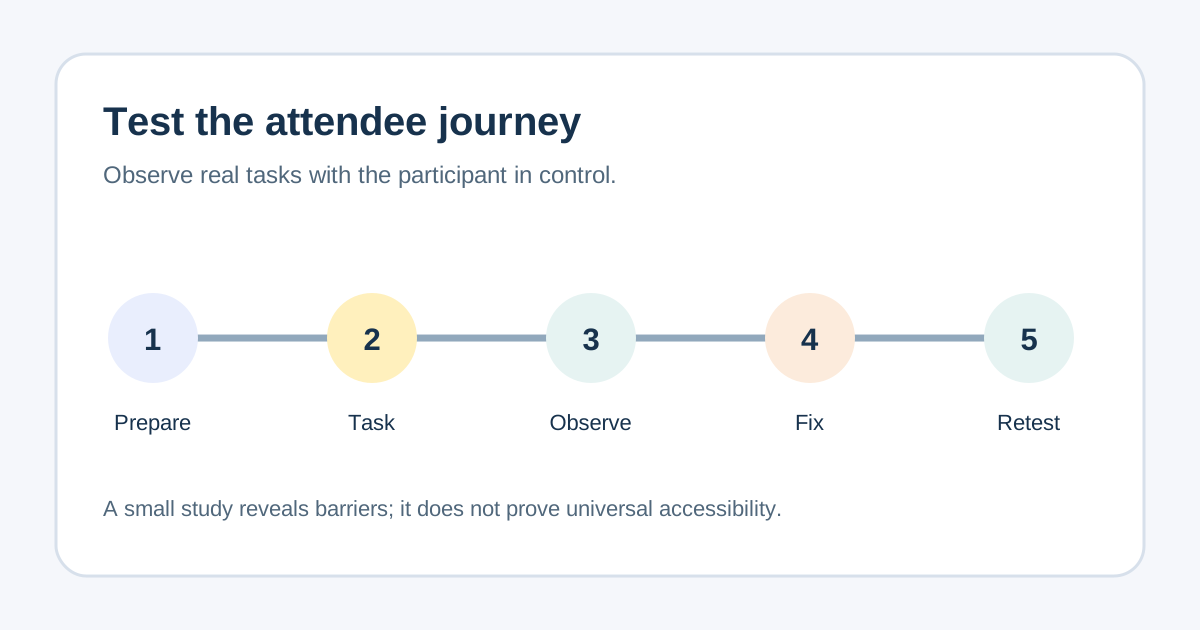
An automated accessibility scan can flag code problems; it cannot show every difficulty a real attendee encounters while finding the venue, choosing a ticket or completing registration. A short, respectful usability session can reveal where the journey breaks. This guide and editable worksheet help an event team recruit appropriately, prepare safe tasks, observe without taking over, and turn findings into retested fixes. A few sessions do not prove that a site is accessible to everyone.
Boletolibre editorial team
Published
Download the session script and observation log
Download the editable usability session worksheet
The worksheet has a recruitment and access-needs brief, a neutral facilitator introduction, four event-task cards, an observation log, and a fix-and-retest record. Replace sample tasks with the actual event journey. Use a test event or sandbox path: do not place a real order, charge a payment method, or email real attendees merely to complete a study.
Use one observation row per task and participant. Record what happened and the point of friction, then separately record your hypothesis about the cause. Avoid putting medical details, full registration records or assistive-technology credentials into the worksheet.
Recruit for relevant ways of using the site
Invite people with different access needs and experience levels that reflect the audience you serve; no single participant can speak for all disabled attendees. Ask each person what device, browser, assistive technology or communication format they prefer, and whether the remote or in-person session setup works for them. Agree participation terms, recording choice and compensation before the session.[1]
Provide the session invitation, route or meeting link, task materials and contact method in a format the participant can use. Give enough setup time for their chosen technology. Review known blocking issues before recruitment so participants are not asked to spend a session discovering problems the team already knows.[2]
Use real event tasks, not feature tours
Ask the participant to find the event date in their time zone, locate venue access information, select a suitable ticket or registration option, and reach a safe test confirmation. If the event offers an access-request path, include that task too. State the goal, not the clicks to perform, and let the person use their own workflow.
If an event page is on Boletolibre.com, begin at the exact page an attendee would receive. Record when a task moves to another domain or provider so a barrier at the handoff is not assigned to the wrong team. Do not infer that a visual page load means the entire purchase journey worked.
Observe without overriding the participant
Ask neutral follow-ups such as “What did you expect here?” and allow pauses. Agree in advance how a participant can stop, ask for help or skip a task. For screen-reader users, avoid speaking over the screen reader; ask what facilitation works for that person. Section508.gov recommends focusing observations on barriers rather than treating task speed as the sole outcome.[1]
Record the task, device and browser context, what the participant attempted, the barrier or uncertainty, any workaround, and whether they reached the goal. Distinguish an observed problem from a suspected cause. A technical reviewer may later find that the cause is content, code, browser, assistive technology or a combination.[2]
Prioritize and retest the attendee task
Bring findings to the page, registration and hosted-checkout owners. Fix blockers in critical attendee tasks first, state who owns the change, and repeat the relevant task after the fix. If a third-party provider owns the failing step, send it reproducible evidence and give attendees an honest alternative contact route while the issue is open.
Report the number and range of participants, tasks, setup and limits. W3C WAI cautions against generalizing from one person or treating user sessions as a substitute for standards-based accessibility evaluation. Pair these findings with technical checks and keep the session report about observed experiences, not a legal compliance verdict.[2]
Sources and further reading
- Tips for Usability Testing with People with DisabilitiesSection508.gov · Accessed
- Involving Users in Evaluating Web AccessibilityW3C Web Accessibility Initiative · Accessed