How to measure offline responses to an email campaign
A customer reads an email and later buys at the counter. The email report sees a send and perhaps a click; the till sees a sale. Neither system automatically proves the link. This guide gives a small team a practical way to record observable offline responses, reconcile them with the campaign and describe the uncertainty honestly.
Boletolibre editorial team
Published
Choose one offline outcome
Start with a specific action: a paid counter order, a completed phone booking, or a verified box-office registration. State the location, campaign, start and end of the observation window, and whether refunds or cancellations change the final count. “Sales after the email” is a time relationship; “sales linked by this code” is an observed match. Neither is automatically the number caused by the email.
A campaign can produce a website visit that ends offline. Decide whether this report counts orders, purchasers, appointments or tickets before looking at totals. One order can contain four tickets; one person can place two orders. If the purpose is revenue, record the net amount separately from the count. Do not merge unlike units into a single conversion total.
Keep three kinds of evidence separate
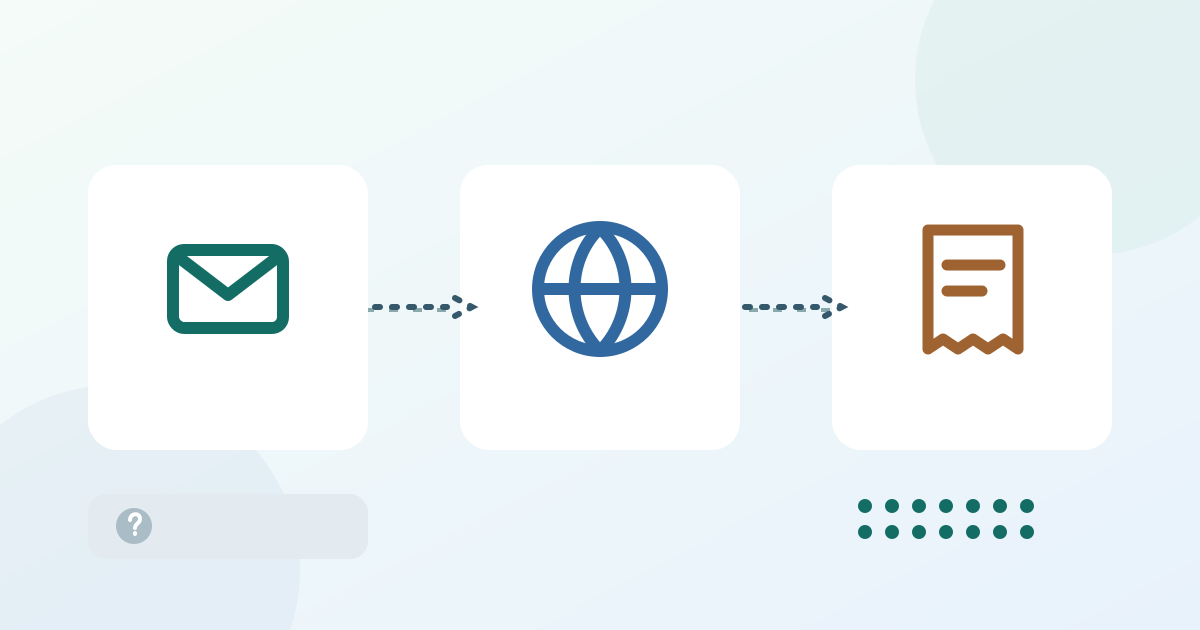
The sending platform can report successful deliveries and tracked link clicks. Those are email interactions, not cash-register results. A tagged destination can show visits from a campaign when its parameters survive. A sales or booking system can confirm that the offline action happened. The most useful report preserves all three as separate columns rather than turning clicks into purchases.[1][2]
A stronger observed association is a campaign-only code or response phrase recorded on the completed offline order. An order reference can reconcile records for that same order, but it does not by itself show that the email prompted it. A customer’s voluntary “I heard about it in the newsletter” answer is a useful self-report, but it is recall, not a verified click. Unmatched orders belong in an unknown bucket. Do not force them into “email” or “not email.”
Set up the campaign before sending
Give the email a distinct offer code or response phrase that staff can recognize, and decide whether it applies to every order or only qualifying ones. Avoid a code that is simultaneously printed on posters, social posts and emails if you want a channel-specific observation. Test the code at the till or booking desk before sending, including an expired code, a refund and a purchase with two tickets.
If the email links to a site, use consistent campaign parameters such as utm_source, utm_medium=email and utm_campaign. Verify the final landing URL after redirects. Parameters identify referred visits in analytics; they do not travel into a store receipt by magic. Do not put email addresses, names or other personal identifiers in UTM values.[3][5]
Capture an offline response at the point of action
Ask staff to record the code or response phrase only when the customer actually presents it, and to record the order outcome in the normal sales system. Give staff a short neutral prompt such as “Do you have a promotion code?” rather than a leading question about whether the email caused the purchase. For phone bookings, log the booking reference and a code if supplied; a call alone is not a completed booking.
If there is no code, an optional source question can record what the customer remembers. Allow “multiple,” “other” and “do not know”; do not infer the channel from the customer’s email address. Keep personal records in the systems approved for them. The planning worksheet needs aggregate counts and an evidence rule, not a subscriber export.
Choose a counting unit and a time window
Choose the denominator that answers your question. Code use divided by eligible completed offline orders is the share of those orders with observed code use. Code-matched orders divided by successful email deliveries is an observed number of matched orders per delivered message, not a share of recipients who responded; one recipient might place several orders. It is email-specific only if the code remained exclusive. Neither ratio is a causal lift estimate.
Set the response window before the send, for example through the following Sunday at the venue’s local time. State whether orders made before the email, repeat orders, cancelled bookings and refunds are excluded. If one person can use the code twice, decide whether you count orders or distinct customers; do not silently switch units at review.
Reconcile records without double counting
Export or tally completed offline orders for the chosen window. Remove test transactions and cancellations. Use a stable order reference to remove duplicate order rows, then count a campaign match only when the defined campaign-only code or phrase is recorded. Never guess from similar names or timestamps. Count each matched order once. Mark partial refunds or multi-ticket orders according to the rule you set beforehand.
Now compare the source systems without adding their totals together: delivered messages, unique clickers, tagged site visits, completed offline orders, code-matched orders, self-reports and unknown orders. A customer may click, visit and buy, so these are overlapping stages. Missing tags after a redirect can make a visit appear direct or unknown. A gap is a diagnostic clue, not proof that one system is wrong.[4]
Worked example: a venue invitation
Fictional example: 1,200 emails were successfully delivered. The sender reports 96 unique people clicking the primary link. The website reports 83 tagged visits. During the seven-day window, the venue recorded 74 completed counter orders; 3 test orders and 2 cancelled orders were already excluded. Of the 74, 14 carry the email-only code, 8 other orders have a customer self-report of the email without a code, and 52 orders have no usable source attribution.
The defensible matched count is 14 completed orders with observed code use. The observed share is 14 ÷ 74 = 18.9% of eligible counter orders; it is not “18.9% caused by email.” Do not add the 8 self-reports to 14 without labeling the weaker evidence. The 96 clickers and 83 visits cannot be subtracted to derive offline sales because the systems count different units and may cover different people.
Read the result without overstating it
Put the result in plain language: “Fourteen eligible counter orders used the email-only code; 52 had no usable source attribution.” Add the window, exclusions and any code-sharing caveat. If the code leaked to another channel, relabel the count as code-associated rather than email-specific. If staff skipped the prompt at busy times, explain that missingness might bias the observed share.
For the next campaign, change one thing that would improve the evidence: train the desk on the neutral prompt, keep the code unique, fix a redirect that drops tags, or standardize order status. If you need to estimate incremental effect, plan a suitable comparison or experiment with an analyst; these matched counts alone do not provide a counterfactual.
Download the reconciliation card
Download the editable offline response card (Markdown)
Download the editable card to define the outcome, evidence levels, denominator, window and exclusions before the send. It includes a reconciliation table and a short report sentence. Use one copy per campaign and venue; keep customer-level identifiers out of the shared file.
At review, fill the card from the actual sending, analytics and sales reports. If a field is unavailable, write “unknown” and name the owner who can improve collection next time. A smaller honest report is more useful than a precise-looking number built from mixed clicks, visits and sales.
Sources and further reading
- Use Click Tracking in EmailsMailchimp · Accessed
- Getting Started with ReportsMailchimp · Accessed
- URL builders: Collect campaign data with custom URLsGoogle Analytics · Accessed
- Understand (direct) / (none) trafficGoogle Analytics · Accessed
- Best practices to avoid sending Personally Identifiable Information (PII)Google Analytics · Accessed