Message ticket buyers or attendees: choose the right recipient
A buyer can purchase several tickets without attending, and a ticket may later have a different holder. Before sending an arrival update or order instruction, identify which record your ticketing service will actually address. The platform’s audience labels, available email fields and transfer behavior matter more than the label you put on a mailing list.
Boletolibre editorial team
Published
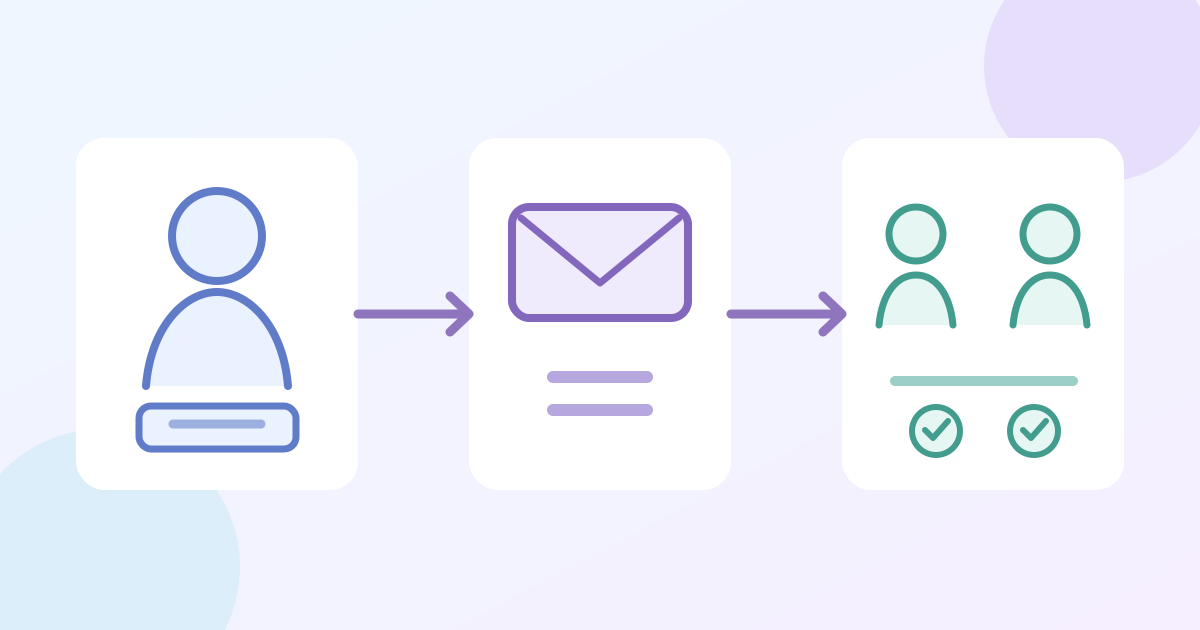
1. Match the message to the person who must act
Download the buyer-versus-holder recipient test card (Markdown, English)
An order action, such as retrieving a purchase or completing buyer-controlled details, usually belongs with the person who can manage that order. A gate, session or arrival instruction should reach the person who will use the ticket, where a reachable ticket-holder record exists. Decide the intended audience first, then inspect a representative multi-ticket order. Do not assume the buyer is an attendee or that every ticket has a separate email address.
2. Inspect the platform’s recipient record
Use the sender’s actual recipient preview or list. In Peatix, the Attendees tab addresses ticket holders, while Sales list addresses buyers; its guide says a claimed transfer routes holder messages to the recipient, not the original buyer. Humanitix offers Buyers only or All (buyers and attendees), but says holders can receive an email only when an address was collected per ticket. These are provider-specific rules. Check your own service’s field collection and audience controls; a message to all buyers is not evidence that each holder received it.[1][2]
3. Test the edge cases before sending
With authorized test records, compare a buyer who is also the holder, a buyer with several holders, a claimed transfer, and a ticket without holder email. Preview the resolved recipients for each before a live send. Where the platform offers it, send a test to yourself and inspect subject, event date, links and language. A test email may not exercise live audience selection, so compare the actual eligible-recipient count or sample as well. If the required holder is absent, use a supported buyer relay or separate event support route rather than inventing an address.
| Test record | Recipient check |
|---|---|
| Buyer is holder | One expected recipient; check duplication |
| Buyer holds several tickets | Check whether holders have separate reachable records |
| Claimed transfer | Check current holder and original buyer separately |
| No holder email | Record supported buyer relay or support route |
4. Verify the send and leave an access route
After sending, inspect the platform’s recipient or delivery record and handle replies or failures. Record the audience rule, event edition, message version, send owner and exception route. A queued or sent status does not prove that a person opened or understood the message. Keep the essential event fact available on the current event page or approved support channel, and recheck the audience after transfers or order changes before the next send.
Sources and further reading
- How to send messages to attendeesPeatix · Accessed
- Contact your guests using the email campaign toolHumanitix · Accessed