Migrate an email suppression list without reopening old opt-outs
Moving to a new email platform is a moment when an old unsubscribe can quietly become a new subscriber. A contact export may contain active addresses while opt-outs, complaints and delivery blocks live in separate reports or at different account scopes. Before the first campaign in the new tool, carry those exclusions across, preserve why each address was blocked and prove that the intended sending path enforces the result. This guide is for the suppression cutover; it does not replace a full platform migration plan.
Boletolibre editorial team
Published
Map every path that can send
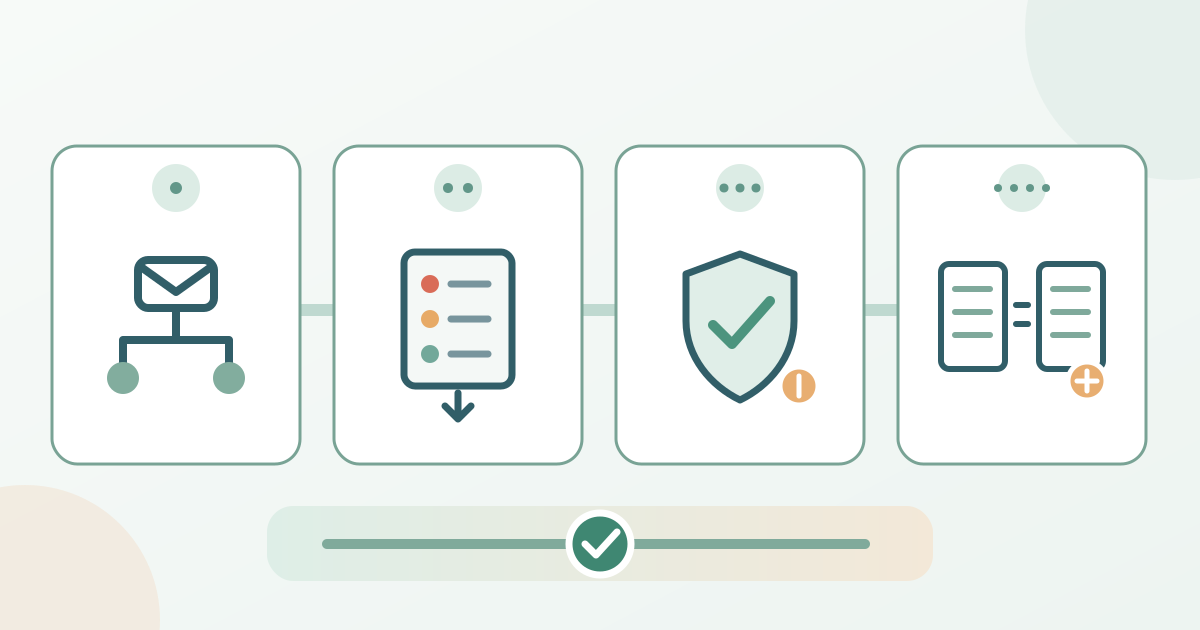
List the old and new marketing audiences, signup forms, imported files, scheduled campaigns and automations. Add any separate service-mail path to the inventory, but assess its rules separately. A platform may suppress at an audience, account, configuration-set or other scope; the word “suppressed” alone does not tell you where the block applies. Amazon SES, for example, documents account-level suppression of bounce and complaint reasons, while Mailchimp documents suppression imports per audience. Draw the actual path each promotional message will use.[4][3]
- Name the source and destination account, audience and message type.
- Identify each route that can add or update a contact during the transition.
- Assign one owner to collect exclusions and another to verify the destination.
Download the suppression migration reconciliation worksheet (English Markdown)
Export exclusions with their reasons
Take a dated source snapshot of unsubscribes or objections, complaints, invalid-address blocks and manual exclusions. Record the original reason, time, audience and provider status in restricted evidence. Include contacts whose status changed after the active-contact export. Do not assume a single “all contacts” file contains every exclusion: Mailchimp’s account backup, for example, separates subscribed, unsubscribed and cleaned contacts. If a provider has no complete export, document the gap and use its reports or API only within your authorized access.[2]
Translate each source state into a destination rule
Make a reason-by-reason map before importing. The safe target is the rule that blocks the intended marketing send, not merely a matching label. If the new tool cannot represent a reason exactly, keep its original meaning in the restricted reconciliation record and choose an exclusion state that cannot send while the case is reviewed. Verify how the destination handles an address already present as subscribed. Mailchimp explicitly says its suppression-list import does not change existing subscribed contacts to unsubscribed; that case needs a different documented operation in Mailchimp. Other tools differ.[3]
| Source evidence | Destination treatment to verify | Do not infer |
|---|---|---|
| Unsubscribe or objection | Marketing exclusion in every relevant audience | A new import renews permission |
| Spam complaint | Block the affected sending path; review wider scope | Another provider automatically knows |
| Permanent delivery failure | Keep out of sends until corrected under provider rules | A similar status means a valid address |
| Manual or campaign-only exclusion | Preserve the stated scope and owner | A campaign filter is a global opt-out |
Load exclusions before eligible contacts
Import or apply the exclusion states in the destination first. Inspect its accepted, skipped and rejected counts, including records that already existed there. Then import only contacts with a defensible marketing basis and the correct current status. Verify the destination audience or sender configuration for each send path, including scheduled and triggered messages. In Mailchimp, a suppression list belongs to one audience, so a second audience requires its own check; that is a Mailchimp-specific example, not a universal platform rule.[3]
Prove the result with sets and safe examples
Compare source and destination address sets by reason and scope, not just totals. One address may have several reasons, and “already present” may be counted differently by each provider. Investigate every missing exclusion, unexpected active status and rejected row in the restricted evidence store. For each rule, use synthetic addresses or recipient-preview and dry-run functions to verify exclusion. Do not send a live test to a person who opted out. Record the exact audience, message type, test method and result in the worksheet.
- Source exclusions missing in destination: hold and resolve.
- Destination exclusions absent from source: investigate before clearing any block.
- Previously subscribed destination contacts: confirm their final status explicitly.
- Scheduled automation or form re-entry: verify a new update cannot silently re-enable an old opt-out.
Capture late changes and preserve a small audit trail
Repeat the comparison for new opt-outs, complaints, delivery blocks and manual changes between the first export and the final cutover. Define a final cutoff time, owner and repeat check for any period when both systems can change. Release only the verified audience and message stream, then watch the first destination reports for unexpected sends or skips. If the two tools must overlap, keep one accountable route for each type of update.
Restrict access to address-level exports and keep only the information needed to honor the exclusion and explain the decision. The UK ICO recommends a “do not contact” record so a later list does not reintroduce someone who objected, while limiting retained information to what is necessary. Set retention and deletion rules for the temporary migration files under the rules that apply to your organization; the worksheet can use counts and evidence references instead of personal addresses.[1]
Sources and further reading
- Respect people's preferencesUK Information Commissioner's Office · Accessed
- Export and Back Up Account DataMailchimp Help Center · Accessed
- Import Suppression ListsMailchimp Help Center · Accessed
- Using the Amazon SES account-level suppression listAmazon Web Services · Accessed