How to Plan an Email Send-Time Test
There is no useful “best hour” until you define whose hour, which message, and what result matters. A send-time test compares delivery windows for a comparable audience while keeping the offer, subject, sender and destination steady. This guide gives you a plan you can reuse without assuming your email platform has a timing experiment feature.
Boletolibre editorial team
Published
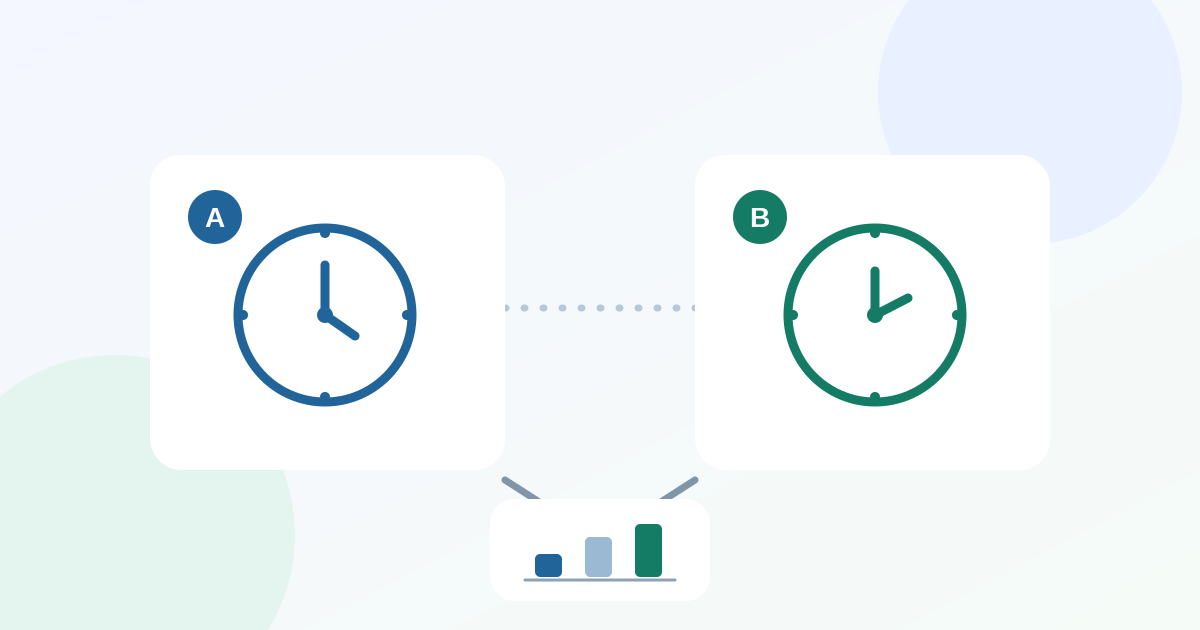
Download the test card
Download the send-time test worksheet (Markdown)
Download the editable worksheet before scheduling. It holds the hypothesis, audience, two send windows, fixed creative, metric, observation cutoff and decision. Fill it with campaign-level counts, never subscriber addresses.
Ask a narrow question
Write one comparison, such as “For this newsletter audience, does Tuesday at 10:00 or Thursday at 10:00 produce more qualified visits within 72 hours?” Do not change the day and time of day simultaneously unless that combined window is exactly the decision you need. Choose windows your team could actually use again.
If a message has an imminent deadline, stock limit or live event start, it is a poor timing experiment: the later group may have less time to respond. Send deadline-sensitive information on a schedule that serves recipients; test with a repeatable, non-urgent message instead.
Keep the comparison fair
Give each eligible person one version. A random split from the same audience is preferable to comparing separate campaigns weeks apart, because content interest and audience composition can change. Keep subject, preview, from name, creative, offer, links, landing page and eligibility rules the same. Note suppression rules and the audience snapshot before release.
Do not infer a universal hour from one small campaign. If the groups are tiny, document the counts and treat any difference as a prompt for another test, not proof. A platform’s built-in time test may impose its own audience thresholds or distribution method; review those settings before launch.
Decide which clock the test uses
State whether each window is in the account time zone, a named regional zone, or each recipient’s local time. A fixed instant and “10:00 local time” answer different questions. For a multi-zone audience, either compare the same local windows for every recipient if your tool supports it, or separate coherent regional cohorts. Record how unknown locations are handled.
Schedule far enough ahead that both variants are valid. Confirm what the platform will do if a local hour has already passed, whether recipients are frozen at setup, and whether a send-time test can be combined with other test features. These behaviors differ by provider; a test card should record the observed setting rather than assume it.[1][2]
Choose a meaningful result
Pick one primary metric before sending: qualified visits, completed actions, or unique clicks per delivered email are examples. Use the same destination and the same observation period after each variant’s send. A Tuesday message should not get three extra days of measurement just because the report was opened on Friday. Log deliveries and bounces so different group sizes do not turn raw click counts into a false winner. For a recipient-level rate, count each person once; if you use delivered emails as the denominator, also inspect outcomes per assigned eligible person because delivery or later suppression may differ by window.
Use opens only as a secondary signal. Apple Mail Privacy Protection can preload tracking pixels, and automated systems can distort opens and clicks. Check the provider’s filtering and compare downstream actions when available. A click is still an intermediate action, not a completed purchase or registration.[3][4]
Read the result without overclaiming
Build a compact readout: window A and B; eligible, delivered and bounced counts; primary metric numerator and denominator; secondary signals; and any anomaly. Compare rates calculated with the same denominator definition, even when group counts differ. Inspect whether one cohort had a content change, segment edit, outage, holiday or tracking problem.
A higher observed rate is not automatically a repeatable lift. A narrow gap on small groups, or a result that changes when bots are filtered, supports “inconclusive.” Do not retroactively switch the winning metric to whichever favors your preferred window. The purpose is to improve the next scheduling decision, not to declare a timeless best send hour.[4]
Record the next decision
Write one of three decisions: use A provisionally, use B provisionally, or repeat. Include the evidence cutoff and owner. If you repeat, keep the same audience definition and metric where possible, but use a fresh message of similar purpose. If your audience has distinct languages or regions, record them separately before averaging; a global winner may be a poor choice for a major subgroup.
Mailchimp documents send time as an A/B variable and explains why every timing variant must go to its test recipients: a winning time cannot be sent retroactively. Klaviyo’s Smart Send Time uses exploratory and focused phases with its own scale and logic. Those are examples of provider-specific implementations; the worksheet works even when you schedule two controlled variants manually.[1][2]
Sources and further reading
- About A/B TestsMailchimp · Accessed
- How to perform and analyze Smart Send Time testsKlaviyo · Accessed
- Apple Mail Privacy Protection (MPP) FAQsMailchimp · Accessed
- About Bot Activity and Bot FilteringMailchimp · Accessed