Plan an email subject line A/B test you can actually learn from
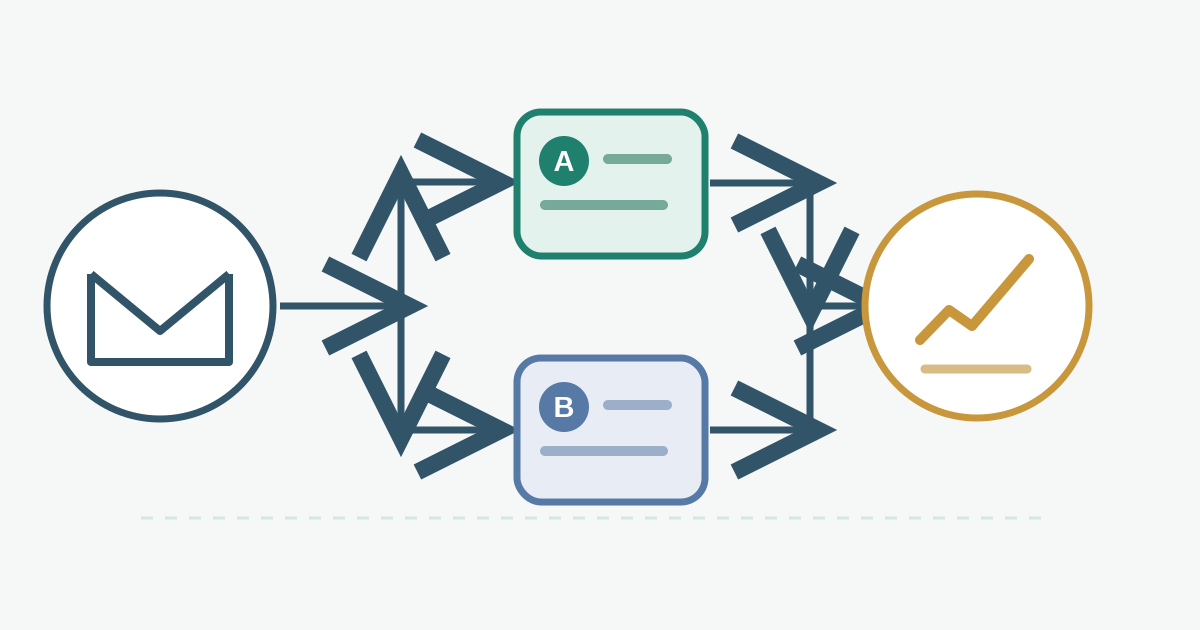
A subject line test is useful when it answers a decision you will face again. Two clever phrases alone are not a plan. Define the audience, the single change, the outcome and the stop rule before sending so a few noisy opens do not become a permanent copy rule.
Boletolibre editorial team
Published
Write one decision and hypothesis
Start with a repeatable question such as: should the registration deadline or the event name come first in the subject line? Predict a direction and why it might help readers. Write the decision this campaign can inform: a new subject for the remaining audience, or a pattern to test again next edition. A campaign with no remaining recipients can still teach you, but it cannot have a within-campaign winner rollout.[1]
Choose one campaign and one eligible audience. The test is about how the same offer is introduced in the inbox, not whether different ticket prices or event dates attract different people. If inventory is scarce or the offer could change during the test, a winner phase may be unsafe; plan to test on the whole eligible audience or skip the experiment.
Make two truthful variants
Write A as the current clear version, then change one framing element in B. For example, A: “Ceramics workshop: registration closes Thursday”; B: “Registration closes Thursday: ceramics workshop.” The date, event, eligibility and destination are identical; only the order changes. Both versions must tell the truth even if one loses. Do not disguise a price increase, invent scarcity or withhold a fact from one group.[2]
Read both subjects beside the same sender name and preview text. A preview that completes one subject but contradicts the other is a hidden second variable. Check truncation on real inbox sizes; there is no universal character count that makes every subject visible. For multilingual sends, test within a language group or document how each localized pair preserves the same contrast.
Keep every other variable fixed
Hold sender name and address, preview text, body, button, landing page, segment rules and intended send time constant. Use the provider's A/B mechanism so each recipient gets one version. Mailchimp supports subject line as one variable and can send variations to different subscribers; Brevo also offers subject-line tests, but controls and thresholds differ. Do not mix recipients from different lists by hand and call the groups comparable without checking overlap and eligibility.[1][5][4]
Preview both combinations and open every link. Inspect personalization with the provider's recommended method: ordinary test emails may not render contact-specific fields like a live send. If a last-minute venue or ticket fact changes, stop and repair both versions together; the experiment is secondary to a correct message.
Choose groups and a usable test window
Decide the split and observation period before looking at results. Record the number of eligible contacts, expected delivered contacts per variant, any reserved remainder and the exact time the remainder would send. The groups should be comparable and see the message in the same practical window. A longer wait gives clicks time to arrive, but a time-sensitive event may make a late winner irrelevant.[2]
Do not borrow a sample-size rule from another platform as a guarantee. Mailchimp recommends at least 5,000 subscribed contacts per combination for its most useful data, while smaller tests can still reveal preferences; that is guidance, not a significance certificate. If the audience is small, treat this as a directional observation and repeat the question later rather than claiming the wording caused a stable lift.
Set the outcome and guardrails before launch
For a ticket campaign, use unique clicks to the intended registration link divided by delivered messages as the main operational measure. Define the denominator and reporting cutoff exactly, and keep a separate count of completed registrations if that data is reliable. Clicks may include automated activity; unusual bursts or many clicks with no page visits require investigation. Opens can be a secondary diagnostic, but Apple Mail Privacy Protection can inflate them. Mailchimp warns that an open-based A/B winner may be inaccurate.[3][6][7]
Choose guardrails before launch: no broken destination, no contradictory subject, no spike in complaints or unsubscribes, and no winner rollout if an offer or ticket inventory changes. Platform options vary: some automatically send a winner to a reserved audience; others permit manual selection or an all-audience test. Confirm the actual setting and the moment it will act. An automatic winner based on campaign-wide click rate may differ from this registration-link metric. If it does, choose manual review or a whole-audience test where the provider allows it. Set the minimum practically useful gap and how you will assess uncertainty before launch; a numerical lead alone is not a credible difference.[2][5]
Read a small result without inventing certainty
Suppose A reaches 3,000 delivered recipients and 84 uniquely click the registration link; B reaches 3,000 and 96 click. A is 2.8%, B is 3.2%. The difference is 0.4 percentage points, or 12 extra observed clickers in B. It is not proof that B will win next time. Check whether deliveries, segment mix, send times, bot filtering and link tracking are comparable before interpreting the gap.
If 22 registrations follow A and 20 follow B, do not claim that B sold more tickets because its click rate was higher. Registrations may come through another path and attribution may be incomplete. Record both measures and their limits. A small campaign can end with “no clear preference”; that is a valid result and often the safer decision.
Decide what to send next
Use the precommitted rule: if the test window ends with a credible difference and guardrails pass, send the selected version to the reserved audience at the planned time. Otherwise use the approved control or make a manual decision with its reason recorded. Never restart a delayed event campaign merely to finish the test after its practical deadline.[2]
Save the two exact subjects, hypothesis, audience, split, send times, delivered counts, unique clicks, conversion evidence, anomalies, decision and reviewer. Reuse the finding only for a similar audience and offer. A new edition with different timing or an altered segment is a fresh test, not a replication of the original result.
Download the test card
The editable card below puts the choices in one place before launch and gives the analyst a bounded conclusion afterward. It does not run a test or calculate statistical confidence for you.
Sources and further reading
- About A/B TestsMailchimp · Accessed
- Create an A/B TestMailchimp · Accessed
- Apple Mail Privacy Protection (MPP) FAQsMailchimp · Accessed
- Preview and Test Your EmailMailchimp · Accessed
- Create an A/B test campaignBrevo · Accessed
- About Bot Activity and Bot FilteringMailchimp · Accessed
- About Open and Click RatesMailchimp · Accessed