Publish a tournament bracket on an event website and keep results accurate
A tournament bracket answers a different question from an event agenda: who faces whom, which result is confirmed and what happens next. The event website should make that answer easy to find without suggesting that a decorative diagram is automatically current. Use the approved competition record, name the person who can change it and test the published visitor view before announcing the link.
Boletolibre editorial team
Published
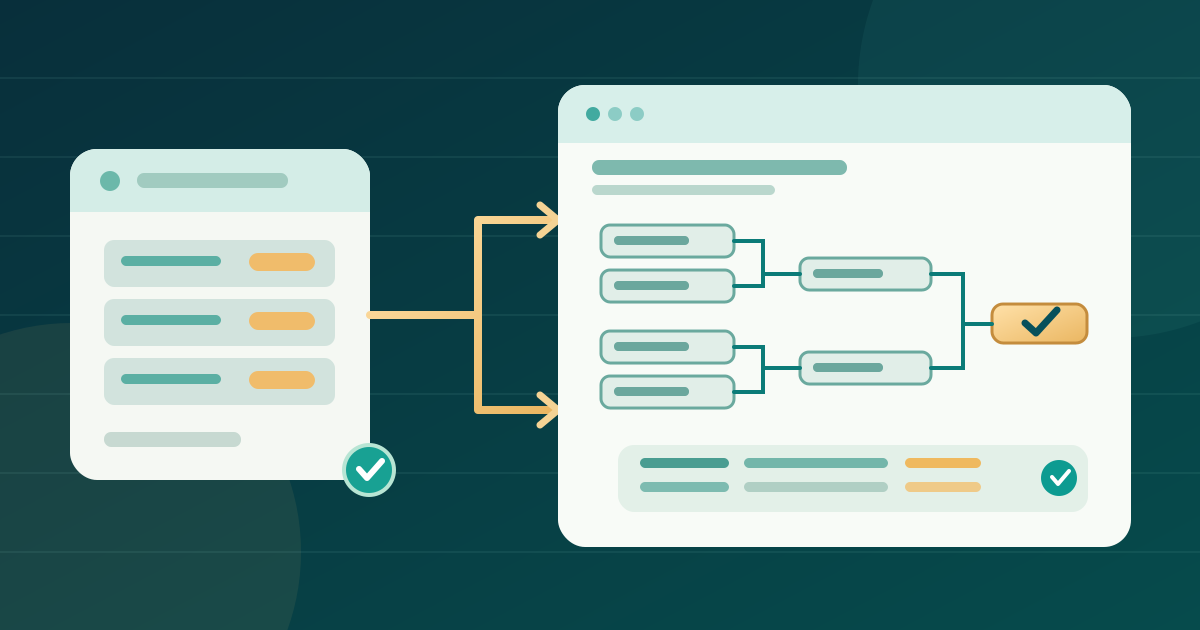
1. Fix the competition scope and source
Download the editable bracket source, result and release worksheet (English Markdown)
Identify the exact tournament, division and event edition before choosing a widget. A festival with several age groups or game formats needs a clearly named bracket for each public competition; an unlabeled all-event graphic makes the visitor guess. Ask the competition lead which participant names, seeds, match times, locations, results and statuses are approved for public display. Keep private contact notes and unconfirmed scores out of the source you publish. Record the authoritative results system and the person allowed to approve a correction. If the event agenda already lists match times, reconcile its date, room and time zone with this bracket rather than maintaining two contradictory schedules. The worksheet separates the approved source from the website editor and the person who verifies the live page.
2. Choose the bracket view people actually need
Confirm the competition format with its owner instead of selecting a visually appealing default. A single-elimination tree, double-elimination draw, group stage and round-robin standings show different relationships; a generic knockout picture cannot stand in for every format. Decide whether the public page needs upcoming pairings, confirmed results, or both. Give rounds and divisions explicit names, and distinguish a scheduled match from a completed one without relying only on color. Use stable match identifiers in the editorial record so a corrected score is attached to the right pairing. When a bracket is large, offer a division selector or separate links with clear labels rather than shrinking everything into an unreadable image. Test the actual source with sample approved entries before publishing.
3. Pick embed, native page or direct link
A provider-hosted bracket can be embedded if both the provider and website editor support it. Jotform, for example, documents a Bracket Maker widget whose embed code is copied after its widget is published; its named settings are specific to Jotform. Check the chosen provider's current share permission, URL, update behavior and account owner before using its instructions. A native page gives the website team direct control over a match list or table, but every approved change must then be published there. A direct link to the hosted bracket is a valid primary route when embedding is unsupported or hard to use on a phone. The link must reach the same public competition and should be labeled by tournament and division, not merely “bracket.” Do not promise automatic synchronization from an embed without verifying this provider and configuration.[1]
4. Keep match facts readable beyond the diagram
A visual tree can be useful for scanning progression, yet its lines and colors may carry information that a short image description cannot. Provide a nearby text match list with round, pairing, status and confirmed result, or a well-structured data table when those fields genuinely form rows and columns. State which match advances to which round when that relationship is not otherwise clear. W3C explains that complex diagrams need an equivalent detailed description and that data-table headers should identify the related cells. If you use an iframe, give the frame a descriptive title such as the named division bracket; W3C's iframe technique labels the frame, not the content inside it. Test keyboard access inside the provider view and through the direct link. If it fails, keep the textual route usable and ask the provider about its interface.[2][3][4]
5. Publish the right context around the bracket
Put the bracket under a page heading that names the competition and edition. Explain when results are considered confirmed, identify the time zone for scheduled matches and link back to the relevant event or ticket page. Show a last-verified time only if someone will maintain it; otherwise it can falsely imply that a stale view is current. Place the direct provider link near an embed so a visitor has a route if the frame is blocked or cramped. Do not print a score or winner in the surrounding page unless that text has the same update owner as the bracket. On the final published URL, open the page signed out and on a phone, follow the division links, inspect the bracket at narrow width and check that the match list says the same thing. If the event is listed on Boletolibre.com, link this bracket page to that event's ticket page; the bracket itself may live elsewhere.
6. Reconcile each confirmed result before announcing it
Agree who receives an official result, who approves it, who edits the bracket and who checks the public page. Record match ID, approved score or status, source timestamp, editor and observed published result. After a change, reload the public page in a fresh visitor session instead of trusting the editor preview. Check the specific pairing, winner path and related match time; then update any separate text list, agenda entry or event-day announcement that repeats the fact. A delayed provider view, cached page or copied image can show an older result even while the source record is correct. Label an unverified score as pending only if that status is part of the event's approved communication; otherwise wait for confirmation. The worksheet gives each update a small evidence trail without placing private production notes on the public page.
7. Test failure states and close the page after the event
Test a slow or blocked embed in a staging page or browser network simulation. If only the embed fails, confirm that the direct provider link still opens. If the provider itself is unavailable, that link can fail too: keep the event page readable, state the accurate current status and provide the event's real update route. A dated last-confirmed match list may help visitors, but label its timestamp and do not present it as live. Repeat the phone and keyboard check after the final result, then mark the bracket final only after the competition owner approves it. Decide whether the completed event page keeps the final results, points to a permanent record or removes a temporary widget. Preserve the public URL or give it a deliberate successor so links shared during the event do not lead to an unexplained blank page.
Sources and further reading
- How to Embed Tournament Bracket to Your WebsiteJotform Help · Accessed
- Complex ImagesW3C Web Accessibility Initiative · Accessed
- Tables TutorialW3C Web Accessibility Initiative · Accessed
- Using the title attribute of the iframe elementW3C Web Accessibility Initiative · Accessed