Event website embed dependency and fallback checklist
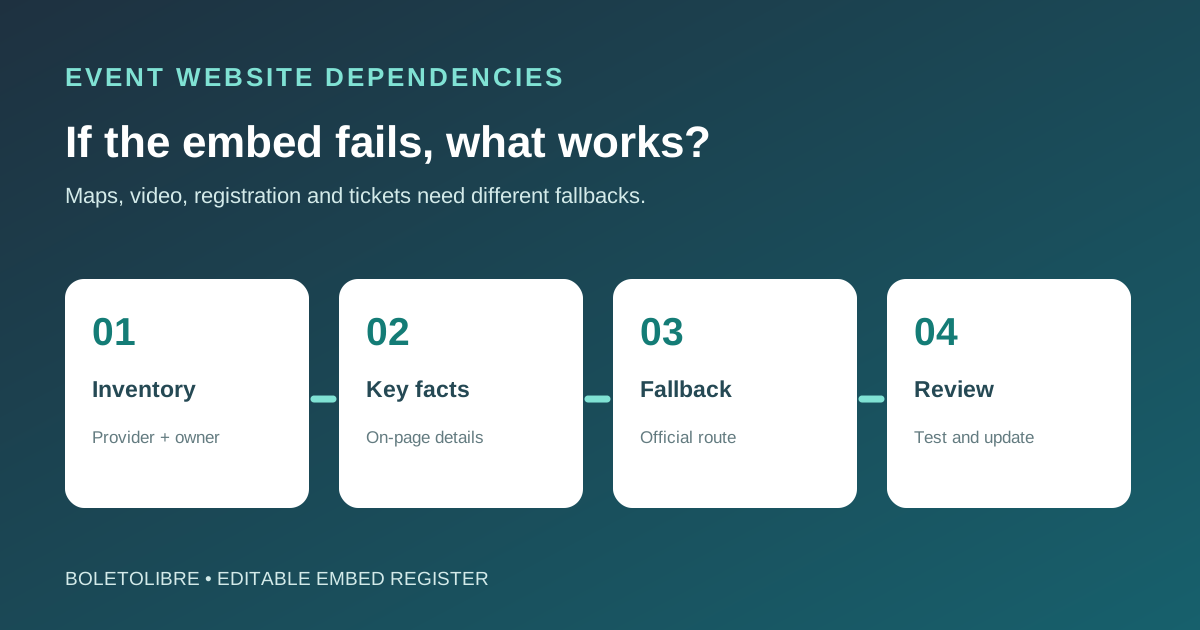
A map, livestream, form or ticket widget can look like part of your event page while another company actually serves it. If its URL, permissions or service changes, the page may lose information or a critical action. Keep an inventory of what each embed does, who owns it, and what attendees can use when it fails.
Boletolibre editorial team
Published
List each embed and its owner
Download the editable embed dependency register (Markdown, English)
Record the page, external provider, content owner, account or permission owner, renewal or expiry date, and the task the embed supports. Distinguish a decorative social feed from an essential registration or ticket path. Note the provider’s canonical URL and its official support route. A provider can change markup or permissions without your site code changing.
Keep key event facts outside the embed
Put venue address and arrival instructions in normal page text even when a map is embedded. Put essential schedule details outside a calendar widget, and explain the video’s subject with a direct link and appropriate caption/transcript support. This lets the page make sense when an embed is blocked or unavailable. Do not make a social post the only source of a change to time or location.[1][2][3]
Design a fallback for each attendee task
Test with the embed unavailable and on a phone and keyboard. A map can fall back to the written address and verified directions; a video can offer a direct player link and text alternative. For a registration or ticket widget, provide only an official, tested alternate path or a support contact with the correct status. A static placeholder cannot accept a booking or prove payment is available. Decide who switches the fallback on and how attendees learn of an actual outage.[1][2][3]
Review after vendor or event changes
Use the editable register to capture last check, failure simulation, fallback URL, owner, next review and evidence. Recheck before on-sale, after vendor account or privacy-setting changes, and when the event date or location changes. Retire expired embeds and links. Performance tuning is a separate job: keep the fallback and attendee journey intact when changing how an embed loads.[1][2][3]
Sources and further reading
- Managing Embedded ContentUniversity of Missouri-Kansas City · Accessed
- Best practices for using third-party embedsGoogle web.dev · Accessed
- Accessibility PrinciplesW3C WAI · Accessed