Find orphaned event pages after a CMS migration
After a CMS move, a session page can still load by its direct URL while vanishing from the event navigation. Another may be absent from the new site altogether. A page is truly orphaned only when no other page on the site links to it; missing from a menu alone is not proof. A three-list reconciliation makes these cases visible without treating every crawl gap as a broken page.
Boletolibre editorial team
Published
Build three comparable URL inventories
First collect the approved public URLs from before the move: event hub, programme, venue, access, speaker and durable past-edition pages. A former sitemap, CMS export and pre-move crawl can each help; none is guaranteed complete. Keep drafts, staff-only pages and temporary checkout URLs out of this public set.[4]
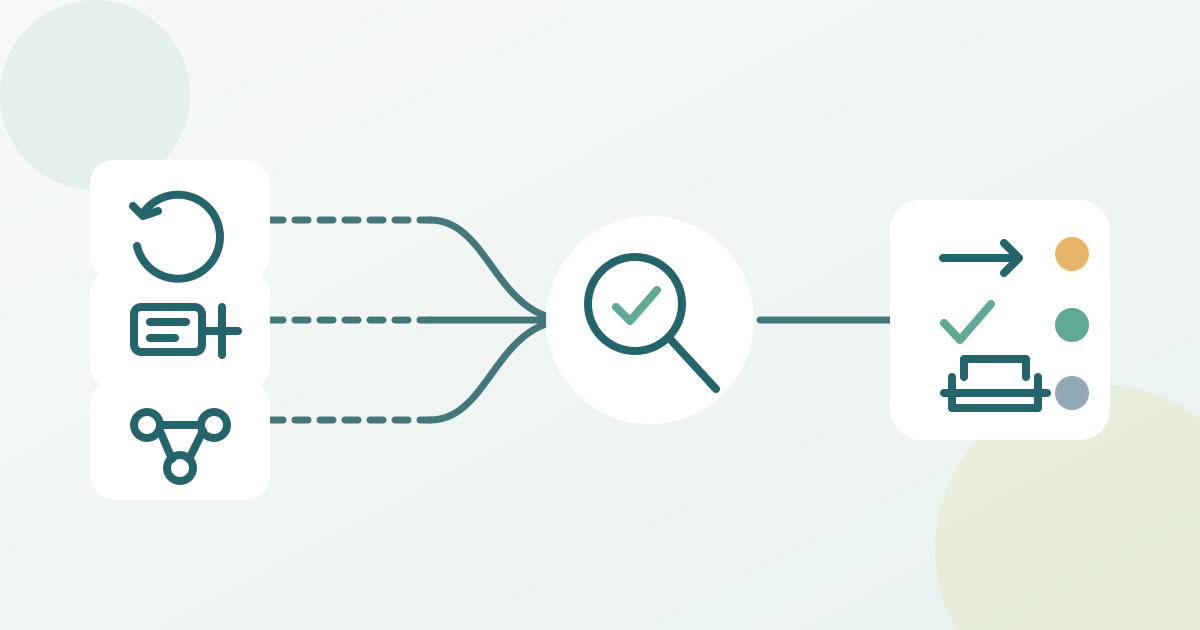
Next export the new CMS’s published public URLs, including its current sitemap where available. Finally crawl the live site by following internal links from the event hub and main navigation. Record the crawl start point, exclusions and URL limit. The three sets answer different questions: what existed, what is published, and what an attendee or link-following crawler can reach.[2][1]
Turn differences into review candidates
Match old URLs to the intended new URL before comparing strings. A changed path is not a lost page if it has an appropriate destination. Flag two useful groups: old public pages with no approved destination, and new public pages that the link crawl did not reach. Also flag a page that appears only in the sitemap; a sitemap can help discovery but does not replace an internal route or guarantee indexing.[4][2]
Treat every flag as provisional. A crawler stopped at a page cap, blocked from part of the site, or unable to see a rendered link can miss a valid path. Query-string variants and duplicate URLs can inflate the count. Note the cause of the gap and rerun an adequate crawl before declaring a page orphaned. Search Console’s indexing buckets are not a count of pages without internal links.[1][5]
Verify the page and its intended role
Open each priority URL directly and then try to reach it from the public event hub. Check the final destination, current event edition, date, venue and ticket path. For a useful published page, identify the exact page that should link to it. For a moved page, confirm that the old address leads to the equivalent new content. For an intentionally retired or private page, record that decision rather than restoring it just to clear a report.[4]
Use URL Inspection for a specific URL when you need Google’s indexed-version information or a live test. Its indexed data can lag a recent migration; a successful live test does not promise indexing. Neither result proves that attendees can navigate to the page. Keep the human route test and the Search Console observation in separate worksheet columns.[5]
Choose the right repair
If a retained page is missing an internal route, add a relevant, descriptive HTML link from the event hub, programme or related guide. If the address changed, map the old URL to the matching new page with a direct permanent redirect and update your own internal links. Do not send unrelated old pages to the homepage merely to erase 404s.[1][4]
If content was merged, point the old URL to the page that now contains it. If it was truly removed, decide on an appropriate retired or archived outcome. Keep the sitemap aligned with preferred public canonical URLs rather than listing every variant. These are separate decisions: a redirect preserves an old entry point, a link creates a route within the new site, and a sitemap signals preferred discovery URLs.[4][3]
| Review result | Evidence to record | Next action |
|---|---|---|
| Needs link | New public URL loads; the agreed attendee route is absent after a scoped crawl and manual check | Add a relevant HTML link and retest |
| Moved | Old URL and equivalent new URL are both identified | Check direct redirect and update internal links |
| Retired | Editor confirms no current public replacement | Record archive or removal decision |
| Crawl uncertain | Page cap, exclusion or rendered-link gap remains | Expand crawl and verify manually |
Recheck the attendee route
After edits publish, start at the event hub on a phone and follow the exact route to each repaired page. Open the old URL separately where a redirect is expected. Recrawl with known scope and enough capacity, and verify that the new link is present in rendered HTML. Record the reviewer, decision, evidence and retest date so the same URL is not repeatedly “fixed” by different teams.[1][4]
Use the worksheet below to keep one row per intended public page. Its status choices separate “needs link,” “moved,” “retired,” “private/draft” and “crawl uncertain.” The last choice matters: an incomplete crawl should create a follow-up, not a false failure.
Sources and further reading
- Link best practices for GoogleGoogle Search Central · Accessed
- Learn about sitemapsGoogle Search Central · Accessed
- Build and submit a sitemapGoogle Search Central · Accessed
- Site moves and migrationsGoogle Search Central · Accessed
- URL Inspection toolGoogle Search Console Help · Accessed