When email language and checkout locale disagree: a decision guide
A buyer checks out in Spanish, but the confirmation arrives in English. Or the receipt is Spanish while the next campaign is English. Those are different questions: which language did this order use, what did this contact explicitly request for future email, and which translation can the sending system actually deliver? This guide turns the conflict into an auditable choice instead of a silent field overwrite.
Boletolibre editorial team
Published
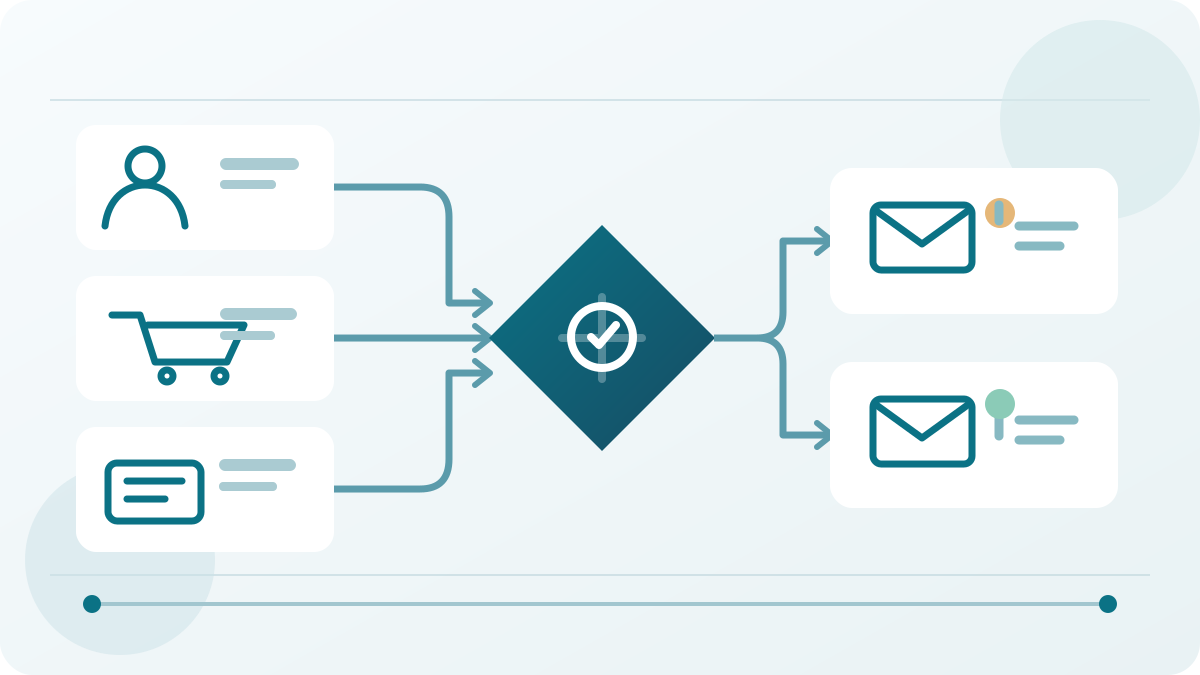
First locate the mismatch
Collect one order ID, the exact recipient address, checkout language at purchase, delivered message type, rendered language, and send time. Look at the delivered subject and body, not only an editor preview. A mismatch can come from an unlocalized notification, a stale contact field, a different buyer and attendee, or a rule that deliberately treats an order notice differently from a campaign.[1][2]
Do not infer a platform defect from one screenshot. Shopify says that, when an email notification translation is available, it sends notifications in the language used to place the order; its customer-profile language can also be edited. Check the published language, saved translation, customer profile, and actual notification preview for the relevant order before escalating. That is Shopify behavior, not a universal email rule.[1][2]
Name each language signal
Keep three concepts apart. Checkout locale describes a particular shopping session or order. An explicitly chosen email language describes a contact preference and may outlive that order. A browser-detected language is a weaker observation; it can reflect a shared device or a temporary setting. Mailchimp documents both detected browser language and a language field that people can choose at sign-up.[1][2]
Store provenance with the value: language tag, source, timestamp, scope (order or contact), and recipient identity. If a buyer purchases for someone else, decide which person receives each message before selecting a language. Never convert the checkout locale into a durable contact preference automatically. Language choice also does not create marketing consent.[1][2]
Write separate rules for order and marketing email
Make a written rule for each message class. For an order-specific confirmation, first inspect the commerce or notification provider contract; a Shopify setup with available translations normally follows the order language. If your provider permits a choice, use the order context for order facts unless a verified recipient override is supported. Keep the chosen value on the order so later edits to a contact do not rewrite the history of that send.[1][2]
For a marketing message, prefer a current explicit contact choice when a reviewed version exists. If it does not, use a documented fallback or hold the send for review. A checkout locale can be a provisional signal, but one purchase should not silently replace an explicit marketing preference. Document who can edit the choice and how a later preference update affects future sends.[1][2]
| Message | Candidate language | Before sending |
|---|---|---|
| Order confirmation | Order language, subject to provider behavior and supported override | Confirm published notification translation and recipient |
| Marketing campaign | Explicit current contact preference | Check consent, translated full journey, and fallback |
| No acceptable translation | Reviewed default or hold | Record decision; do not quietly substitute |
Normalize tags and choose a reviewed fallback
Normalize input before matching it to content: trim whitespace, use a valid language tag, and distinguish language from region. W3C explains that a short tag such as es can be sufficient, while es-MX carries a useful regional distinction when the content really differs. Preserve the original value for audit; map to a supported translation only through an explicit, reviewed table.[3][4]
Do not silently assume es-MX, es-ES, and es-419 are interchangeable. Define the permitted fallback order for your content and legal requirements, such as exact regional version, approved base-language version, then a published default. If no acceptable version exists, hold a non-urgent campaign or seek a reviewed alternative. Mailchimp conditional content can use an ELSE branch when language is missing or unmatched; that is a fallback to inspect, not proof that the preferred language was delivered.[3][4]
Translate the whole message and journey
A localized body under an English subject still feels wrong. Review subject, preheader, headline, body, button, linked landing page, date and time, currency, support route, and footer. Verify that any required policy or unsubscribe information remains understandable in the selected language. For order mail, confirm that names, order facts, and ticket details remain accurate when wording changes.[1][3][2]
Check the actual tool boundary. Mailchimp documents conditional merge blocks for translated email content but says that this method cannot translate the subject line; separate language-specific sends may be needed for a fully localized campaign. Shopify provides saved notification translations and a language selector in its preview. Do not assume either feature applies to another sender or every editor mode.[1][3][2]
Run a send-level test matrix
Test synthetic records before a live audience. Include explicit preference versus conflicting checkout, no preference, unsupported region, changed preference after purchase, and separate purchaser and attendee. For each case, write the expected language, which rule selected it, the exact template version, and what should happen if that version is absent.[1][3]
Send to controlled inboxes and inspect the delivered subject, preheader, body, links, and footer. Compare the send log with the recorded input values and selected rule. If the result differs, fix the mapping, translation inventory, or provider configuration and repeat the same case. The worksheet below gives a compact decision ledger and test matrix.[1][3]
Sources and further reading
- Translating checkout and email notificationsShopify Help Center · Accessed
- Manage International Subscribers in MailchimpMailchimp Help · Accessed
- Translate Content in an EmailMailchimp Help · Accessed
- Choosing a language tagW3C Internationalization · Accessed