Restore a published WordPress event page revision after a wrong edit
A wrong edit on a published WordPress event page does not always call for a whole-site restore. If that Page or Post has a suitable saved revision, compare it with the approved event facts before changing the live page.
Boletolibre editorial team
Published
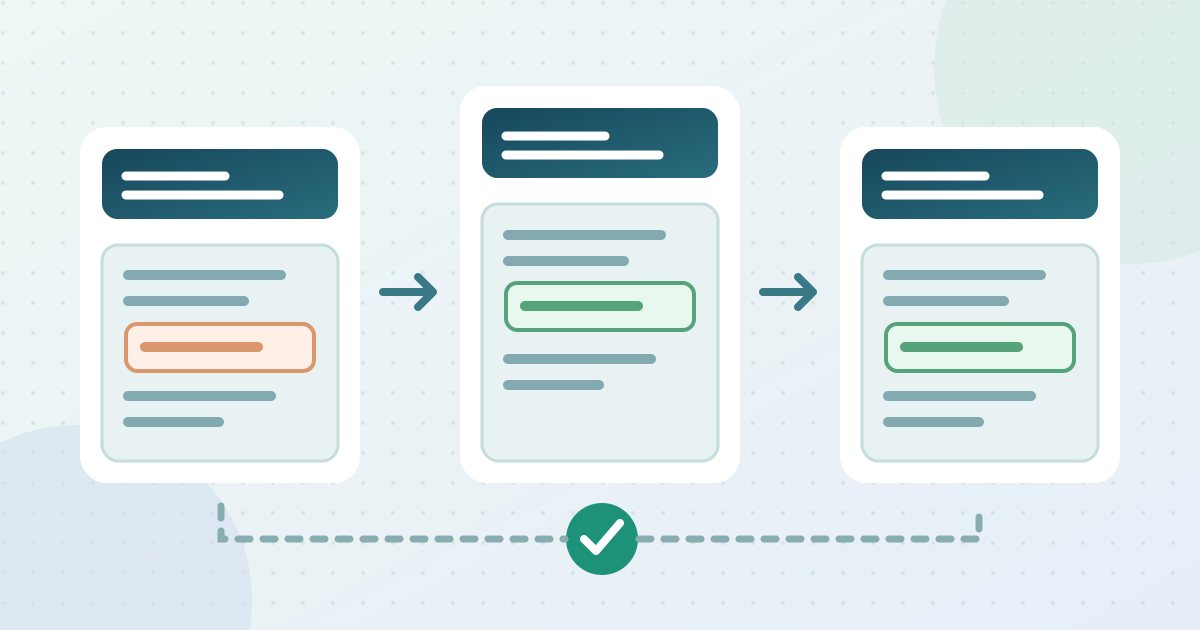
Find the affected page and a suitable revision
Download the event-page revision and public-check worksheet (Markdown, English)
Record the live URL and the approved date, venue, admission terms and ticket destination. Open the affected Page or Post in WordPress. In the editor Settings sidebar, choose Page or Post and open Revisions. Select the last approved version, not merely the oldest one.[1]
Check what the revision will cover
Compare highlighted changes before restoring. WordPress tracks title, author, content and excerpt by default. Check plugin event fields and external checkout separately. If no suitable revision exists, or the error is outside revisioned content, ask the site maintainer or provider for the recovery path.[1]
Restore the chosen version
When the differences match the intended correction, use Restore in WordPress and follow any editor save prompt. Avoid replacing a later valid price, venue or access change with older copy; reapply approved changes that the chosen revision would remove.[1]
Verify the public page and record the correction
Open the published URL signed out, including on a phone. Check date, time zone, venue, admission wording and the actual ticket link against the approved record. Record the result and tell the content owner what changed. If an incorrect fact was already shared elsewhere, use the event’s approved correction route; a page restore does not update old messages.
Sources and further reading
- RevisionsWordPress.org Documentation · Accessed