Audit an event registration path in GA4 without inventing sales
An event page can attract visitors, send some to a ticket link and still leave the organizer unsure where registrations stall. A GA4 path exploration can reveal observed next actions; a funnel exploration can count users who complete a defined sequence. Neither creates checkout data that the property does not collect. This audit begins with the measurement boundary and ends with one testable page or handoff fix.
Boletolibre editorial team
Published
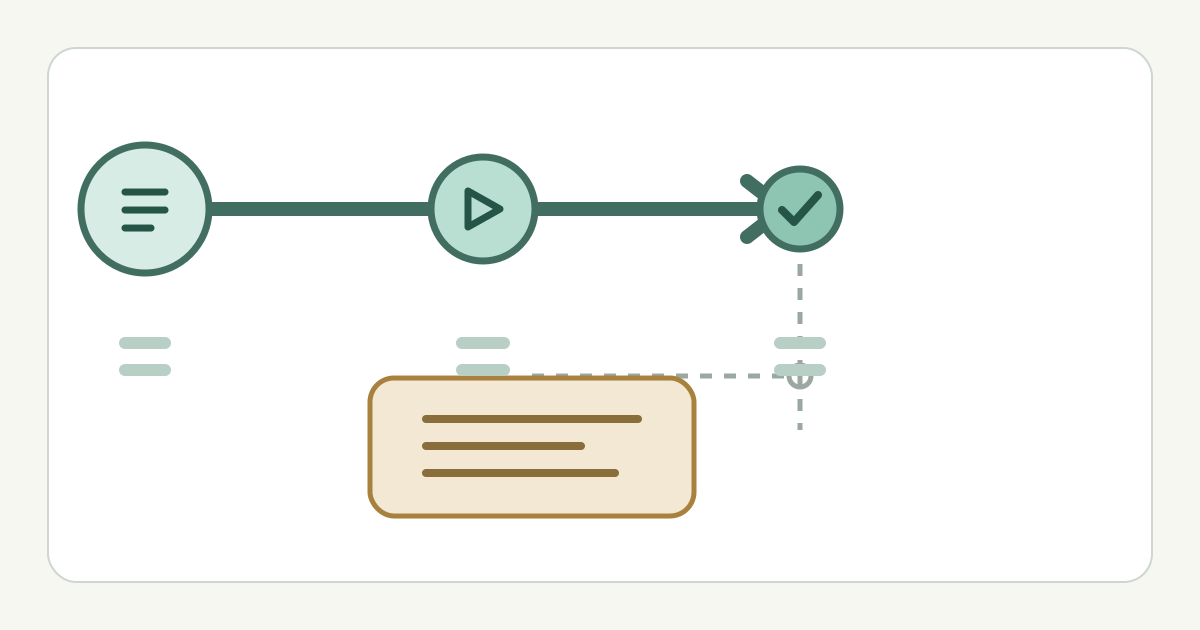
Choose one event page and one task
Name the event edition, live landing-page URL, date range and intended action. For a paid event, the intended action may be a completed order, but the website may only observe a ticket-link handoff. Write that limit at the top of the audit. Keep campaign, page and checkout changes in the same time window; otherwise a count difference can be a change in instrumentation or traffic mix.[1]
A landing-page report is session-scoped and identifies the first page in a session. Use it to find the relevant landing URL and its traffic sources, then inspect the on-page route. Do not divide a session count from this report by a user count from an Exploration and call the result a conversion rate.[1]
Inventory evidence before drawing a funnel
List the observable signals in order: event-page view, ticket CTA event, registration or checkout start, and accepted order. For each, write the system, event or record definition, and whether it is actually collected. A hosted checkout or same-domain button does not automatically provide the same GA4 outbound-click signal as an ordinary outbound link. Check the published link and a controlled test before assuming an event exists.[4]
Use the ticket provider or registration system as the source for accepted orders. Put those orders in a separate evidence column if you cannot reliably link them to GA4 users. A matching date and total do not establish person-level attribution; payment pending, refunds, duplicate clicks and different time zones can all change the comparison.
Run a small controlled trace before treating a click or form start as a stage. In a fresh browser, record the property, consent state, device, page URL and time; load the published page and follow the actual ticket CTA once. In DebugView, check the event name and parameters you plan to use in a funnel condition, including the page URL or link destination when those values are present. Repeat for a mobile layout or alternate CTA if it renders differently. If the expected signal is absent, mark that stage unavailable and locate the collection boundary before counting drop-off.[4][5]
Explore actual next actions, then define steps
In Explore, start a Path exploration from the event page path or a tested event. Follow the next pages or events to discover detours such as an FAQ, a second ticket button, or a loop back to the page. Google says path nodes can represent users or events; note which measure you are reading. A path can span sessions within the selected date range, so it is a discovery view rather than a single-session checkout transcript.[2][3]
Once the intended sequence is observable, create a Funnel exploration with named conditions. Choose a closed funnel when everyone in the analysis must first reach this event page; an open funnel admits people at later steps. Choose indirect steps when intervening actions are legitimate, and a time limit only when the task needs one. GA4 counts users who complete steps in the specified order, and reports only their first qualifying sequence during the date range. In GA4, open Explore > Funnel exploration, confirm the property and date range, and edit each step with an event or dimension condition rather than a metric. A three-step example is a page_view restricted to the event-page path, the verified ticket-CTA event, and a verified form-start event if one exists. Record the exact conditions, step order, direct or indirect relationship, time limit and filters in the worksheet; replay one controlled visit before reading rates. A view of the event page does not establish that the session landed there, so label the first step as a page view unless landing-page eligibility was verified separately.[2][3]
Read stage loss with the right denominator
Read adjacent stages using one funnel and one unit. In an illustrative closed funnel, 500 users viewed the event page, 180 reached the measured CTA event and 90 reached a measured form-start event. The page-to-CTA progression is 180 ÷ 500 = 36%; the CTA-to-form progression is 90 ÷ 180 = 50%. The 320 and 90 differences identify where to investigate, not why those people stopped.[3]
If the hosted form does not send a verified start event into the same property, stop the GA4 funnel at the CTA. Do not append 54 provider orders as a fourth GA4 step or report 54 ÷ 90 as a measured form completion rate. Instead display 54 accepted orders beside the GA4 path with its own time window and data definition. A funnel step based on a missing signal will make a measurement gap look like abandonment.[3]
When a path node and funnel stage disagree, check their contracts before declaring abandonment. A path can display event counts, so repeated button clicks may outnumber people; a funnel counts users who satisfy the ordered steps and reports only the first qualifying sequence. Compare the same dates and page-path filter, then inspect whether direct-following rules, a missing event or an open versus closed entry explains the difference. Save the original settings and change one condition at a time. A larger path node is a clue to investigate, not evidence that the funnel lost sales.[2][3]
| Stage | Observed count | Source and unit | Interpretation |
|---|---|---|---|
| Page view | 500 | GA4 funnel users | Entry into the defined sequence |
| Ticket CTA | 180 | GA4 funnel users | 36% reached this step |
| Form start | 90 | GA4 funnel users, only if tested | 50% of CTA step reached this step |
| Accepted order | 54 | Provider records, separate | Not a GA4 funnel step without a verified join |
Investigate one break and record a decision
Inspect the biggest well-measured break on a phone and with a keyboard. Compare the event facts, ticket price and destination that a visitor sees before and after the button. Check whether the CTA event fires once, the destination loads, and the registration system records the result. Use DebugView or a controlled test for event collection; it is diagnostic evidence from that test device, not proof that every visitor was tracked.[5]
Write one finding, one plausible explanation and a falsifiable next check. For example: “CTA progression fell after the new pricing block; verify the displayed total and replay the mobile handoff before editing copy.” Assign an owner and review date. If the data cannot separate content friction from tracking loss, label the finding inconclusive and repair the evidence first.[5]
Consider an alternative deployment with the same 500 page-view and 180 CTA users, but a hosted form start that does not reach GA4 in a controlled test. The 36% page-to-CTA progression remains observed; the illustrative 90 form starts from the table cannot be reused, so the form-start rate is unavailable even if the provider lists 54 accepted orders. Record that gap and ask the form owner whether a reliable same-property handoff can be tested. Separately replay the CTA and form on a phone and check event facts, price, load and confirmation. The first action may be to repair instrumentation, not rewrite the event page; only add the form step after a later trace verifies it.[5][3][4]
Download the stage-audit worksheet
Download the registration-path audit worksheet (English Markdown)
Use the localized worksheet to record each stage, its source and unit, the calculated adjacent progression, known gaps and one next check. Keep a dated copy with the event edition so later reports do not silently compare different page versions.
Attach a reproducible handoff to the decision: property and stream, event edition, URL, report dates and time zone, exact step conditions, funnel entry and following rules, filters, metric unit, controlled-test trace, and provider-order definition. Name the owner and next review date for each unresolved stage. If the next analyst changes a condition or page version, start a new baseline rather than presenting the new rate as an improvement. The worksheet is complete when someone else can repeat the count and understand what remains outside GA4.[3][5]
Sources and further reading
- [GA4] Landing page reportGoogle Analytics Help · Accessed
- [GA4] Path explorationGoogle Analytics Help · Accessed
- [GA4] Funnel explorationGoogle Analytics Help · Accessed
- [GA4] Tutorial: Measure outbound clicks for a websiteGoogle Analytics Help · Accessed
- Monitor events in DebugViewGoogle Analytics Help · Accessed