Measure event ticket-link clicks in GA4 without calling them sales
A ticket button on your event website may send a visitor to a separate checkout. If GA4 is already running on the page, its outbound-click measurement can help you count that handoff. First confirm the link type, then verify the event and label the report correctly.
Boletolibre editorial team
Published
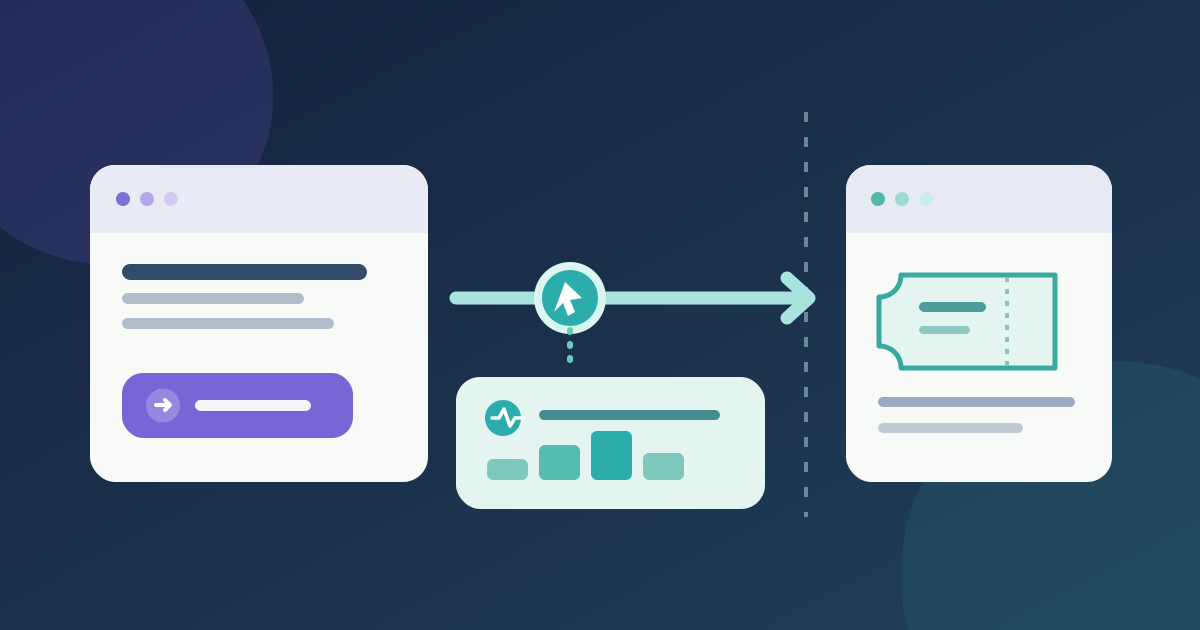
Map the actual ticket-link boundary
Download the ticket-link measurement and QA sheet (English Markdown)
List every ticket call to action on the live event page and copy its actual destination. The default outbound method applies to a link that leaves the page’s domain. It does not cover a same-domain route or an embedded checkout merely because the next screen looks separate. Domains configured for cross-domain measurement also do not trigger default outbound-click events. Record those cases before changing settings.[1]
Enable the appropriate GA4 measurement
If GA4 is already tagged on that page, open its web data stream under Admin → Data streams. Inspect Enhanced measurement and its Outbound clicks option with the analytics owner. Google’s click event can record outbound links with Link domain and Link URL. Keep the site’s existing consent and privacy controls in place; enabling an option changes what is collected. Check for a duplicate custom tag before adding another click event.[2]
Test one real visitor path
From the published page, click one actual ticket link in a controlled test and confirm that it reaches the intended checkout. Use Tag Assistant to enable debug mode for your own device, then inspect the click event and link URL in DebugView. Google notes that client-side privacy controls or missing consent can prevent debug events from appearing. Record the test state and repeat for each distinct destination and mobile layout.[3]
Report clicks beside, not as, orders
Build a blank Exploration with Link domain, Link URL, Outbound and Event count, as Google’s tutorial shows. Inspect the specific ticket destination and date range; note the page and event edition the report covers. This is a count of observed outbound click events, not unique visitors, completed checkouts or issued tickets. Keep provider orders or tickets in a separate column with their own definition and time window. For a same-domain button, use a separately tested measurement method instead of labeling it outbound.[1]
Sources and further reading
- [GA4] Tutorial: Measure outbound clicks for a websiteGoogle Analytics Help · Accessed
- Enhanced measurement eventsGoogle Analytics Help · Accessed
- Monitor events in DebugViewGoogle Analytics Help · Accessed