Audit an event image for Google discovery beyond its filename
A team renames `IMG_0421.jpg` to a keyword-rich event filename, but the photo still does not appear where they expect in Google Images. The name is only one small signal. An editor can make more progress by tracing the published page, the actual image element, what the surrounding content explains, and what Search Console can really show. This guide provides a one-image audit, not a promise of ranking. Use the localized evidence sheet to separate a visible browser image from a discoverable asset and from measured search traffic.
Boletolibre editorial team
Published
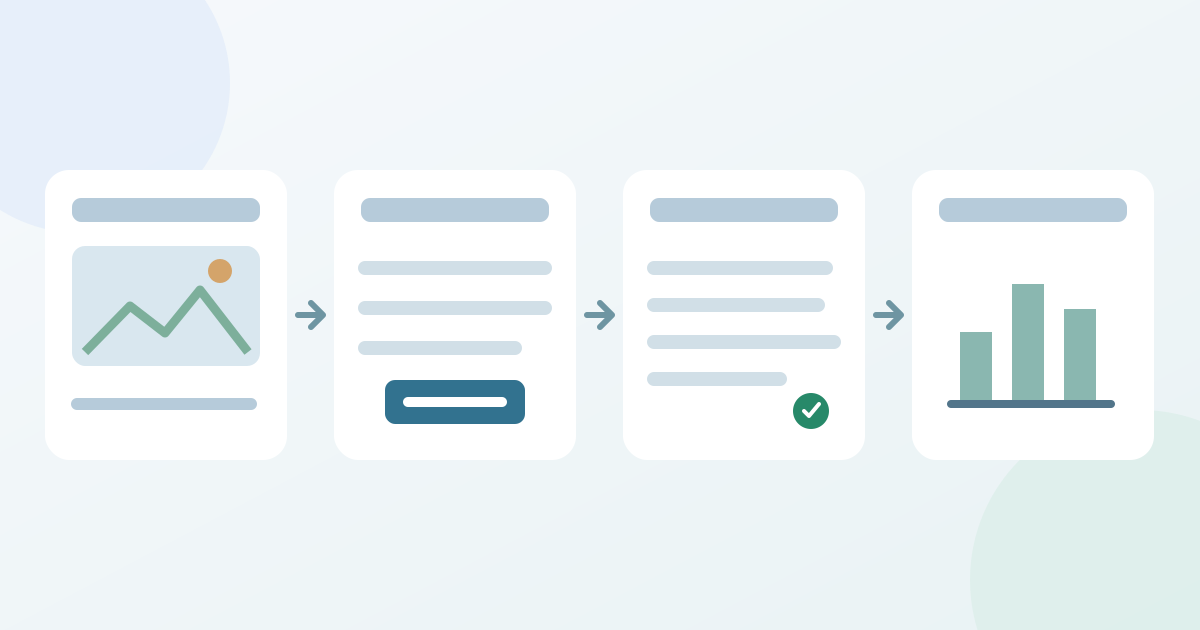
Choose the image and the page it should represent
Download the event-image discovery audit sheet (English Markdown)
Select one published event image with a clear purpose: a venue entrance photo, a speaker portrait, an event poster or a gallery image. Record the exact public landing-page URL and the image URL the browser loads. The audit asks whether Google can discover that image in the context of that page; it does not assume every decorative image needs Image Search exposure. If the picture is private, restricted, or meant only for a draft, stop and confirm publication intent before changing crawl settings.[1][2]
Decide what a useful result would mean. A venue photo might help visitors recognize a building; a poster may be mainly a visual summary on the event page. Search visibility is not the same as an accessible page or a ticket sale. Google says meeting minimum technical requirements makes a page eligible to be indexed, not certain to be indexed. Record the reader task and current publication status so a missing search appearance does not turn into an unsupported diagnosis.[1][2]
Check the public landing page first
Open the page without a CMS session, on the canonical public URL that visitors can reach. Confirm it renders useful text and the intended image. If the page requires sign-in, returns an error, or is deliberately excluded from indexing, a descriptive image name will not repair the page's discovery path. Google's technical requirements describe public crawler access, a working HTTP 200 page and indexable content as baseline conditions; its URL Inspection tool can help evaluate a specific page when you have property access.[1][2]
Look at the page's purpose and edition. A current poster on an old event archive or a venue image next to unrelated text can make the landing-page story confusing for people as well as search systems. Record the page title, visible heading and the paragraph or caption near the image. Do not rewrite the entire event page for one image; first locate a concrete mismatch, such as an outdated date beside the current visual or an image that appears only on an inaccessible preview route.[1][2]
Verify the image is in discoverable HTML
Inspect the published page, not merely the editor's asset library. Google says it can find images in the `src` attribute of a standard `<img>` element, including one inside `<picture>`, while CSS background images are not indexed as images. A background may look perfect to a visitor yet be a poor sole route for a photo you want discovered. Ask the site developer or CMS owner to confirm how the published markup exposes this specific image.[1]
Responsive variants need a fallback. Google's guide recommends a usable `src` on the `<img>` even when `srcset` or `<picture>` offers other sizes and formats. Record the actual `src`, any `srcset` alternatives and which file loads on a narrow screen. If lazy loading or client-side code is involved, test the public render before blaming the filename. The question is whether a crawler can encounter an image source on the landing page, not whether the media manager lists a file.[1]
Audit page context and alternative text separately
Google says nearby page text, captions and image titles help it understand subject matter; it uses alternative text with page content and computer vision. Compare those sources with the picture's actual role. A venue-entrance image should sit near accurate arrival information, rather than a generic marketing block. Check that the alternative text serves someone who cannot see the image in that page context. W3C's alt decision tree distinguishes informative, functional and decorative uses, so do not turn every background flourish into a keyword phrase.[1][4]
Avoid two common shortcuts. Copying the same event keyword into every image's alt text is not a description, and changing an accessibility description solely to chase Search can make the page worse. Likewise, a filename is only a very light clue in Google's own guidance. A short descriptive name can be useful when publishing a new file, but a mass rename is not an evidence-based fix for a missing page, CSS-only image, bad context or blocked asset. Write down the observed mismatch before editing.[1][4]
Check the asset URL and optional discovery aids
Open the exact image URL from the published `src`, ideally in a fresh browser context, and verify the intended file loads. Note the file type, dimensions and whether a host or CDN is serving a different variant from the one the editor uploaded. Google's guide lists supported formats and recommends that the extension match the file type. If the page uses responsive variants, record which URL is stable and used consistently; a new filename does not help if the page still points to the old file.[1]
An image sitemap is an optional way to provide image URLs Google might not otherwise discover. It is not a substitute for a relevant landing page or working image markup. For a small site, fix a broken public `<img>` path before proposing a new sitemap workflow. If assets live on a CDN, record that host and route; Google notes that CDN domain verification in Search Console can help surface crawl errors. Leave configuration changes to the owner of the site and asset host.[1]
Do not confuse page previews with image indexing
The picture chosen for a Google text-result thumbnail or Discover preview may differ from the image within the page. Google says preview selection is automated. Metadata such as `primaryImageOfPage`, an entity image or `og:image` can influence a preferred preview, but cannot force a particular display. Record those references only if the reported problem is a wrong preview. They are not proof that every gallery image is indexed, nor a replacement for a visible `<img>` and relevant page content.[1]
For an event page, ask what is actually wrong before editing metadata: a missing venue photo in Image Search, a mismatched page thumbnail, or a broken social card are different tasks. This audit is about the first. The existing event-image and social-preview guides can handle detailed asset preparation or card behavior. Keep a small evidence row with screenshot date, public page URL and observed result so a later reviewer does not compare unlike surfaces.[1]
Read search evidence with its limits
A manual Google Images query is a spot check, not an exhaustive index report: results can vary by query, time, place and device. Search Console's Performance report has an Image search-type filter for traffic from the Google Images tab. If you have access, note the property, date range, page and query filters before comparing impressions or clicks. The report does not certify that one particular file is indexed, and a zero or missing row in a short window does not by itself identify the failed layer.[3][2]
Use the evidence to state a bounded conclusion. ‘Public page works, image is in `src`, no Image-tab impressions in the chosen period’ is an observation. ‘Google blocked this image’ is a claim that needs a specific crawl or indexing signal. If the page itself is not indexed, solve that page-level problem first. If it is indexed and the image source or context is wrong, record the exact edit and retest the page. Do not promise a date or position in Google Images after an edit.[3][2]
Fix one layer and retest the same page
Choose the smallest change supported by evidence: restore a public page, put a meaningful image in standard HTML, correct a broken asset URL, improve the adjacent explanation, or write role-appropriate alt text. Record the old and new page/image URLs and who approved the change. If a file is renamed, check every page and share destination that used the former URL; a filename swap can create a broken dependency. Keep the event date and venue facts synchronized with the visual.[1][2][3]
After release, re-open the public page without editor privileges, verify the intended image loads on desktop and mobile, and confirm its text context still makes sense with images off or a screen reader. Then compare Image Search performance over an appropriate later period using the same property and filters. A successful QA result means the page and image path now work as intended; appearance in Google remains a separate observed outcome, never a guaranteed effect of the filename.[1][2][3]
Sources and further reading
- Google image SEO best practicesGoogle Search Central · Accessed
- Google Search technical requirementsGoogle Search Central · Accessed
- Performance report (Search results): Overview and basic setupGoogle Search Console Help · Accessed
- An alt Decision TreeW3C WAI · Accessed