Conference speaker profile page template: bio, session and approval
A speaker profile should help an attendee decide whether a session fits them and where to find it. The leading Google result teaches academic speakers to write a short, audience-relevant bio; a public event website also needs session context, accurate links, image permission and a review owner. This original template turns those pieces into one publishable page brief. It is for content production, not a request for speakers to disclose private contact details.
Boletolibre editorial team
Published
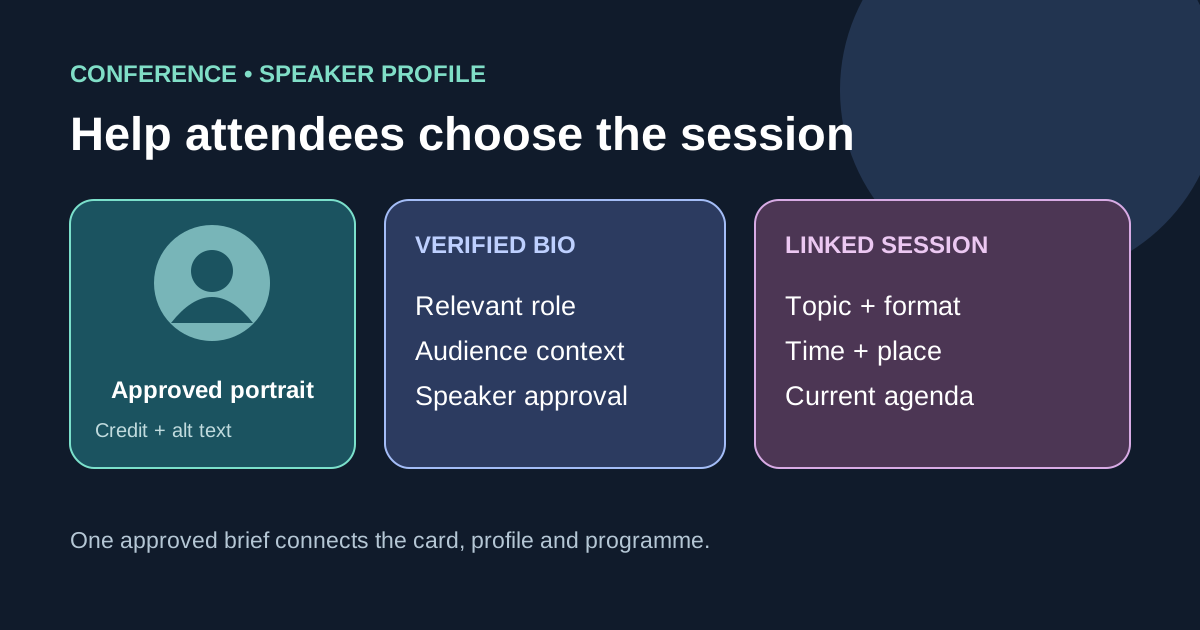
Start with the attendee decision
Download the editable speaker profile content brief (Markdown, English)
Show the speaker’s preferred public name, current role or affiliation when relevant, and one or two facts that establish why they are speaking on this topic. Put the session title, format, date, time with time zone and venue or viewing instructions near the profile, or link clearly to the authoritative session page. The attendee should not have to infer which talk belongs to this person. If the programme is still provisional, label it as such instead of presenting unconfirmed details as final.[1][2]
Write a concise, verified bio
Ask for an event-specific bio rather than copying a long résumé. A useful draft says what the speaker works on, one relevant credential or lived perspective, and what attendees will learn from the session. Confirm titles, organizations, pronouns and claims with the speaker or their designated representative. Remove unsupported superlatives, stale job titles and achievements that do not help this audience. There is no universal word count: fit the space on your actual page, with a short card version and a fuller profile when needed. Do not reuse the first result’s fictional example bios as real people.[1][2]
Connect the speaker to each session
Give each session its own linked title and a plain-language summary. If the same speaker appears in a panel and a workshop, distinguish their role in each. Make agenda and speaker pages point to the same current session record so a room or time change is corrected consistently. Keep ticket eligibility, accessibility arrangements and registration calls to action on their authoritative pages; link them when they affect the decision to attend. A speaker’s biography alone is not the agenda.[1][2]
Handle portraits, links and accessibility
Request an approved portrait, the credit or license conditions, a crop that works in cards, and a fallback for speakers without a photo. Write alt text according to the image’s purpose: a portrait can identify the speaker, while a decorative graphic can have an empty alternative when the adjacent name already carries the information. Use a descriptive link label for an optional public professional profile. Do not publish a private email, phone number or social account just because it appeared in intake material; confirm what the speaker wants public.[1][2][3]
Approve and maintain the page
Record who supplied the bio, who verifies claims, who approves the portrait, and who publishes the page. Preview the short card and full profile in the site’s actual layouts and languages; preserve correct names and affiliations rather than machine-translating them blindly. On speaker withdrawal or schedule change, update the agenda, profile, links and any promotional copy together. Keep an approval date and next review trigger in the worksheet, so an old profile is not quietly reused for a new edition.[1][2]
Sources and further reading
- How To Write A Speaker Bio For An Academic Conference (With Examples)Oxford Abstracts · Accessed
- Conference biosBritish Council LearnEnglish · Accessed
- Images TutorialW3C Web Accessibility Initiative · Accessed