HTTP 408 Request Timeout: Find Where an Upload Stopped
A form or upload that ends with HTTP 408 needs a different investigation from a slow page that returns 504. The receiving server says it did not get a complete request within the time it was willing to wait. Use one captured attempt and the first rejecting layer to decide whether the connection stalled, the request was too slow to arrive, or a read timeout is too tight.
Boletolibre editorial team
Published
Start with the exact meaning of 408
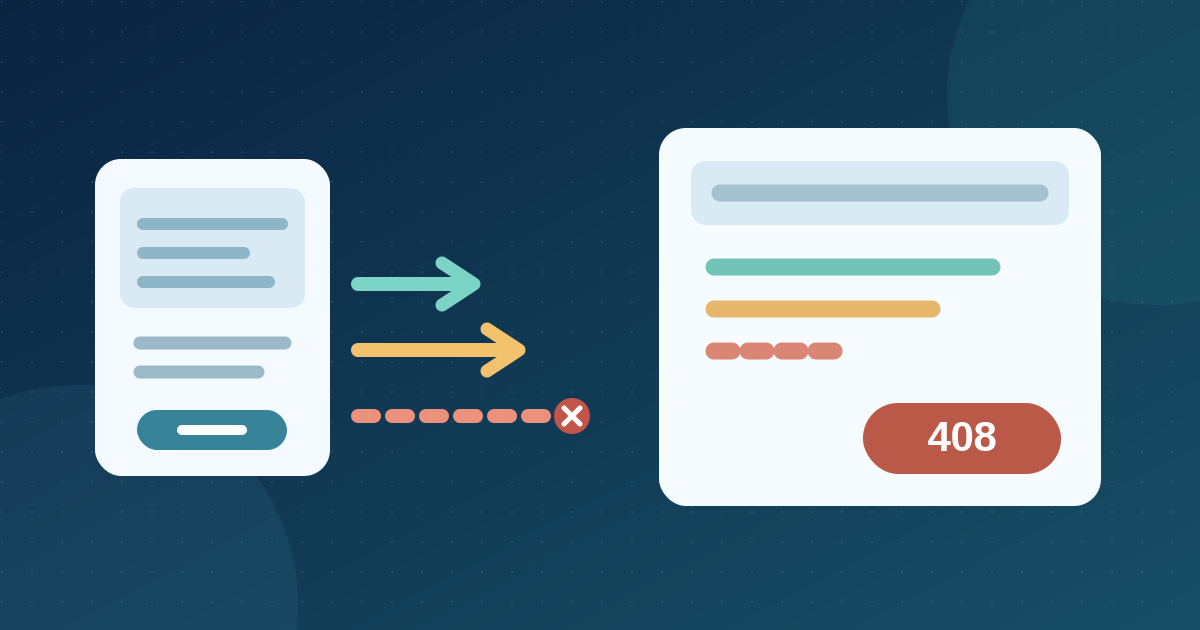
RFC 9110 defines 408 as the server not receiving a complete request message within its waiting period. This can happen while request headers or a body are arriving, or on an idle connection before a usable request arrives. It is not a diagnosis of a slow database query or a page taking too long to render. A gateway waiting for an upstream server has a different status, 504. An oversized upload body is a different failure again, often 413.[1][2][3]
Browsers may retry an idempotent request on a new connection, so a few 408 entries in server logs need context. A repeated visible failure on the same form or file is more actionable than one idle connection closed between page views. Record the actual response status and emitting layer; generic browser “timed out” text is not enough to call it HTTP 408.[3][1]
If you are submitting a form or uploading a file
Before trying again, check whether a registration, order, message or uploaded file already exists. The browser may have lost the response even if an earlier step completed. If nothing was created, try once on a stable connection and keep the tab active. Compare the same small, permitted test file with the failing file if the site allows it. Do not split a required document, remove a file or lower quality without understanding the site’s rules.
If the error repeats, report the time and time zone, page, file size and type, network type, whether a smaller test worked, and the exact visible status. Do not send the file itself or a form containing private data unless the site’s support process asks for it securely.
Capture the request phase that stopped
Open the browser Network panel before a safe test submission. Record the method, sanitized URL, status, request ID if present and Timing tab phase. The browser’s Request sent phase does not prove how many bytes the edge received; compare its timing with the edge’s received-byte count and last read activity if those are logged. Check whether the 408 belongs to the upload request or a later API call. A 408 on an unused keep-alive connection may not correspond to the user’s failed action. Correlate browser time with CDN, proxy and application logs rather than grouping all 408s together.[6][3]
Avoid attaching raw HAR files or request bodies to ordinary tickets. They can contain cookies, tokens, names and documents. Use a redacted path, approximate byte counts, time and request ID. Ask the provider for the first layer that emitted the 408 and its request-read timeout log or metric.[7]
| Observation | Best next check |
|---|---|
| 408 before any request is visible | Idle connection or early edge rejection; inspect edge connection logs. |
| 408 while headers are being sent | Header read timeout, client pauses or network interruption. |
| 408 partway through upload body | Client-to-edge upload progress and body read timeout. |
| 504 after complete request arrived | Gateway-to-upstream wait; use a separate upstream diagnosis. |
For operators: locate the receiving layer and its timer
Determine whether the CDN, load balancer, reverse proxy or origin sent 408. Compare request IDs and timestamps at each hop. If the edge reports 408 and the application has no matching request, inspect how long the edge waited for headers or body and whether it observed progress. If the application received the full request and later timed out, the 408 may be unrelated or misclassified; inspect the actual status on that request.[1]
Apache mod_reqtimeout documents separate handshake, header and body read stages. NGINX documents client_header_timeout and client_body_timeout; the body setting is a timeout between successive read operations, not a whole-upload stopwatch. Provider implementations differ. Read the documentation for the actual component before drawing conclusions from a setting name.[4][5]
Fix the interruption or the measured boundary
If failures cluster on one network or device, investigate unstable connectivity and stalled upload progress. If they affect many visitors on one edge, examine that edge’s errors, network path and current configuration. For legitimately slow but progressing uploads, compare measured transfer behavior with the documented timeout. A narrowly scoped change may be justified, but increasing all timeouts can keep connections open longer and does not repair a stalled path.[4][5]
If a file exceeds an allowed size, follow the site’s upload policy and treat any 413 separately. If 408 occurs after the body is complete, confirm the HTTP status and stage again before optimizing database queries, PHP execution or page assets. Those changes target a different failure mode.
Copy a 408 request-read worksheet
Copy these fields for each safe attempt. The comparison between a small control file and the failing submission can distinguish a repeatable size or transfer-path issue from a one-off idle connection. Record only sizes and timing, not private content.
| Field | Record without sensitive content |
|---|---|
| User action | Page, submit/upload step, UTC time, request ID |
| Client context | Browser, network type, file type and approximate size |
| Observed result | Exact HTTP status, request method, response layer |
| Progress | Browser send phase; edge-received bytes and last read time, if logged |
| Comparison | Small safe test result; same file on another approved network |
| Resolution | Network/path change or bounded timer change; end-to-end retest |
Verify the completed action, not just the status code
Retest through the normal public path with a safe file or form record of the size that previously failed. Confirm the request reaches the intended endpoint, the upload or submission is stored exactly once, and the user receives a clear success or validation response. Test a small control request too. Watch visible 408s by route and edge after release, separating idle-connection log noise from real failed attempts.[6][1]
If failure persists, capture the new request ID and the last successful transfer phase. That evidence tells the hosting or CDN team which timer and network hop to inspect without exposing the user’s document or form data.
Sources and further reading
- RFC 9110 §15.5.9: 408 Request TimeoutIETF / RFC Editor · Accessed
- RFC 9110 §15.6.5: 504 Gateway TimeoutIETF / RFC Editor · Accessed
- 408 Request TimeoutMDN Web Docs · Accessed
- Apache mod_reqtimeout: RequestReadTimeoutApache Software Foundation · Accessed
- NGINX: client_body_timeout and client_header_timeoutNGINX · Accessed
- Network features referenceChrome for Developers · Accessed
- Logging Cheat Sheet: data to excludeOWASP · Accessed