Event website form testing checklist before launch
A form is ready only when the whole path works: the attendee understands the fields, errors can be corrected, the submission reaches the right system, and the right next step appears. Test each event form separately. A contact form passing does not prove registration or accessibility requests work.
Boletolibre editorial team
Published
Inventory every form and its destination
List RSVP or registration, contact, waitlist, accessibility request, speaker application and other active forms. For each, identify the destination, owner, acknowledgement, notification and retention process. Check the exact published URL and relevant language versions. Use clearly labeled synthetic records in a safe environment.
Test valid, invalid and repeated submissions
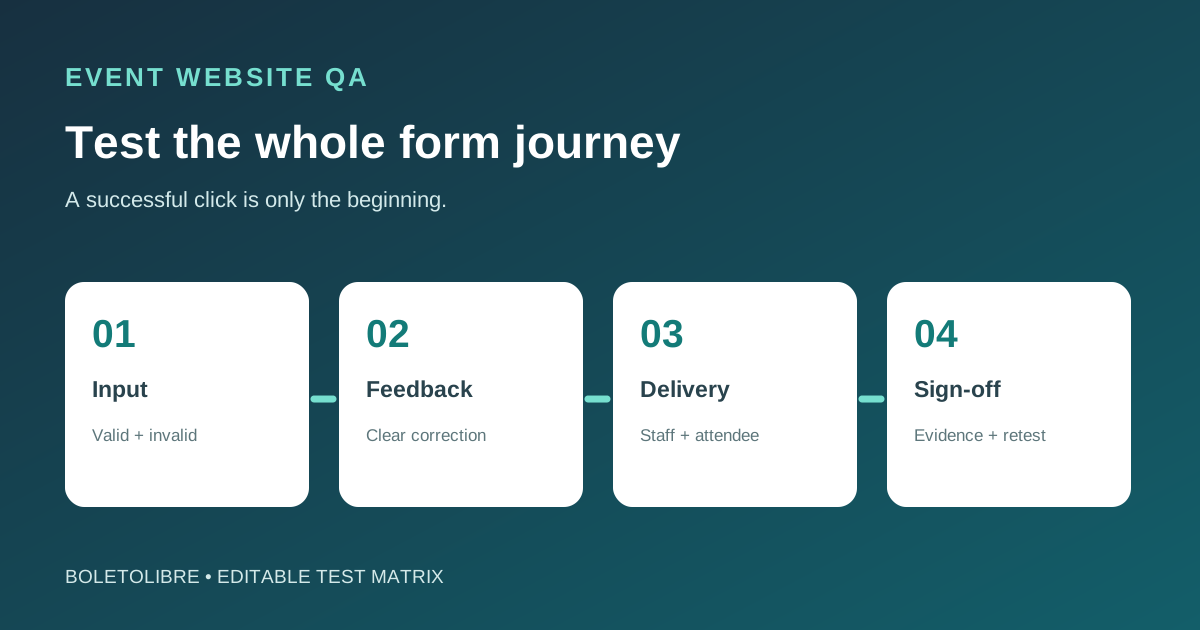
Submit a valid entry, a missing required field, a badly formatted value and a corrected value. Check field labels, instructions, keyboard order, mobile layout and error feedback. W3C guidance calls for a clear result after submission and specific, findable correction advice. Try a deliberate second click or resubmission to see whether it creates a duplicate; document the actual behavior rather than assuming protection.[1][2][3][4]
Verify the staff and attendee handoff
Verify the record appears in the expected dashboard or inbox with correct field mapping, and that assigned staff can act on it. Check attendee success screen, confirmation email or application receipt against the actual decision state; receipt must not imply a ticket has been issued. If a paid flow is involved, test the payment handoff only in the platform’s supported sandbox with test values, never a real card or accidental live order. Check delivery failures and the human fallback.[1][2][3][4]
Record evidence and release approval
Download the editable form test matrix (Markdown, English)
Use the downloadable matrix to log input, expected result, observed result, evidence link, defect owner, retest and sign-off. Do not publish with an unresolved failure in registration, payment handoff or accessibility requests. After testing, remove or clearly isolate synthetic entries and make sure test notifications did not reach real attendees. Recheck after form, routing, integration or locale changes.
Sources and further reading
- Pre-launch checklistWebflow University · Accessed
- User notification in formsW3C WAI · Accessed
- Labeling controlsW3C WAI · Accessed
- TestingStripe Docs · Accessed