Public Website Page Returning HTTP 401? Trace the Authentication Challenge
A public event page can suddenly show a sign-in prompt or HTTP 401 after a host move. A 401 is a request for valid authentication credentials for a target resource; it is not a general outage code. Identify the exact challenged request and the service that issued it before removing any access rule. An administrator area may still need protection while a public route does not.
Boletolibre editorial team
Published
1. Confirm the response is really 401
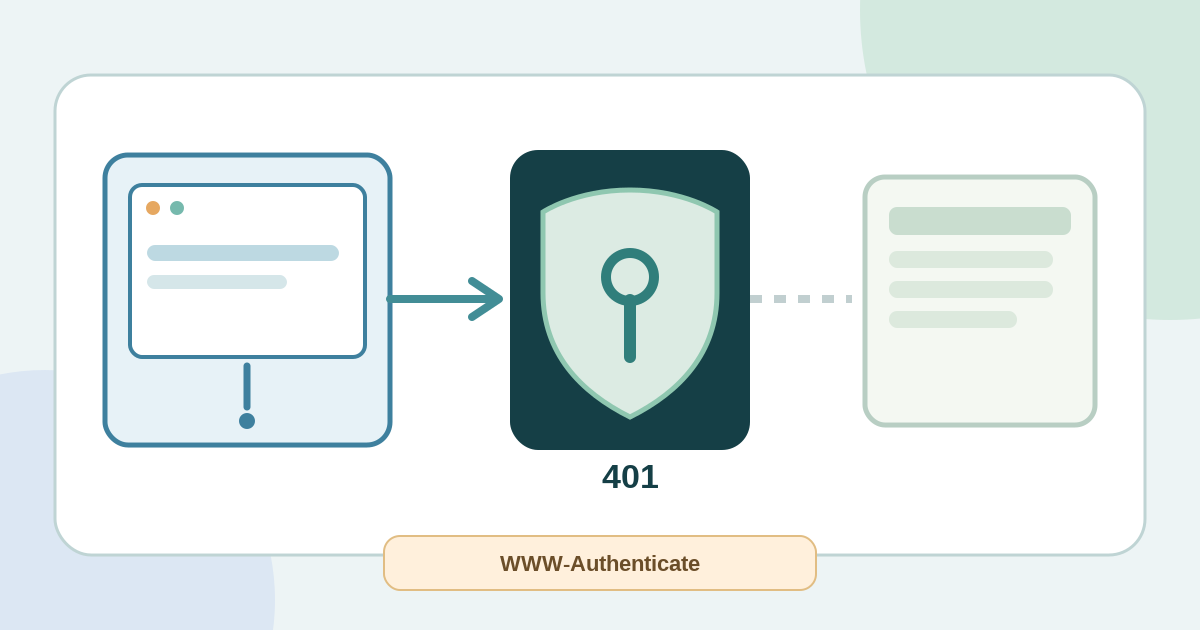
HTTP 401 means the request lacks valid authentication credentials for that target. The server generating 401 must include a WWW-Authenticate challenge applicable to the resource. A browser password dialog often reflects a Basic challenge, but the dialog alone does not identify whether a proxy, web server or application generated it. If a response labeled 401 has no challenge, record that discrepancy rather than inventing one.[1][2]
First decide what should be public: the exact page, an image or script on it, or an API request made after loading. A page can return 200 while one embedded asset returns 401. A login page reached by a redirect is another flow. Keep private admin routes in a separate list so the repair does not accidentally expose them. A 403 means refusal of a request and has a different diagnostic path.[3]
2. Capture the challenged request safely
In a browser Network panel, enable Preserve log and load the exact public URL in a clean session. Record the request URL and method, status, final URL, redirect chain, response WWW-Authenticate scheme and realm if present, response request ID, and time with zone. Compare an affected path with a known public path on the same host. A fresh session avoids silently reusing a credential already cached by an administrator browser.[4]
Treat request and response captures as sensitive. Authorization headers, cookies, full URLs, HAR exports and login forms may expose credentials or personal data. Share a redacted host/path, challenge type, status, time and request ID; keep raw evidence only in an approved access-controlled record. Do not type credentials into an unexpected browser prompt to discover whether the page opens.[7][4]
3. Read the challenge and locate its owner
A Basic realm suggests HTTP Basic authentication, which Apache or nginx can apply to a directory, virtual host or location. An application can issue its own challenge. The WWW-Authenticate header is a clue to the mechanism, not proof of which server emitted it; compare response headers and request IDs with edge, proxy, web-server and application logs. A missing application log can mean an upstream challenge, but it can also mean a logging gap.[2][5][6]
| Observed request | Next check | Avoid |
|---|---|---|
| Page document is 401 with Basic realm | Look for web-server, proxy or application Basic-auth rule on that exact host/path | Do not submit a password from the public link |
| Document is 200; image or script is 401 | Inspect the asset host/path and its own receiving service | Do not make every asset directory public |
| 401 after a redirect | Inspect each Location and the final challenged target | Do not assume the first URL issued the challenge |
| 401 without WWW-Authenticate | Record the missing challenge and identify the generating layer | Do not infer a Basic-auth setting |
4. Find the rule that changed
After a migration, inspect the configuration that maps the public hostname and path: a staging password rule copied to production, an inherited parent-directory rule, a proxy location matcher, or a public route moved behind an authenticated application group. Apache allows authentication in server or directory configuration; nginx auth_basic can apply at http, server or location scope and can be inherited. Ask the owner of each layer for the active route-specific rule rather than assuming a product from the error page.[5][6]
Do not remove authentication across an entire site because one public page is challenged. Compare the intended public path with the protected admin path and the rule scope. The aim is to keep the latter protected while making the former reachable anonymously. If the 401 is intentional for a private preview, correct the shared link or publication state instead of weakening the rule.[1]
5. Make one route-scoped correction
Have the responsible operator change the narrowest confirmed route or host rule. If the wrong destination is reached, fix the hostname or rewrite and then test the public URL through the actual CDN or proxy. If an application route now requires login by design, obtain a public route or approved published state from its owner; a web-server exception cannot safely override application policy.[1]
For example, after a move, /events/open-day returns 401 with a Basic realm while /admin also returns 401 as intended. The operator traces both requests to a copied parent protection rule, confirms that the event page is approved for public access, and changes only the scope that mistakenly covers it. Preserve the previous rule for rollback; keep preview and admin protection. Retest through the visitor-facing edge, not only at the origin: an origin 200 with a public 401 still needs investigation at the edge. If the owner cannot confirm the access policy or the issuing rule, escalate instead of removing protection.[5][6][4]
6. Verify the public path and record the case
After the change, use a clean browser session to open the exact public URL and its critical assets without credentials. Confirm the intended content and destination, inspect the final status and redirects, then test the admin route separately to ensure it still requires authentication. Recheck from another network if reports differed by location. A successful editor session is not proof that a visitor can open the page.[4]
Copy one worksheet per challenged request. Keep the exact request and challenge, expected access policy, denying layer, approved change and both public and private verification results together. Unknown fields should say “unconfirmed” rather than being guessed.
| Field | Safe record |
|---|---|
| Public expectation | Exact hostname/path, page or asset, owner and approved public state |
| Observed response | Method, 401 status, time/zone, request ID and final URL |
| Challenge | WWW-Authenticate scheme/realm or absent; no credential value |
| Redirect chain | Redacted starting and final hosts/paths |
| Layer evidence | First edge, proxy, server or application log that shows 401 |
| Rule and decision | Exact rule scope; intended private routes retained |
| Change | Owner, one route-scoped correction and time |
| Rollback record | Previous rule or route target, change owner, and condition for restoring it |
| Proof | Clean public visit succeeds; admin path still challenges |
Sources and further reading
- RFC 9110 §15.5.2: 401 UnauthorizedIETF / RFC Editor · Accessed
- RFC 9110 §11.6.1: WWW-AuthenticateIETF / RFC Editor · Accessed
- RFC 9110 §15.5.4: 403 ForbiddenIETF / RFC Editor · Accessed
- Network features referenceChrome for Developers · Accessed
- Authentication and AuthorizationApache HTTP Server · Accessed
- ngx_http_auth_basic_modulenginx · Accessed
- Logging Cheat Sheet: data to excludeOWASP · Accessed