How to make an event page private or password-protect registration
“Private” can mean three different things: absent from a provider listing, inaccessible without a page password, or unable to register without a password. Choose the boundary you need before sharing the event link. None of these settings by itself verifies a person’s identity.
Boletolibre editorial team
Published
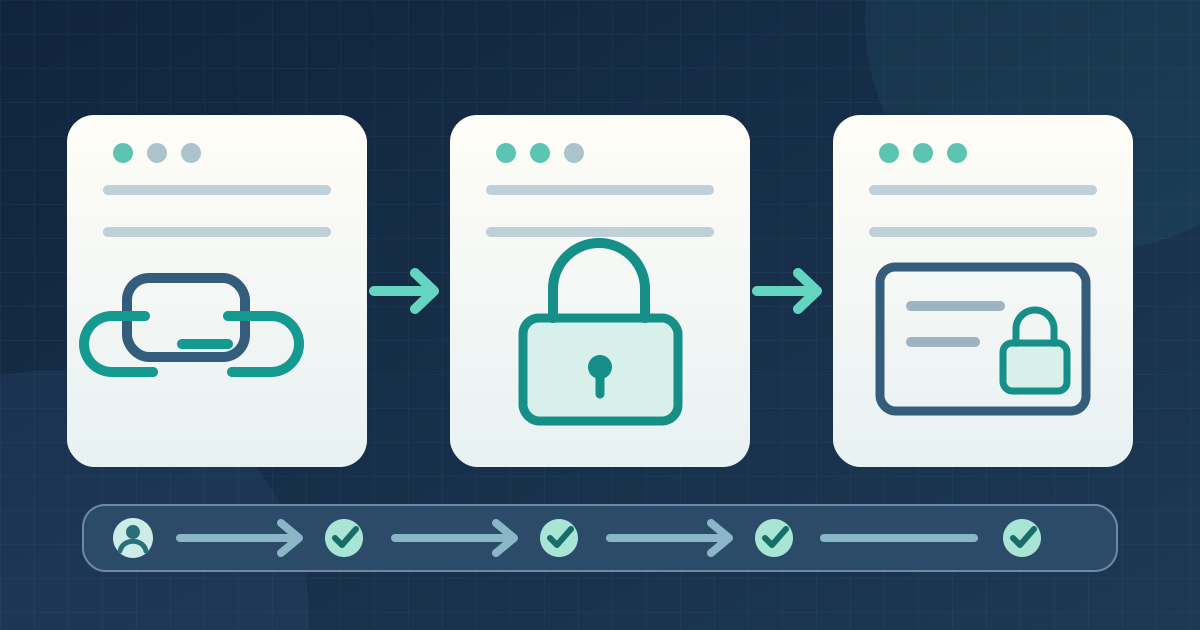
1. Define what visitors may do
Download the visitor access test card (Markdown, English)
Write down whether a visitor with the direct URL may view the event and whether that visitor may submit registration. Decide separately if the event should appear in your provider’s listings. Keep ticket-type access codes and approval decisions out of this page-level change; they solve different tasks.
2. Apply the right event-level control
EventCreate distinguishes a link-accessible Private website, a password to view its website, and a separate password to register. Humanitix says its private event remains accessible through its URL while hidden from its listing and search. EventRegist’s page password blocks viewing, including for applicants who lack it. Find your provider’s actual control and save the approved setting; labels are not interchangeable.[1][2][3]
3. Test the visitor paths
In a logged-out browser, try the direct URL without a password, a wrong password, and the correct one. Then attempt the registration path with an authorized test visitor. Check the page, form, confirmation and refusal points separately. A shared password does not establish who holds it, and an unlisted link can be forwarded. Record what actually happens rather than assuming the platform enforces invitations.
4. Share and maintain access
Give invited visitors the correct link and required access instructions through the approved channel. Keep a reachable support route: EventRegist warns that a page password can also hide organizer contact information. Assign an owner for access changes, and repeat the logged-out checks whenever the setting or shared link changes. Verify ticket and admission behavior separately.[3]
Sources and further reading
- How to Make Your Event Website Private or Password-ProtectedEventCreate Help Center · Accessed
- What is the difference between a Public and Private event?Humanitix Help Centre · Accessed
- Password Protected for Event PageEventRegist Help Center · Accessed