Prepare a web-host support ticket for a failing event page
A page failure minutes before a ticket announcement creates pressure to guess a cause. A useful host ticket does something smaller: it identifies the affected service, preserves one reproducible example and asks the right provider to inspect it. The organizer can keep attendee communication and recovery decisions moving while the host investigates.
Boletolibre editorial team
Published
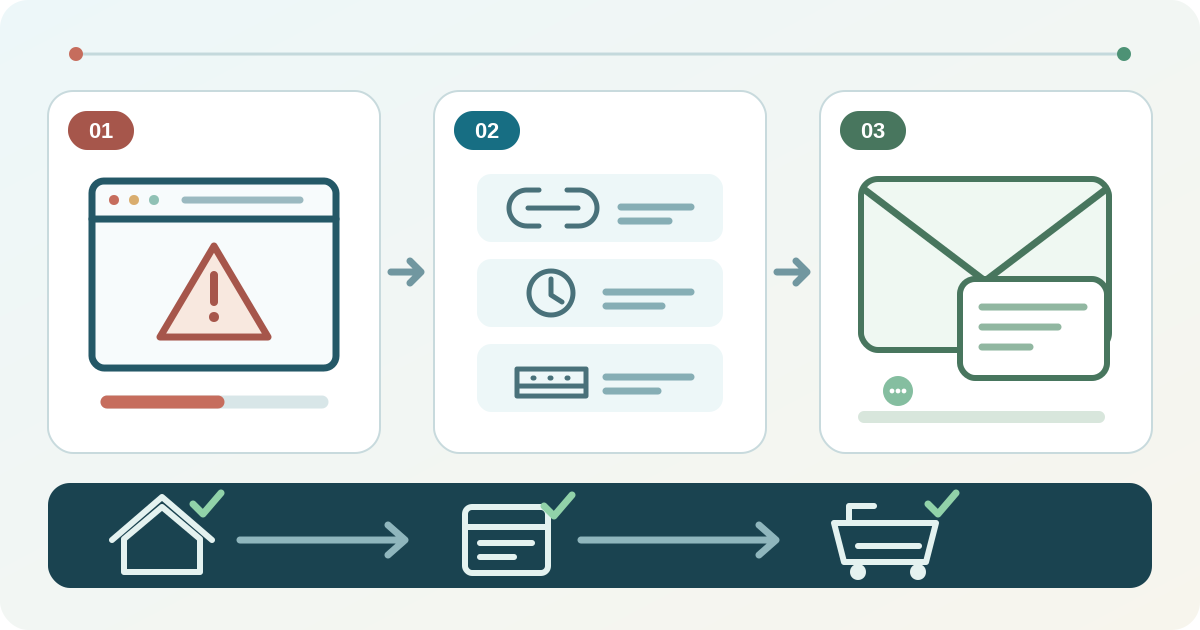
1. Route the failure to the service that owns it
Start with the exact public URL and the visitor action that fails: opening the event page, following the registration button or loading the external checkout. A working homepage does not prove a deeper route works. If the failure begins after navigation to another provider's domain, record the handoff and contact the provider that serves that step; do not assume the website host controls it. The host account, domain registrar, DNS service and ticket provider may be different organizations.
Use the host's authenticated support route and select the affected service if its form offers one. Host Dada's own ticket guide uses a related-service field; that is an example of a provider workflow, not a universal menu. Check the provider's incident notice before duplicating a known outage, but still keep your event-specific impact and ticket number if your team needs a case record.[1]
2. Capture one repeatable example
Reproduce the problem from a public visitor path. Note the full public URL, expected page or action, observed result, first-seen and latest time with time zone, and whether it happens on every attempt. Try one other browser or network if safe; report the difference rather than saying the site is down for everyone. A screenshot should show the error and page context without exposing attendee details.[4]
If someone can use browser developer tools, capture the affected document request in the Network panel: requested and final URL, status or browser error, and response time. Chrome documents these fields in its Network view. An HTTP status describes that request; it does not alone identify which server or configuration caused the failure. Record any visible request ID, but avoid pasting cookies, authorization headers, query tokens, order information or an unreviewed full HAR file into the ticket.[2][3]
3. Write a ticket the host can investigate
Make the subject identify the service and impact, for example: ‘Public event details page returns 503 before registration opens.’ In the body, lead with what visitors cannot do, the exact example URL and the time. Then give the reproduction steps, observed response, what still works and any changes known to have happened just before the first failure. Mark an unknown change as unknown; a plausible recent deployment is evidence to check, not a proven cause.
| Ticket field | Record one concrete value |
|---|---|
| Affected service and URL | Host account or service ID; one public failing URL without private tokens |
| Time and frequency | First and latest occurrence with time zone; always or intermittent |
| Expected / observed | Visitor task, exact error or status, and what still works |
| Recent change / attempt | Known edit or deployment time; checks already tried; unknowns labelled |
| Impact and request | Which attendee path is blocked; the specific log or service check requested |
Ask the host to inspect its logs or service status for the supplied time and path and to confirm the next diagnostic or recovery step. Choose urgency using that provider's published definitions and the actual attendee impact. Host Dada and Cloudflare both request concrete timestamps, URLs, symptoms and steps; their forms and priority rules are provider-specific. Do not request a blanket cache purge, security-rule removal or DNS edit without evidence and an owner-approved change.[1][4]
4. Keep the case and public response separate
Send the ticket through the provider's normal account channel and save the case ID, submission time, assigned owner and next expected update. If the host asks for a log or HAR, review it for credentials and private visitor data first and use the provider's approved secure channel. Chrome's sanitized HAR option omits some sensitive headers, but it does not make every captured URL or response safe to share automatically.[2]
Keep one internal incident coordinator responsible for public facts and attendee updates. The support case is a request for provider investigation; it is not the full incident timeline, a public status statement or permission for a provider to change unrelated services. If the provider says the request never reached its system, carry the exact example and answer to the next responsible service rather than opening several vague tickets.
5. Verify recovery before closing the case
After a proposed fix, retry the same URL and steps from the original example. Check the homepage, affected event detail page and registration handoff as separate visitor tasks; a 200 response on one route does not prove the ticket path works. Record the new time, result and who observed it, and ask the host to confirm what changed if the cause is still unclear.
Close the case when the affected path is usable and the internal owner has recorded the resolution and remaining follow-up. If the failure returns, reply in the same case with the new timestamp and request details so the provider can compare both examples. The separate incident report can hold broader impact, communication decisions and later prevention work.
Use the editable host-ticket brief
Copy the blank brief before a high-traffic announcement. It keeps the public symptom, provider-facing evidence, safe attachment check, case ID and visitor-path retest in one place. The worksheet is in English; translate the final message if your provider or team needs another language.
Sources and further reading
- How to open a support ticket (and what to include)Host Dada · Accessed
- Network features referenceChrome for Developers · Accessed
- HTTP response status codesMDN Web Docs · Accessed
- Contacting Cloudflare SupportCloudflare Support · Accessed