DNS outage communication template for event websites
When an event domain stops resolving, attendees need to know which journeys are affected and where to find a trustworthy update. Prepare a status channel outside the failing domain before you need it, then use these editable messages as your team verifies the impact.
Boletolibre editorial team
Published
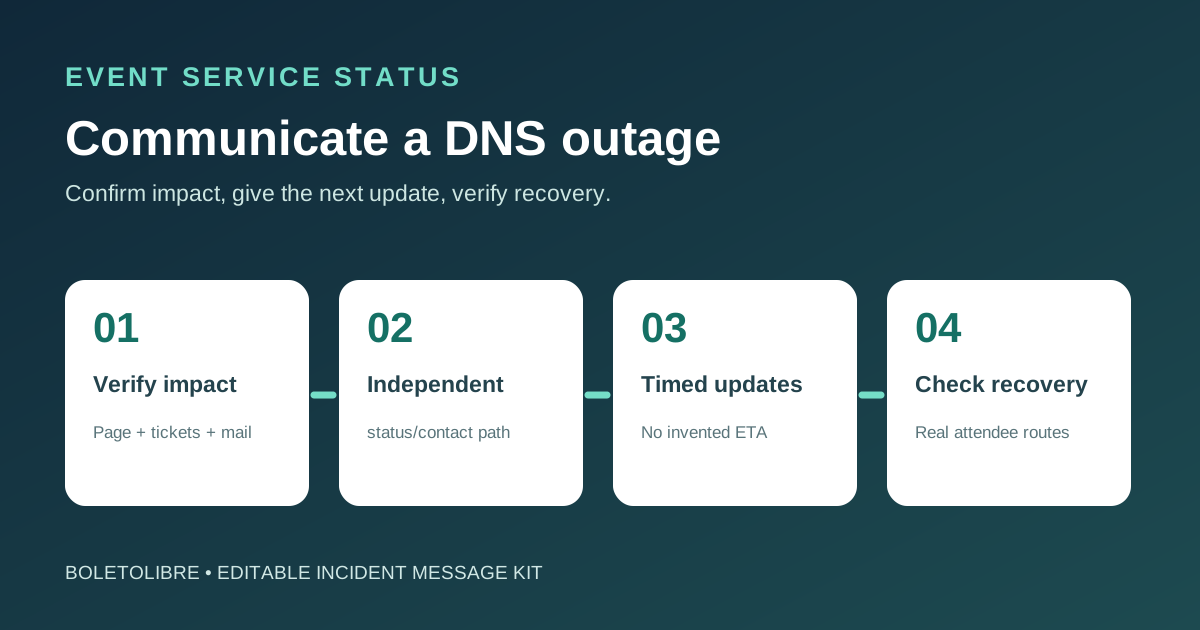
Download the event DNS outage message kit
Download the editable DNS outage message kit (Markdown, English)
The editable kit contains investigating, progress, and recovery messages plus an impact matrix and approval log. Fill every bracketed field, remove unverified lines, and have the incident lead approve the message before sending. It is a communication aid, not a DNS repair procedure.
Establish what is confirmed before the first message
| Attendee journey | What to verify before claiming impact |
|---|---|
| Event information | Whether the public event page loads from an independent network |
| Registration | Whether a new attendee can submit and receive confirmation |
| Tickets and checkout | Whether the official ticket link opens and the provider reports a successful flow |
| Email and support | Whether sender/recipient paths and the fallback contact are reachable |
A DNS incident may affect the event page, registration form, ticket checkout, confirmation email, or only a subset of networks. Check each journey separately. Record the symptom, time with time zone, evidence, and who verified it. Do not say the DNS provider caused the incident until that is established.
Choose a channel that survives the DNS failure
Publish from a status page or social account whose hostname, login, and notification path do not rely on the affected event domain. Pre-share its address in normal attendee communications. If email uses the same failing domain, do not rely on it as your sole fallback. Verify that any alternative purchase or support link is official before distributing it.
Send useful updates without inventing an ETA
The leading search result offers messages by incident stage; adapt the stage, but make the attendee action explicit. State what is broken, what still works, the last observation time, a safe workaround if verified, and the next update time with time zone. If there is no recovery estimate, say so. Send a scheduled update even when there is no change.[1][2]
Investigating — “Some attendees cannot open [event page/registration]. We confirmed this at [time, zone]. [Ticket checkout] is [working/not yet verified]. Find updates at [independent status URL]. We will update by [time, zone]. We do not yet have a confirmed recovery time.”
Confirm recovery by attendee journey
Before a resolved notice, test the public event page, registration submission, ticket or checkout path, and mail delivery that were actually affected. Check from more than the operator’s own network where possible. A corrected DNS answer alone does not prove every attendee path works; describe any residual problems and where to report them.
Review and retire temporary directions
Once service is stable, remove stale workaround links and pin the final status. Preserve a short timeline of published updates and decisions. Review whether the alternate channel, owners, contact details and prewritten messages were usable, then revise the kit for the next event.
Sources and further reading
- System Outage Notification TemplatesUptimeRobot · Accessed
- Incident template libraryAtlassian Statuspage · Accessed
- Incident communication templates and examplesAtlassian · Accessed