Event cancellation email template for attendees: clear news and next steps
People need to know immediately whether an event is cancelled, what to do with their ticket and where the next reliable update will appear. The first organic Google result provides ready-made cancellation and postponement messages, but its sample refund promises do not fit every organizer or payment flow. Use this shorter original template after the event owner approves the decision and the ticketing, refund and support facts are checked. A cancellation is not a postponement; do not imply a replacement date or automatic refund until those details are confirmed.
Boletolibre editorial team
Published
Download the editable cancellation email
Download the cancellation email and send-review sheet (Markdown, English)
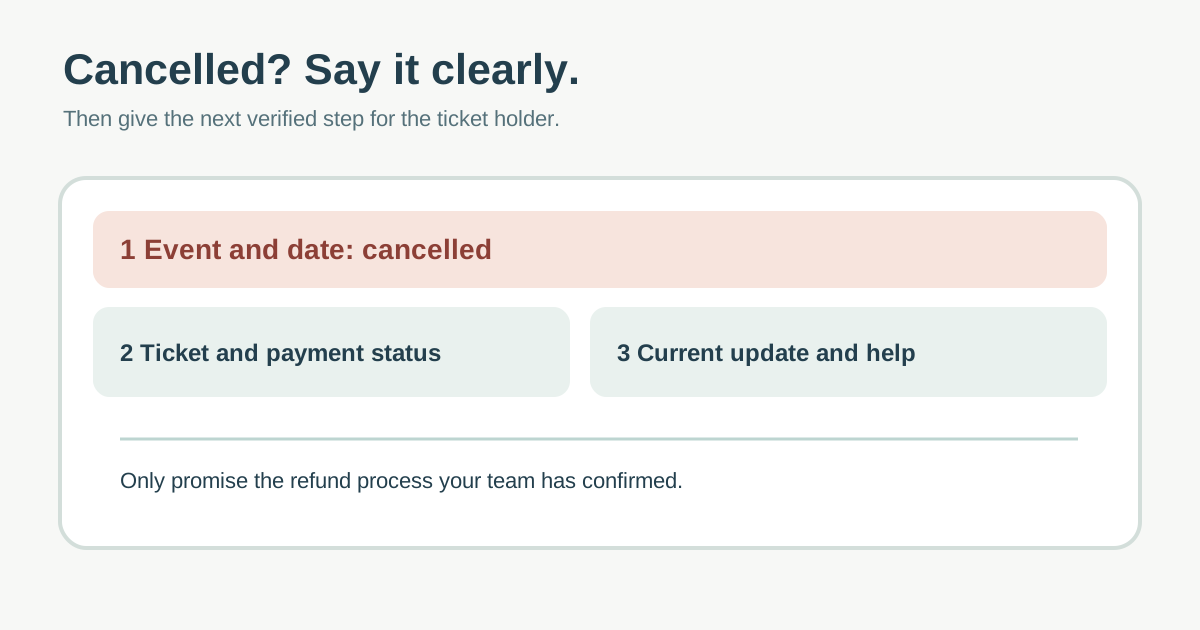
The template puts the cancellation in the subject and opening line, then lists the exact event/date, ticket and refund status, next update and working support route. Bracketed fields are mandatory decisions, not text to send unchanged. The leading page includes a longer apology and future-event promotion; for a time-sensitive service notice, put the attendee’s immediate questions first.[1]
Confirm the facts before composing
Record the decision owner, precise event name, date and venue, whether the whole event or one session is affected, and the time the public event page was updated. Pause new sales and make the cancelled status visible in the actual ticketing system. Reconcile buyers, transferred tickets, complimentary admissions and orders from other channels so the notice reaches affected people without telling an unaffected person their event is cancelled.
Assign the finance/ticketing owner to verify each purchase channel’s refund process, amount, timing and required action. If a decision is pending, say what is pending and when the next update is expected; do not borrow an example such as “full refund in ten business days.” Eventbrite’s current help says its own cancelled-event flow requires refunding orders, and warns organizers using Eventbrite email to confirm the notices have sent before issuing refunds. Apply those steps only if that platform and account actually govern your event.[2]
Write the notice in the order attendees need
| Line | What to include |
|---|---|
| Subject | Cancelled: verified event name and scheduled date |
| Opening | Unambiguous cancellation and the affected ticket/session |
| Ticket/payment | Approved refund or next-decision status by purchase channel; no invented guarantee |
| Next update | Current event page and specific next-update point if known |
| Help | Monitored reply address or support page and how to identify an order privately |
Explain the cause only to the extent it is verified and approved for public release. Keep the apology human and brief. Do not add a sales offer to a service notice or bury the cancellation under promotional copy. Write the message in the attendee’s chosen language when approved translations and recipient preferences exist.
Send from the right channel and check receipt
Use the current attendee roster and platform messaging path, then check exclusions, duplicates, ticket transfers and the reply-to address. Test one copy through the real sending system, including mobile rendering and the linked event page. Have a second person verify the event date, refund wording, support route and intended recipient count. A queued message is not a sent message; monitor the actual provider status and support inbox. Eventbrite specifically warns that refunding while its attendee emails are queued can prevent some emails from being sent.[2]
Update the public event page and other official channels at the same time. Guests may not receive email, may have changed addresses or may learn about the cancellation elsewhere. Make the status easy to find without exposing a buyer’s private ticket details.
Keep the next update tied to the real decision
Log what version was sent, to which affected cohort, by which service and at what time. Track unresolved bounces, replies and refund cases in restricted operational records. If the refund decision changes, send a correction to the affected people and update the same authoritative page. Do not state that a refund is completed solely because a batch was requested; verify the payment platform’s resulting status.
If the event will instead be postponed, write a separate postponement notice that explains the old date, confirmed or pending new date, ticket validity and the applicable options. Do not reuse “cancelled” and “postponed” interchangeably.
Sources and further reading
- Adaptable Event Cancellation Email TemplatesLiquid Web · Accessed
- Cancel your eventEventbrite Help Center · Accessed