Event admission equipment preflight checklist before doors open
The best time to discover a scanner is in the wrong event or scan mode is before a queue forms. The direct Google results favor checklists covering devices and staff. This original preflight card narrows the work to each admission lane: prove that it can admit the right test case, reject or route an exception, and hand off a fault. It complements the broader check-in workflow and offline fallback.
Boletolibre editorial team
Published
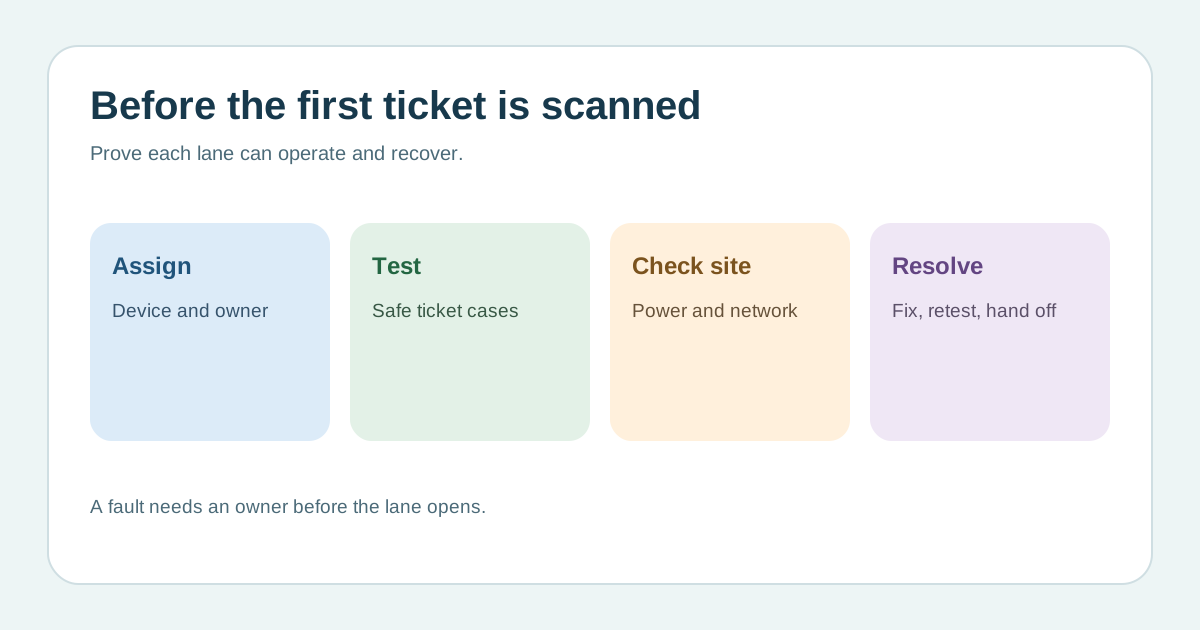
Assign a device and owner to every lane
Download the editable admission equipment preflight card (Markdown, English)
List each scanner or phone, charger, spare power source, operator, account role, event date, time slot and ticket types permitted at that lane. Use the real venue location and lighting. Eventbrite says its Organizer app requires an appropriate role and has settings for event, ticket type and scan behavior. A device that opens the app is not necessarily ready to admit the correct ticket.[2][3]
Run safe end-to-end cases
Use the provider’s test event, test credential or documented reversible procedure, never an unsuspecting buyer’s live ticket. At each lane confirm a valid ticket’s expected result, wrong event or session, already-used code and manual lookup or exception escalation. Check whether the current scan mode admits, checks out or only validates; Eventbrite distinguishes these actions. Record the observed screen message and who can clear a test state before doors.[3]
Exercise the site conditions and backups
Confirm power, camera focus, screen visibility and connection at the actual gate. Test the authorized fallback for network loss and how devices reconcile after reconnecting, if the provider supports that mode. Do not assume every offline scan is synchronized or that every gate shares state instantly. Keep a spare device or alternate staffed process ready, with its activation owner and a rule for reconciling any paper or offline admissions.[2]
Close faults and hand over the opening state
Write each failed case against a device, lane, owner, action and retest result. Do not mark a lane ready because most devices passed. Tell greeters and exception staff which lanes are live, where the accessible path and help point are, and whom to call if a scanner fails after opening. Recheck after app, permission, network or ticket-setting changes. QR Sage’s broad checklist includes scanners, batteries, badge printers and staff, but its exact rehearsal times and sample counts are vendor suggestions, not a standard.[1][2]
Sources and further reading
- Event Check-In ChecklistQR Sage · Accessed
- Set up the Organizer App on your phone or tabletEventbrite Help Center · Accessed
- Check in attendees with Eventbrite OrganizerEventbrite Help Center · Accessed