Event announcement email template: the first message to prospective attendees
An announcement is the first promise prospective attendees can act on. The leading search result is a gallery of event emails, so this guide offers an original, editable message rather than another collection of screenshots. Use it when the event page and the action you invite are ready; an announcement is different from the practical emails sent after registration.
Boletolibre editorial team
Published
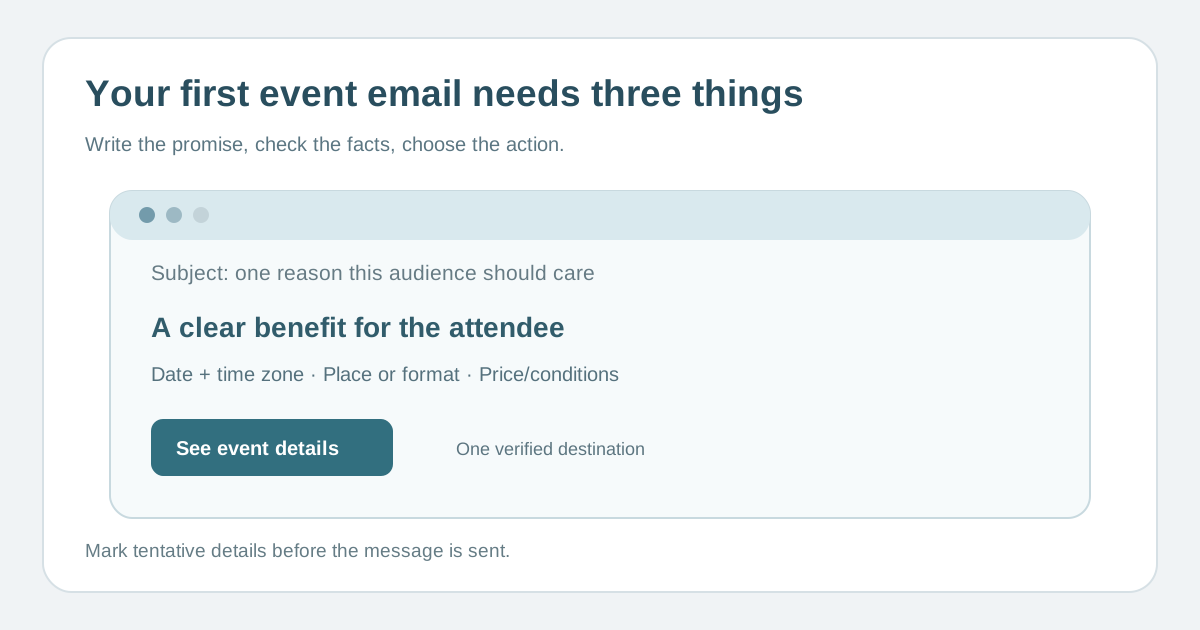
Lead with the reason this audience should care
Download the announcement email template (Markdown, English)
Choose one concrete benefit: who the event brings together, what participants will learn or do, or why the experience matters. Put that promise in the subject and first paragraph in plain language. Avoid generic “big news” alone or a claim about speakers, sessions or sell-outs that has not been confirmed. The sample copy in the download uses placeholders so it cannot accidentally be published as a real offer.[1][2]
Give essential facts before asking for a click
Include event name, date with time zone, location or online format, intended audience, registration status and any price or access condition needed for a fair decision. Link to one current event page with complete details and an accessible registration route. If a programme or venue detail is still tentative, say so near the claim and name when the page will be updated.
Choose one primary action and a useful fallback
“See event details” fits an early announcement; “Register” fits only when registration is actually open. A short secondary support or accessibility contact can answer a blocker without competing with the main button. Make link text meaningful even without visual styling. Test the destination from the recipient’s perspective, including locale, mobile and external checkout boundary.
Approve and preview each version
Have the event owner verify facts and the email owner check audience, consent, sender identity, subject, preheader, text alternative, links and suppression. Preview on small screens and in the languages you send. Coordinate the announcement with the live event page, ticket inventory and support inbox. If any fact changes after sending, publish a dated correction through the appropriate attendee route rather than leaving the old claim unaddressed.
Sources and further reading
- Event / Conference / Trade Show Email ExamplesReally Good Emails · Accessed
- 9 Pre-Event Email Templates to Rally Your AudienceEventbrite · Accessed