Event registration landing-page A/B test plan and worksheet
A landing-page experiment is useful only if it answers a real attendee question. Changing a button can raise clicks while leaving ticket purchases unchanged, especially when checkout happens on another platform. This original run card keeps the hypothesis, traffic assignment, measurement boundary, accessibility checks and decision in one record.
Boletolibre editorial team
Published
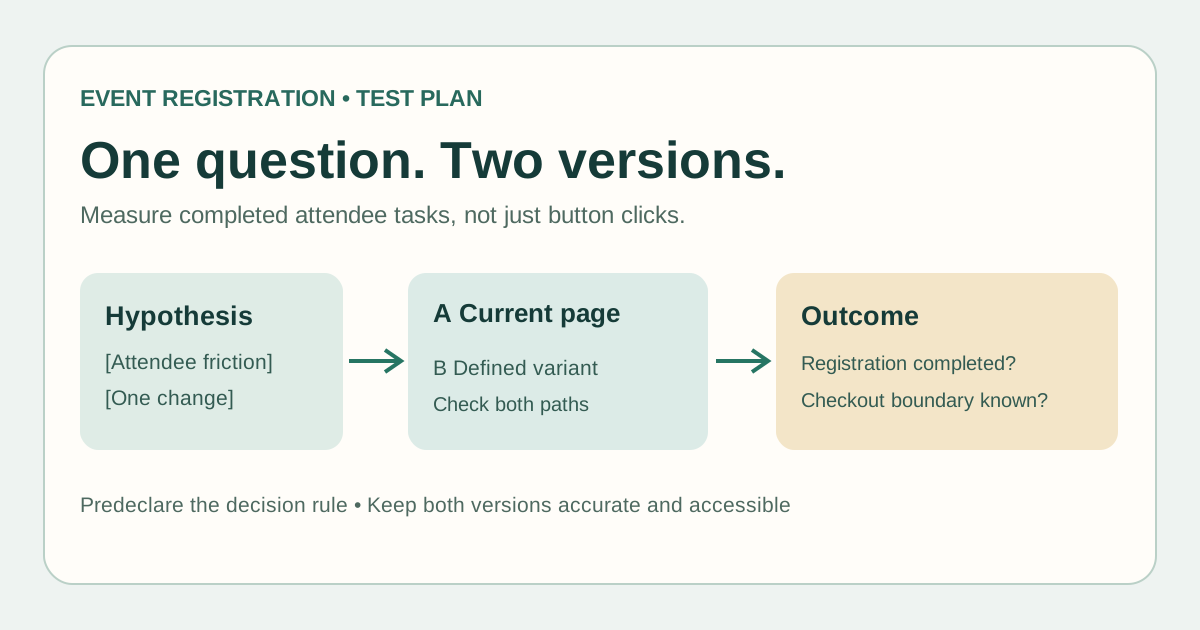
Download the event registration experiment run card
Download the editable experiment worksheet (Markdown)
Write the event edition, current page, one proposed change and the attendee task before changing anything. Keep the control and variant links, audience, owner and rollback route in the same card. This is a planning tool, not an A/B testing platform.[1]
Choose one attendee task and one change
Start with observed friction: are visitors unable to find the right ticket, missing the event date, or unsure whether a registration is complete? State a hypothesis in the form ‘if we change X, action Y may change because Z.’ Changing copy, prices and form fields together makes the result hard to interpret. Never test inaccurate prices, false urgency or missing accessibility information.[1][4]
| Experiment element | Event-specific choice |
|---|---|
| Primary outcome | Completed registration or purchase, if that status is observable |
| Diagnostic signal | CTA click, checkout start, form error or support request |
| Guardrail | Correct event facts, accessible form, page speed and error rate |
| Boundary | Where the organizer's data ends and hosted checkout reporting begins |
Define assignment and measurement before launch
Record how visitors enter each version and whether a repeat visitor sees the same one. State the primary outcome, unit of analysis and data source. A click to a hosted checkout is not a confirmed order; if completion data cannot be joined reliably, say so and interpret clicks only as an intermediate signal. Exclude internal QA traffic consistently. Define the planned evaluation and stop conditions before seeing results; required sample depends on baseline conversion, the change you hope to detect and available traffic, so no universal visitor count or two-week rule applies.[3]
If the event date arrives before sufficient traffic, the honest conclusion may be inconclusive. Use attendee task observation to find a concrete barrier rather than naming a statistical winner from a few orders.
Check both paths for accessibility and search behavior
Try both versions on mobile and keyboard. Confirm headings, labels, instructions, error feedback, language, date/time, price and checkout handoff. A variant that removes needed information or breaks a form is a failed test even if one surface metric improves. The W3C forms tutorial explains labels and instructions that help people complete forms.[4]
If variations use separate URLs, follow Google Search Central's guidance: avoid cloaking, indicate the original with canonical links, use temporary redirects when routing visitors to a variant, and remove temporary test URLs or scripts after the experiment. Google also permits dynamic same-URL variants; a separate URL is not inherently required.[2]
Record the decision and clean up
At the planned review point, record visitors and completed registrations for each variation, data gaps, guardrail observations and the method used to interpret the result. Choose adopt, revert, continue under the original plan, or inconclusive. If the outcome is unclear, do not declare a winner because the dashboard briefly moved. Tell the page owner which version remains, remove obsolete test routing and note what future event editions should recheck.[3][2]
Sources and further reading
- Landing Page A/B Testing Checklist: What to Test Before You LaunchVannor · Accessed
- A/B Testing Best Practices for SearchGoogle Search Central · Accessed
- How Long Should I Run an A/B Test?Adobe Target · Accessed
- Forms TutorialW3C Web Accessibility Initiative · Accessed