How to set up attendee self-check-in kiosks at an event
A self-check-in kiosk can handle routine arrival only if its ticket result, badge output and exception route agree. Decide what attendees may do without staff, then test each result on the equipment that will stand at the entrance. Treat a printed badge and an admission decision as separate outcomes.
Boletolibre editorial team
Published
Define the kiosk task and exception owner
Download the kiosk preflight and exception worksheet (Markdown, English)
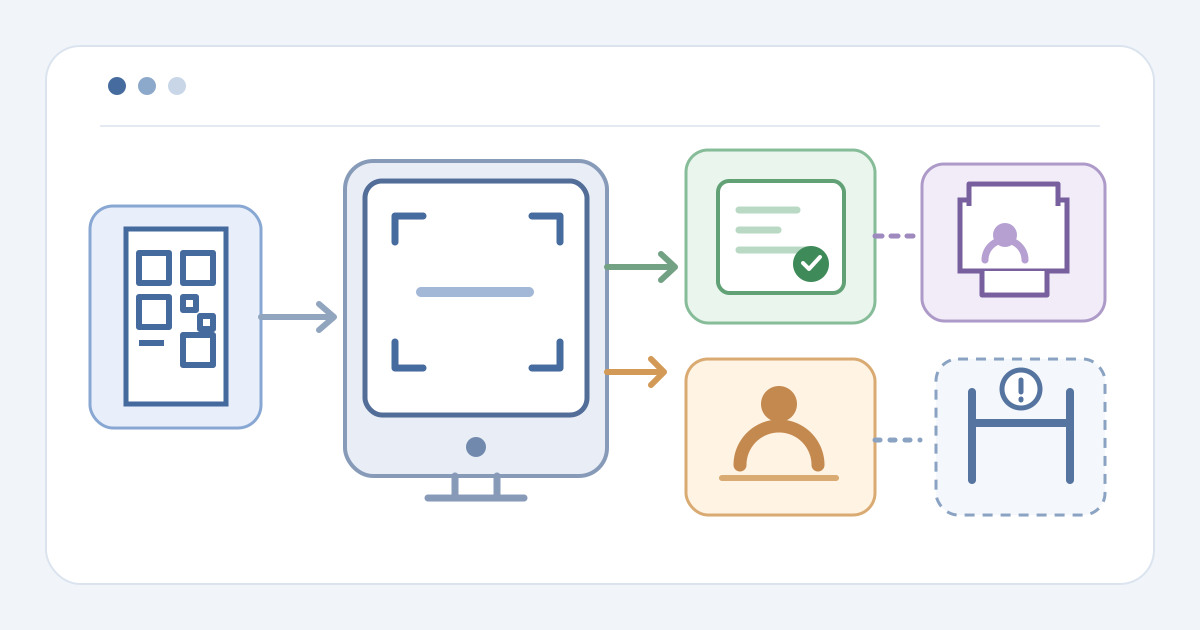
Define the kiosk's job: record arrival, print a badge if needed, or send the attendee to a staffed desk. List the eligible event, date and ticket types. Decide who checks admission rights when a kiosk result is insufficient. Assign an exception owner for refusals, missing records and repeat scans.
Select only lookup and correction options supported by your provider. Ticket Fairy documents ticket scan or code entry and optional email-code lookup; its kiosk sends refusals and badge reprints to staff. Eventleaf says attendees can reprint badges and correct details at its kiosk. Confirm your enabled behavior before writing attendee instructions.[1][2]
Prepare the station and assisted route
Assign the device, scanner method and printer if printing is required. Check power, network, media, connection and a badge proof at the actual entrance. Mark the assisted-help point beside the self-service route. Keep operator credentials and kiosk links in approved systems, not on a public desk card.
Open the provider's kiosk mode on the intended device and verify the event. Ticket Fairy uses a station link and attributes check-ins and badges to its kiosk name; Eventleaf describes a Check In tablet app. Record who can start, replace and close this station rather than assuming a shared menu path.[1][2]
Rehearse ticket and printer outcomes
Use authorized sample tickets to rehearse a valid arrival from scan to status record and badge output. Then try an invalid or wrong-event ticket, an already-used ticket and a missing ticket. For each, note the attendee screen and authoritative check-in state. A printed badge does not by itself prove admission.
Fault the printer and run the assisted fallback. Check whether retrying changes the arrival state or creates another badge. Ticket Fairy limits its kiosk to one badge per ticket and routes reprints to staff; Eventleaf says kiosk reprints are possible. If an invalid ticket is accepted, a duplicate is counted incorrectly, or printing obscures status, hold the station for the exception owner.[1][2]
Open, observe and close the kiosk
Open only after the operator confirms the event, mode, printer and help desk. Watch initial live transactions and record exceptions by reference without copying live ticket codes onto the card. If the kiosk gives an unexpected result, pause it and route arrivals to staff until the source record is resolved.
At close, use the provider's station shutdown path and confirm the screen no longer accepts arrivals. Ticket Fairy documents stopping its kiosk link; other systems may differ. Reconcile check-in records, badge output and unresolved desk cases. Give the next shift the closure state and exception owner; kiosk check-in and badge printing remain separate from any additional access decision.[1]
Sources and further reading
- Set up a self-service check-in kiosk for your eventTicket Fairy Guides · Accessed
- Effortless Self Check-In Kiosk for EventsEventleaf · Accessed