Event series planning calendar template for multiple events
Planning one event is a timeline problem. Planning a series adds a second problem: the same people, venues and assets may be promised to several editions at once. This free workbook gives each edition its own row and keeps cross-event constraints on a separate sheet. It is a series-level view, so retain a detailed run of show and budget for each individual event.
Boletolibre editorial team
Published
Download the event series calendar
Download the editable event series calendar (Excel)
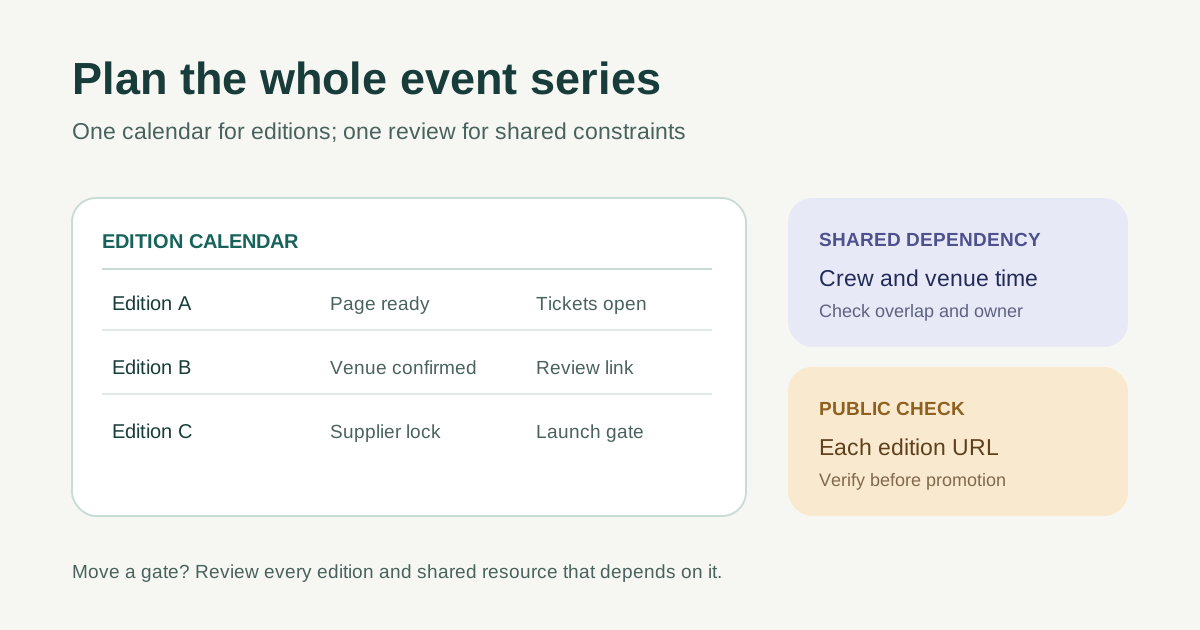
The workbook has two sheets: Series calendar and Shared dependencies. Replace the clearly marked example rows. Add one row for every planned edition, even when the format and audience repeat. The sample dates are illustrative only; set real dates with the venue, suppliers and team. Keep a stable edition ID so a dependency can point to the right event after a title or date changes.
Give each edition its own record
Record the date, venue or format, lead and public page URL for each edition. A series-wide brand or mailing list can be shared, but the event date, access information, price, capacity and registration destination need an edition-specific check. Keep a separate event plan for detailed tasks rather than squeezing every operational line into this calendar.
- One edition ID per event date or format.
- One named lead and next review date.
- One verified page URL and registration destination.
Mark the gates that affect other work
Use the page-ready, registration-open and supplier-lock columns as decision gates. Define what each gate means for your team: approved event facts, a tested registration path, a confirmed venue or a supplier commitment. If a gate slips, identify the affected promotion, attendee message and next edition. A useful status says whether a decision is open, blocked or complete; it does not hide an unsigned contract behind “almost done.”
- Ask who owns the changed gate.
- Update every dependent edition and message.
- Record the next decision and date.
Review the public path before each launch
Before promoting an edition, open its public page and follow the registration or ticket link as an attendee would. Confirm date, time zone, location, access details and the destination for that edition. If you promote an event on Boletolibre.com, store its exact page URL in the calendar and verify it after each material update. Then revisit the next few editions whenever a shared resource or public fact changes.