Event website images missing after HTTPS: trace the image URL before changing settings
Your event page opens over HTTPS, but a poster, venue photo or programme graphic is blank. Record the published page and missing image before changing settings. An HTTP image URL is one possible cause; a missing file or failed image host can look similar.
Boletolibre editorial team
Published
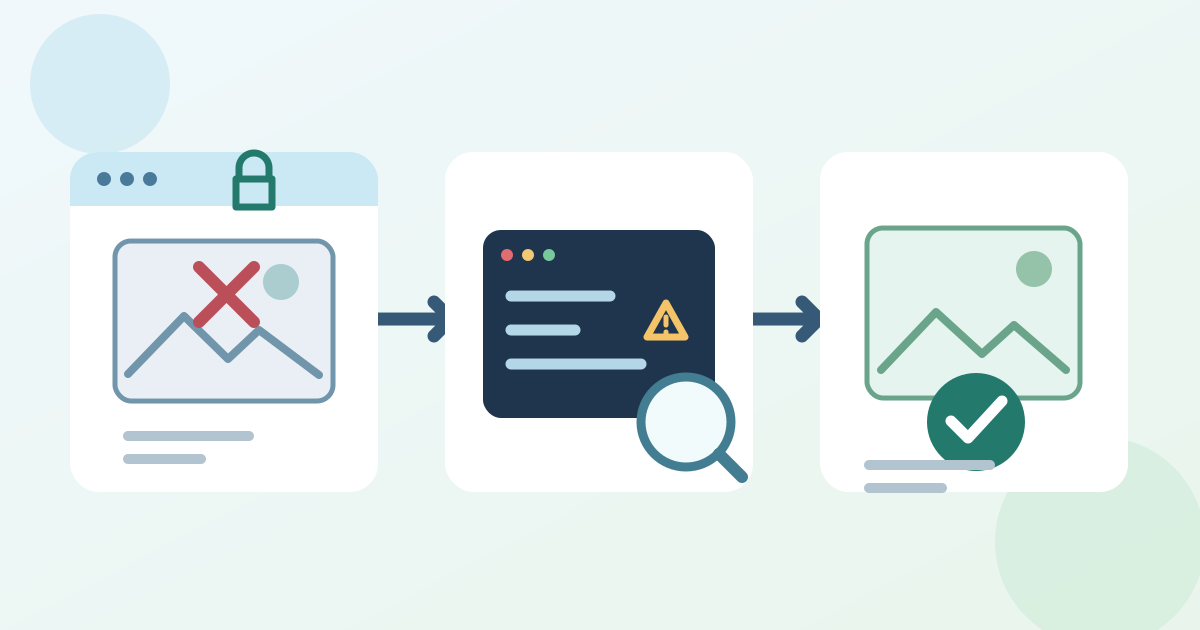
Capture the failing visitor view
Download the missing-image repair sheet (Markdown, English)
Open the public URL in a fresh browser and note the page, locale, device and image position. Keep event date, location and ticket action readable as text if the graphic carried essential details. Put the image URL and a screenshot in the repair sheet.
Check whether the browser upgraded or blocked the request
In developer tools, inspect Console and Network for that image URL. An HTTPS page requesting HTTP content is mixed content. Browsers may upgrade ordinary image requests to HTTPS; if that host cannot serve the upgraded URL, the image can fail. Other resource types and some image forms are blocked. Record the actual warning, final URL and response before naming the cause.[1]
Repair the source that owns the URL
If the host serves the same file over HTTPS, update its reference in the page, media library, template or approved embed that owns it. Check responsive variants and background images too. If the secure URL fails, ask the asset owner for a supported secure copy or use an approved local asset. Avoid a broad URL replacement or security-policy change based on one image.
Elementor’s official help documents a product-specific Replace URL tool, cache clearing and checks for custom code and plugins. Use those controls only if this page uses Elementor and its old URL is the fault.[2]
Retest the published attendee path
Publish the scoped fix and load the exact page on phone and desktop. Confirm the image, text alternative and nearby ticket or registration link; recheck Console and Network. If one visitor sees the old version, compare URL and cache evidence before clearing caches. Log the owner, changed source, publication time and result.
Sources and further reading
- Mixed contentMDN Web Docs · Accessed
- Images Not Loading Due to Mixed ContentElementor Help Center · Accessed