Event website maintenance calendar template
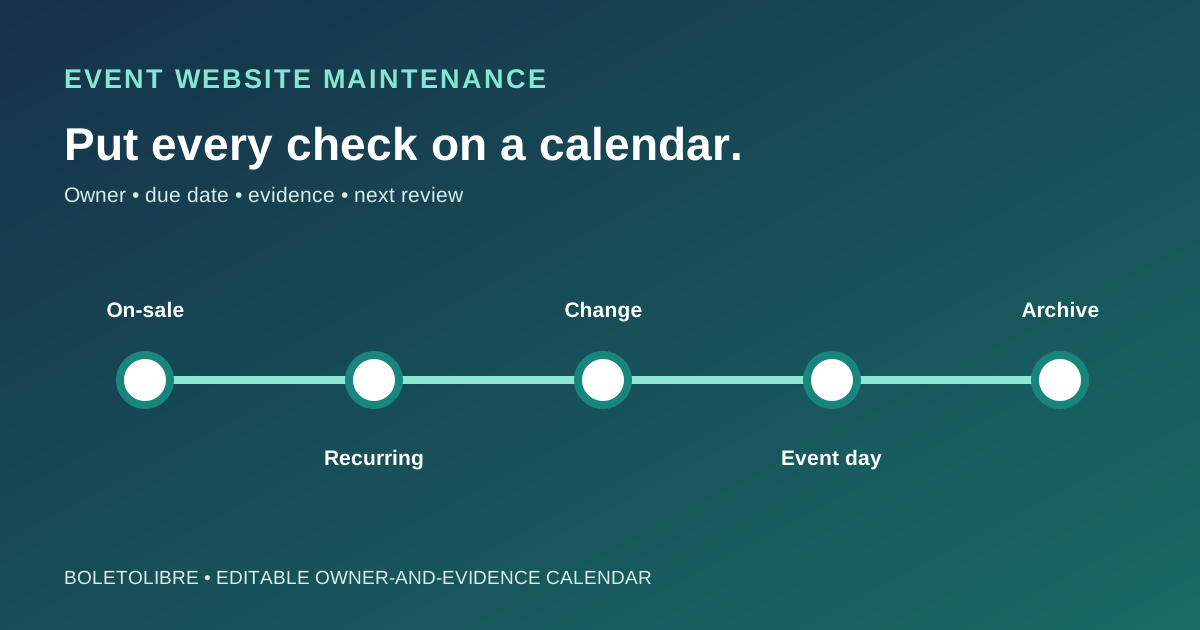
A maintenance checklist becomes useful when every check has a due date, an owner and a record of what happened. The leading Google result offers a recurring website tracker. For an event site, add milestone triggers: ticket launch, a changed venue or time, the event itself and the decision to archive. The editable calendar below gives each task a reason, source of truth, proof and next review.
Boletolibre editorial team
Published
Set a cadence from event risk, not a universal rule
Download the editable maintenance calendar (Markdown, English)
Put the event date and ticket on-sale date at the top. Schedule routine reviews at an interval your team can keep, then add event-triggered checks before launch, after a material change and before doors open. A small evergreen venue site and a one-day ticket rush do not need identical calendars. Assign a backup owner for critical tasks, and leave time for fixes and retests.[1][2][3][4]
Review event facts and public paths
Check date, time zone, venue, access information, prices, ticket status and support contact against their approved source. Follow important links from the attendee page, including registration, ticket checkout and confirmation. Recheck after postponement, sellout or a provider change. Google recommends updating sitemaps when URLs change and checking crawl errors; record any affected public URL and owner instead of assuming a published edit is immediately indexed.[1][2][3][4]
Exercise the attendee journey and accessibility
At each planned checkpoint, submit a safe test registration or form, verify the expected message reaches its destination and remove test data under your policy. Test the key path on mobile and with a keyboard. W3C WAI recommends ongoing accessibility reviews as content changes; a short manual check is a signal, not a full accessibility audit. Keep payment or ticket tests in an approved environment so you do not create misleading orders.[1][2][3][4]
Schedule recovery and ownership reviews
Confirm who maintains hosting, domain, backups, third-party embeds and the status channel. Record the last successful restoration exercise or its next planned date; the existence of a backup alone does not prove recovery. If your provider offers scheduled restore testing, verify its scope and result. Recheck ownership after a contractor or vendor change. Do not put credentials or attendee data in the calendar.[1][2][3][4]
Close each task with evidence and next action
For every line, capture planned date, completed date, result, evidence link, unresolved issue, owner and next due date. Escalate broken checkout, incorrect event facts or failed recovery checks immediately under the incident plan. Recalculate the calendar when an event changes, and archive the final record after the event so the next edition inherits decisions rather than stale copy.[1][2][3][4]
Sources and further reading
- Website Maintenance Checklist: Free TemplateStephanie Fox UX · Accessed
- Troubleshoot Google Search Crawling ErrorsGoogle Search Central · Accessed
- Sustain accessibilityW3C WAI · Accessed
- Restore testingAWS Backup · Accessed