Choose an event website maintenance window across time zones
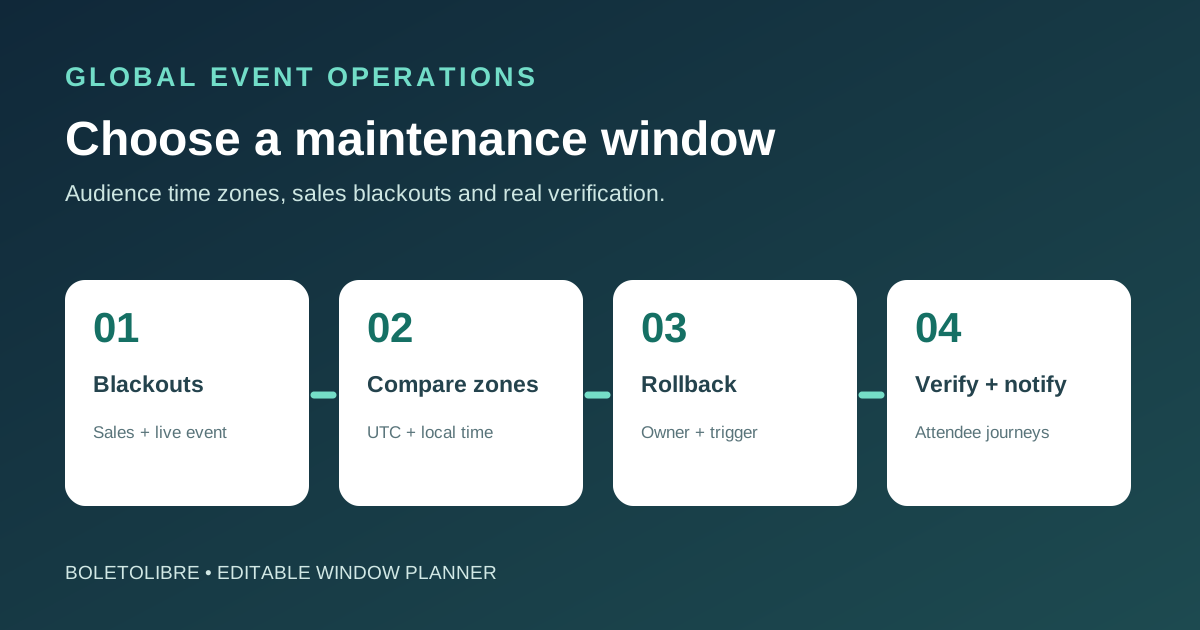
For a global event, there may be no hour when everyone is asleep. Choose a maintenance window from observed attendee activity and the journeys that could be interrupted, then publish the exact time in UTC and relevant local zones. A quiet office hour is not evidence of a quiet ticketing hour.
Boletolibre editorial team
Published
Download the event maintenance-window planner
Download the editable global maintenance-window planner (Markdown, English)
The worksheet compares audience regions, sale and event blackouts, affected services, expected interruption, local times, decision owners and recovery evidence. Use it for a planned change that may disrupt the public site; a no-disruption deployment may still deserve monitoring but not an invented outage notice.
Block event-critical periods first
List on-sale openings, registration deadlines, live sessions, ticket delivery and high-traffic campaign sends. Check whether the change affects only static pages or also sign-in, registration, checkout callbacks and email. Confirm third-party provider windows separately. Do not choose a date merely because it is outside your team’s working hours.
Compare candidate windows across regions
| Window input | What to record |
|---|---|
| Audience and traffic | Region, local time, recent visits and registrations |
| Blackout dates | On-sale, deadline, live event, campaign and provider freeze |
| Affected path | Page, registration, checkout, mail and third-party boundary |
| Execution | Owner, start/end UTC, local equivalents, verification time |
| Recovery | Abort trigger, rollback owner and completion evidence |
Review actual traffic and transactions by region, including recent launch peaks and expected audience behavior. Compare at least two proposed UTC intervals; translate each into named audience time zones for that date, since local offsets can change. Identify which groups bear the disruption and who can staff the work and support. A single global slot is not always the only option if the architecture permits staged changes.[1][2][3]
Budget for verification and reversal
Estimate the time for preparation, execution, application warm-up, attendee-path verification and a practical reversal decision. Reserve time to observe registration and ticket paths, not just server health. Define the abort trigger, rollback owner and latest safe decision point before starting. Do not promise zero interruption or a universal window length.
Notify attendees and close only after checks
Publish the exact start, expected end, affected functions and update channel in advance according to the actual event impact. Scheduled-maintenance tools can represent scheduled, in-progress, verifying and completed states; a clock reaching the end is not proof of recovery. Confirm the public page, registration and official ticket path, then send a completion or extension update with a time zone.[1][2][3]
Sources and further reading
- Designing Maintenance Windows Across Global Time ZonesSITEY · Accessed
- Schedule maintenanceAtlassian Statuspage · Accessed
- Create a maintenance window using the consoleAWS Systems Manager · Accessed