Website support SLA checklist before an event ticket launch
The ticket button fails during an on-sale, but the host says the checkout belongs to another provider. This guide turns response time, escalation and service scope into an event-specific provider review and contact rehearsal. Its worksheet documents what each provider actually promises; it does not create a new SLA or guarantee restoration.
Boletolibre editorial team
Published
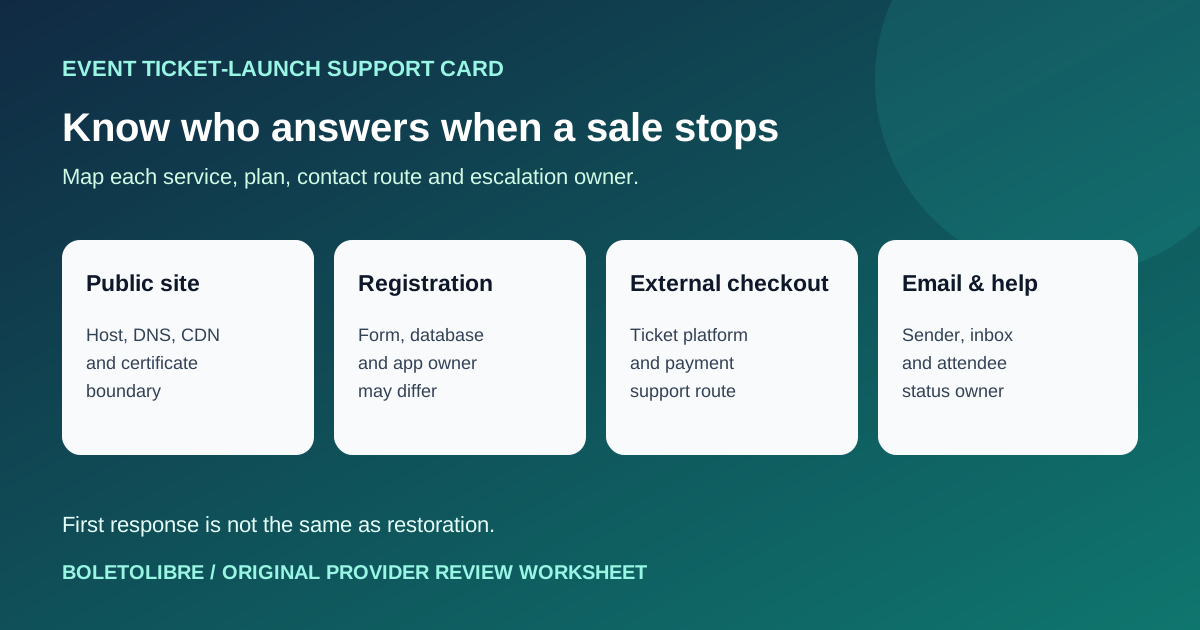
Map the attendee journey to separate support owners
Download the original support agreement review and contact card (Markdown)
List the public event page, DNS/CDN, registration form and database, external ticketing or checkout, confirmation email and help channel. Write the provider, exact account, current plan and internal owner for each. A hosting provider may support infrastructure but not a custom app or hosted checkout. The support boundary matters more than a single impressive uptime number.[1][2]
Verify coverage and channel on the plan you actually own
From current provider documentation or written confirmation, record whether technical cases are included; allowed severity; support hours, channel and language; who can open a case; and what evidence is needed. AWS Basic, for example, handles account and billing questions but not technical cases; Cloudflare channel access varies by plan. These examples demonstrate why another company’s response time cannot be copied into your plan. Check the live terms before the ticket launch and whenever the plan changes.[2][4]
Separate acknowledgement, repair and availability remedy
Ask whether a stated time is for the first human response, an update, diagnosis or full restoration. AWS explicitly describes its case target as first response, not subsequent replies or repair. Record escalation if the first reply does not solve the issue, which team can fix custom code, and how any service-availability credit is claimed. Do not interpret a credit as an operational rescue or assume a guaranteed fix deadline. Contract language needs the provider or qualified reviewer if ambiguous.[3][4]
Rehearse a ticket-launch failure without filing a false emergency
Walk through a realistic scenario: public URL and time zone, affected step, monitoring evidence, support portal, authorized account holder, severity available on the current plan, internal escalation and a verified attendee update channel. Keep secrets and attendee personal data out of shared logs. Check that the backup contact can actually reach the provider. Use a provider-approved test route rather than opening a fake critical case. The worksheet records the gap, owner and date.[1][4]
Make a launch decision from unresolved gaps
If registration is a must-work task but no one can open a technical case, record a launch gap and name the owner who will fix it. If the hosted checkout is outside the hosting agreement, confirm the ticketing provider’s separate support path. Recheck these boundaries before on-sale and after account, architecture or staffing changes. A written support map helps the team route incidents; it does not replace monitoring, a fallback plan or provider-specific terms.[2][4]
Sources and further reading
- Creating SLAs for Website Tech Support: Response Times, Priorities, and BoundariesDEV Community / Prateeksha Web · Accessed
- AWS Support PlansAmazon Web Services · Accessed
- Example: Create a support case for account and billingAmazon Web Services · Accessed
- Contacting Cloudflare SupportCloudflare · Accessed