GA4 cross-domain measurement for an event ticket checkout: qualify and test it
An event page may send attendees to a ticket provider on another domain. GA4 cross-domain measurement can connect the two parts of that journey only when both sites cooperate with the same web data stream. Start by proving that condition. Adding a provider hostname to a setting without confirming its tag and redirects can hide your outbound-click signal without showing ticket orders.
Boletolibre editorial team
Published
Map the route you actually own
Download the editable cross-domain feasibility and release worksheet (English Markdown)
Copy the public ticket link from each event page and list the hostnames that a visitor reaches: event page, ticket selection, payment, and confirmation. Record which pages the organizer controls, which the ticket provider controls, and where the final order is recorded. A redirect or embedded checkout can change the apparent domain boundary. Ask the site and ticket owners for the current tag IDs and provider documentation; do not treat a familiar logo or matching colors as proof that the same analytics stream runs on both sites. The English worksheet records the route, owners, and evidence without visitor IDs.
Ask whether the checkout can participate
Google's prerequisite is the same Google tag ID (the same G- ID from one web data stream) on the pages of every domain included in cross-domain measurement. Confirm that the provider lets your authorized team use that tag on the checkout pages involved and that its redirects can retain the _gl linker parameter. If either is unavailable, stop the cross-domain setup for that provider. Do not place an entire shared ticket-platform domain in your list merely because one event links there. Keep the existing consent choices and ask the provider for a supported test route before changing production measurement.[1]
Configure only a verified pair of domains
When both sides qualify, an authorized GA4 Editor can open Admin → Data streams → the web stream → Configure tag settings → Configure your domains. Add narrowly matched conditions for the event-site and checkout hostnames that actually carry the same tag, then save the approved change. Google's configuration passes a _gl parameter across eligible links or forms; it does not install a tag on a provider page for you. Record the before/after conditions and the person who can reverse them. If the event has several checkout hosts, verify each one separately instead of guessing from a parent domain.[1]
Test the published handoff
Use a provider sandbox or another approved non-purchase path, starting on the published event page with ordinary consent choices. Follow the actual ticket action and check that the destination loads, the event/date is right, and the _gl parameter reaches the configured destination. A rapid redirect may remove it before you can see it; ask the technical owner to inspect the navigation requests. Google's guide also warns that JavaScript-triggered navigation and scripts that stop click propagation can break the linker. Retest phone and desktop paths after a provider or site-template change. Do not collect the parameter's value in the worksheet—record presence, absence, or unknown.[1]
Label the result you can truly measure
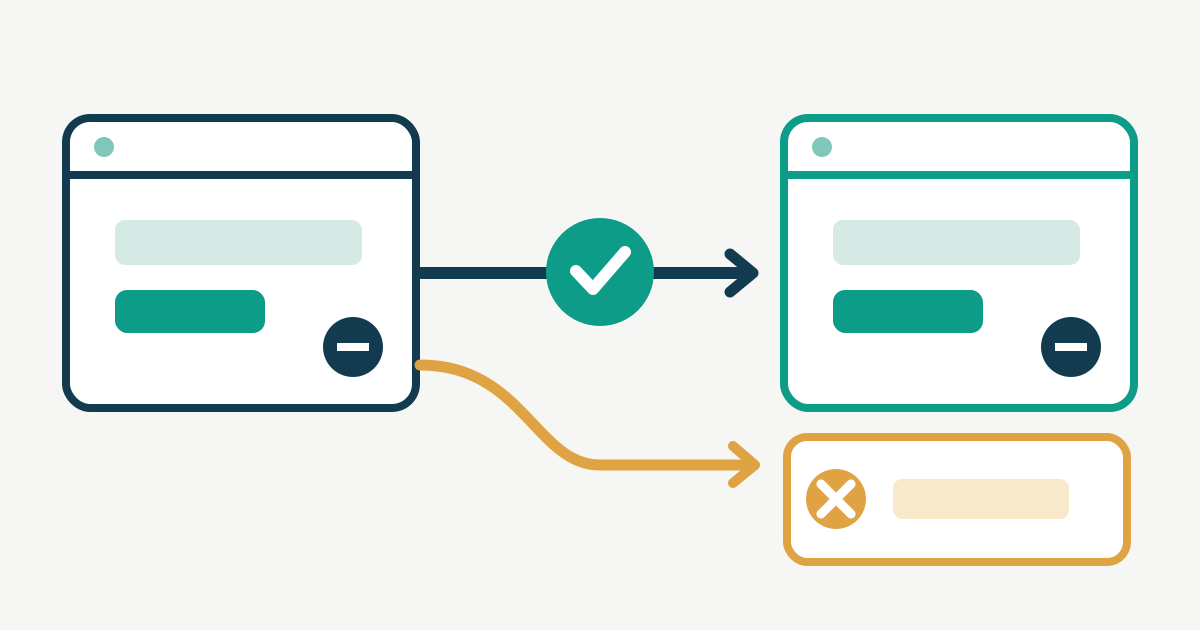
Cross-domain setup connects eligible GA4 page activity; it does not by itself create a purchase event or grant access to the ticket provider's order database. Check whether the provider sends a documented purchase event before presenting sales or funnel completion as GA4 facts. Google also says a domain in cross-domain measurement will no longer generate its usual enhanced-measurement outbound-click event. If the provider cannot participate, keep the ticket click as a separate, clearly labeled handoff metric when eligible, and compare it with provider orders only as two different counts. Review new processed reports after release rather than rewriting historical conclusions.[1][2][3]
Sources and further reading
- Set up cross-domain measurementGoogle Analytics Help · Accessed
- Measure outbound clicks for a websiteGoogle Analytics Help · Accessed
- Measure ecommerceGoogle for Developers · Accessed