How to make a helpful 404 page for an event website
Someone following an old ticket link or a mistyped session URL needs the current event information, not a clever dead end. The leading Google result shows general branded 404 examples; an event site has more urgent destinations, especially near doors-open time. Use the original message kit and link map below to build a missing-page response that helps attendees recover while preserving the correct HTTP status.
Boletolibre editorial team
Published
Decide whether the URL is missing or moved
Download the editable event 404 message and link map (Markdown, English)
If the old URL has a clear new equivalent, redirect it to that exact replacement and update internal links. If the content is genuinely gone with no relevant successor, serve a 404 or 410 and a useful error page. Do not send every missing speaker or ticket URL to the homepage: guests may assume they reached the intended page and miss an important change. Keep a list of known changed URLs separately from the generic fallback.[1][2]
Write a calm recovery message
Say plainly that this page could not be found, without blaming the visitor or pretending the event was cancelled. A short, reassuring example is: “We could not find that page. You can still see the current event details, programme and official ticket options below.” If a ticket or registration link may have expired, point to the current official booking entry and a support channel. Do not promise that a ticket is valid, refundable or transferable without checking the event policy.[1][2]
Offer a small set of current destinations
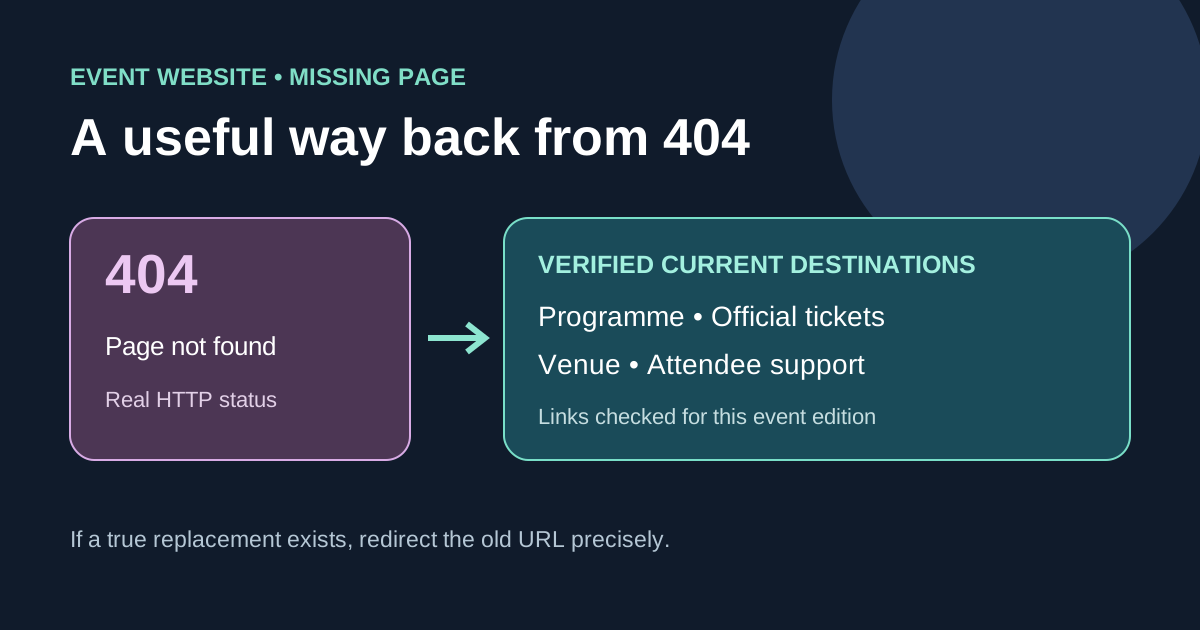
Link to the current event overview, today’s schedule or programme, official registration or ticket page, venue/arrival information and attendee support. Choose links that actually exist for this edition and remove expired ones. A search field can help on a large site, but a few stable destinations are more useful than a list of every article. If the event domain itself is down, this page may not load either; use the independent status/contact route from the incident plan.[1][2]
Keep the error technically honest
The response must remain HTTP 404 for a missing URL even when the page is visually polished. A page that says “not found” but returns 200 is a soft 404. Confirm the status on unknown blog, speaker, session and ticket paths; do not only preview the HTML. A known replacement can use a permanent redirect when appropriate, but the destination must genuinely answer the old link. Keep navigation and language choice usable without hiding the error message.[1][2]
Review broken links after changes
Review top missing paths after a programme update, event edition change or ticketing migration. Fix internal links and approved external campaign destinations where you control them. If a recurring event page still serves a useful archive, do not treat it as missing just because the date passed; its content and indexing choice need their own decision. Record which broken URLs were fixed, redirected, or left as honest 404s, and verify the attendee route from a mobile browser.[1][2]
Sources and further reading
- 404 Page: Best Practices and Creative ExamplesBEE Digital · Accessed
- Troubleshoot Google Search crawling errorsGoogle Search Central · Accessed