Name email campaigns, segments and tags so your team can find the right one
When several people use one email platform, a name such as “October final 2” is too easy to mistake for the approved send. Give each campaign, saved segment and tag a small, consistent internal name that says what it is. Keep the detailed rules and decisions in a linked register, because a name cannot carry the whole history.
Boletolibre editorial team
Published
Start with the job of the internal name
An internal campaign name is a team locator, not the subject line a recipient sees. Mailchimp, for example, lets an operator rename an automation email action internally and edit its subject in a separate field. Before changing a platform, check its own field labels and character limits. Decide whether your team is naming a single send, a reusable sequence, an audience filter or a contact label; these are different objects and should not share a vague name.[1]
Agree on the smallest set of fields that will make a search result unambiguous: an asset-type prefix, purpose, audience or rule, and a date or version when it changes the meaning. Choose one separator your platform accepts and document the date format, abbreviations and maximum useful length. Prefer stable words a new operator can understand. Avoid personal email addresses, private customer traits, passwords and a pile of status words such as FINAL_FINAL. A name is not a privacy-safe substitute for the underlying record.
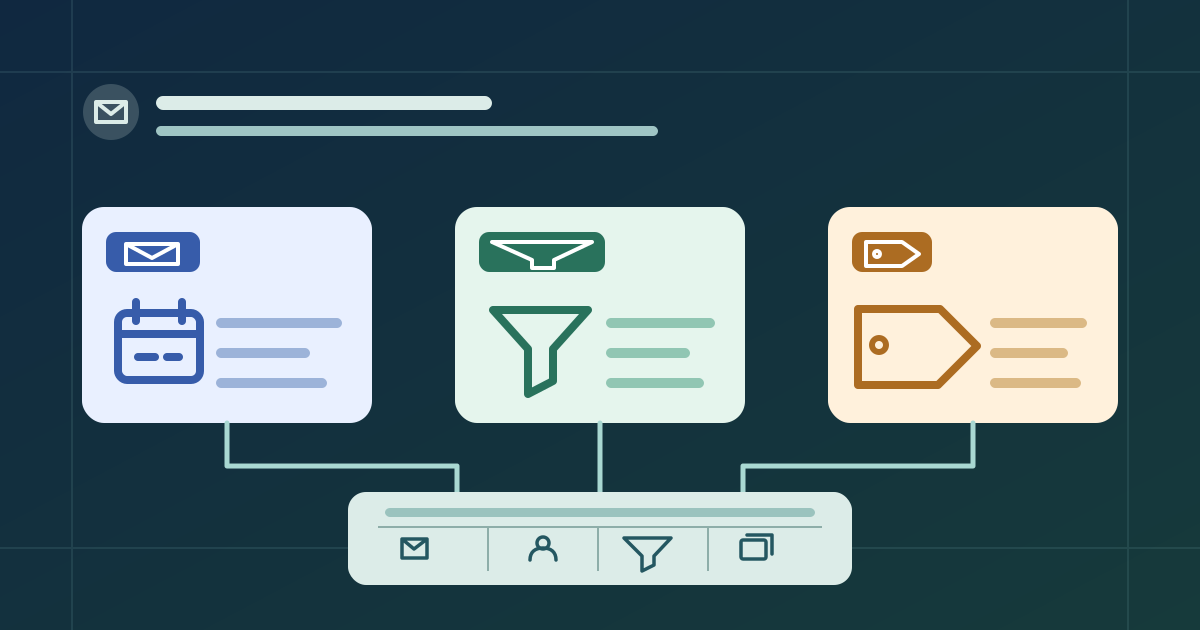
Write one short grammar for three asset types
For a one-off send, an internal key such as SEND__2026-10-18__newsletter__subscribers__v02 identifies the planned date, message purpose, audience and content version. For a saved filter, SEG__newsletter__joined-after-2026-09-01__v01 describes the rule rather than claiming the membership count is fixed. For a contact label, TAG__source__guide-download says what evidence placed the tag. These are examples, not provider syntax: shorten or reorder fields to fit your tool, and keep the documented meaning in a register.
Before rolling out the grammar, test it against five real assets: a planned send, a repeat send, two segments with similar rules and a tag used by an automation. Write the allowed values for purpose and audience in the naming contract. If “member,” “subscriber” and “contact” all mean the same group, choose one term; if they mean different groups, define each. Search the platform for the proposed names and compare the results side by side. A format that sorts beautifully in a document but hides the decisive word in a narrow picker is not useful. Keep the critical difference near the beginning.
| Asset | Example internal name | What the register must add |
|---|---|---|
| One-off send | SEND__2026-10-18__newsletter__subscribers__v02 | One release; record scheduled time and content version separately |
| Saved segment | SEG__newsletter__joined-after-2026-09-01__v01 | Filter rule; record logic, owner and review time |
| Contact tag | TAG__source__guide-download | Evidence label; not proof of subscription status |
Mailchimp uses tags to label contacts from information known about them and segments to filter contacts by conditions. A saved segment can be reused and its matching contacts may change as data changes. Keep the segment rule and the time it was checked beside its name; do not assume a name is a frozen recipient snapshot. A source tag describes provenance, not consent to receive every future campaign. The send owner must still inspect subscription status, exclusions and the actual audience selection under the chosen service before release.[2][3][4]
Version changed meaning instead of hiding it
If the rule changes from “joined after September 1” to “joined in the last 30 days,” make a new version or a clearly documented replacement. The old name should not silently acquire a new definition while past reports and handoff notes still refer to it. Likewise, a copied campaign should get a fresh send key and a pointer to the approved content version. Keep internal send keys separate from public subject lines and from analytics UTM values: those may have different audiences, owners and change rules.
- Use one asset-type prefix such as SEND, SEG or TAG; define every abbreviation once.
- Put the date in an unambiguous form such as YYYY-MM-DD when it is part of identity.
- Keep the name short enough to scan, and link the exact rule or approved version in the register.
Audit existing names before you rename
Before renaming anything in a live account, export or list current names with their platform IDs, owner, purpose, last use, rule link and dependencies. Mark names that are referenced by an automation, integration, report or teammate. Test a low-risk item first and confirm search, selection and reporting still identify the intended object; providers handle renames and references differently. Record old-to-new aliases until the team can find legacy assets. For unused duplicates, decide whether to retire them according to the provider’s available archive or delete behavior rather than assuming a rename merges records.
For example, suppose two entries are both called “October newsletter.” One is a draft for all subscribed readers and the other is a previously sent partner edition. Do not decide by the visible name alone. Compare their platform IDs, send status, date, selected audience and approved content reference. Rename only after the owner confirms which is which; record the former name as an alias. If the provider exposes a duplicate or clone action, treat the new object as a separate asset and give it its own register row. This check prevents a convenient bulk rename from concealing two different histories.
Handoff names with a register
Create one row per naming pattern and one row per actual asset. The worksheet below separates the human-readable name from its platform ID, rule or source evidence, owner, status and change date. Try it on one current send and one saved segment. Ask a teammate who did not create them to locate the exact intended objects and explain the audience rule. If they cannot, improve the name or the register before rolling the convention through the account.
Make the convention a small operating rule, not a one-time cleanup. Assign one owner to approve new prefixes and audience terms, and a backup who can resolve a naming collision. When a segment condition or tag-setting event changes, update its plain-language meaning and dependency list in the same change record. At a regular account review, sample recent sends and active automations: can the named audience be reconstructed from the saved rule and current subscription state? Retire obsolete labels only after checking where they are used. A future teammate should be able to find the object by name, verify it by ID and explain why it exists without asking its creator.
Use the editable naming register
Sources and further reading
- Use Send Email ActionsMailchimp · Accessed
- Getting Started with SegmentsMailchimp · Accessed
- Save and Manage SegmentsMailchimp · Accessed