Plan database storage headroom before a website launch
A website can have room for images and still run short of database storage when registrations, orders, imports or content revisions arrive together. Before launch, record the limit that actually contains the database, measure free space over time, and ask who can expand it. This is a planning check for a database-backed site, not a universal storage percentage or an instruction to change a live database.
Boletolibre editorial team
Published
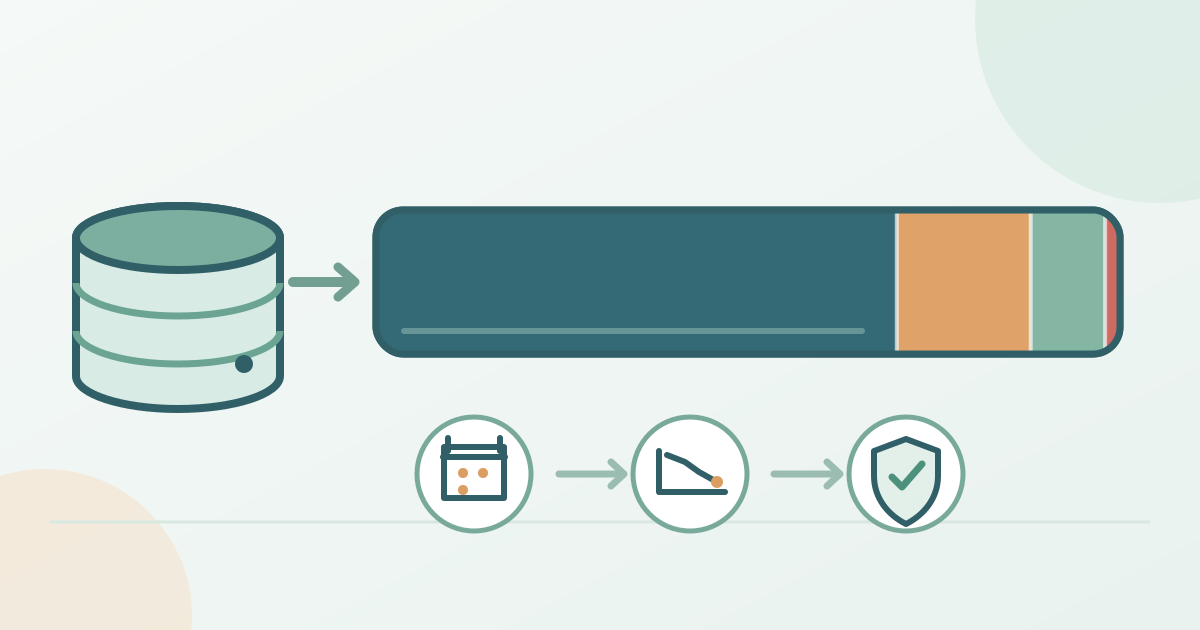
Identify the storage boundary
Draw the path from the website to its database and name the provider that owns each part. A hosting account, a managed database and object storage can have separate quotas. Ask whether database files, transaction logs, temporary work, snapshots and uploaded media consume the same allowance; the answer depends on the service. Do not add free space from one service to a shortage in another. Write down the actual plan limit, the unit, and the person who can change it.
- Database engine and service or host account
- Storage limit and which files count against it
- Who can see the metric, approve an increase, and act during launch
Record two different measurements
Keep a database-size reading next to a free-storage reading. PostgreSQL’s pg_database_size reports the space used by a named database. MySQL INFORMATION_SCHEMA.TABLES exposes DATA_LENGTH and INDEX_LENGTH, but InnoDB values are approximate allocations, not a free-disk meter. In Amazon RDS, FreeStorageSpace is the available storage metric in bytes. These are examples of different questions, not interchangeable measurements. If a managed host exposes only a dashboard meter, request its definition before using it for a decision.[1][2][3]
| Reading | Question it answers | Do not assume |
|---|---|---|
| Database size | How much space this database currently uses | How much capacity remains on its storage volume |
| Free storage | How much room the relevant volume reports now | That all of it is available for a planned import |
| Plan ceiling | How far this service may grow under its current plan | That growth will occur before the launch workload |
Forecast the launch window
Use a time window that includes the launch and the first review, not just today’s capacity. Estimate normal growth from several comparable observations, then add a separately identified import or campaign workload and an explicit operating reserve chosen by the owner. Estimate that workload as its expected change in the same free-storage meter, not the size of an upload file; do not count a load already included in the observed trend twice. A simple worksheet calculation is projected free = current free − expected routine growth − planned load. Compare that result with the chosen reserve; this is a planning estimate, not a guarantee of write capacity.
- Label each assumption with date, source and owner.
- If growth is erratic, use a more cautious scenario and measure again.
- Keep a stop point for an unexpected slope or a larger-than-planned import.
Check how capacity can increase
Find out whether growth requires a manual request, a plan upgrade or a service-specific autoscaling setting. For Amazon RDS DB instances, autoscaling has a maximum threshold and cannot always prevent storage-full conditions during a large load. It also cannot reduce allocated storage afterward. Other hosts behave differently. Record the provider’s actual limit, lead time, cost decision and owner instead of treating “autoscaling enabled” as unlimited headroom.[4]
- Current allocation, maximum or plan ceiling, and any pending change
- Expected time to increase usable capacity
- What happens when the threshold is reached; who is paged
Rehearse and watch the real signal
Before launch, ask an authorized operator to repeat the read-only measurements and compare the slope with the worksheet. If a representative import can be tried safely in a separate environment, record its observed storage change and the limits of that comparison. For the live launch, watch the relevant free-space meter before, during and after the planned write-heavy step. Monitor the actual database service, not only the website-file meter. Escalate or pause the step when the agreed stop point is crossed.[3]
- Capture the reading immediately before the planned load.
- Record the observed change after each approved batch.
- Reforecast from the new reading and keep the next owner check scheduled.
Make the launch decision explicit
Approve only the workload and time window that were measured. The handoff should show the storage boundary, dated readings, growth assumptions, reserve choice, capacity-change route, stop condition and next check. If the quota definition or available capacity is unknown, keep the launch load on hold until the provider or database owner resolves it. Do not delete tables, logs or backups solely to make a dashboard number look better.
Sources and further reading
- Database Object Size FunctionsPostgreSQL Global Development Group · Accessed
- The INFORMATION_SCHEMA TABLES TableOracle MySQL Reference Manual · Accessed
- Amazon CloudWatch metrics for Amazon RDSAmazon Web Services · Accessed
- Managing capacity automatically with Amazon RDS storage autoscalingAmazon Web Services · Accessed