Why short-link clicks and event-page visits do not match
You shared a short event URL, then found more clicks in the link dashboard than visits in website analytics. That gap does not, by itself, mean the event page failed. The tools observe different points in the journey. Compare one link and one destination before changing a campaign report.
Boletolibre editorial team
Published
Name the two things you are counting
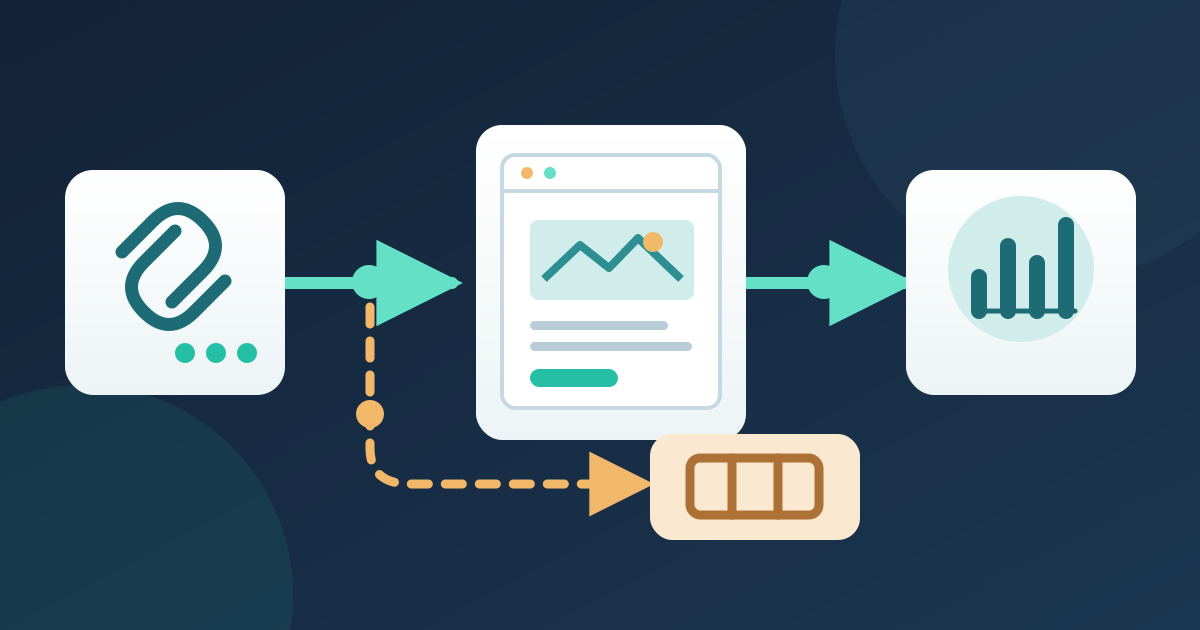
Copy the exact short URL and its long destination into the worksheet. In Bitly, select the Bitly Link source when you need short-link clicks: its broader “Engagements” number can also include QR-code scans and Bitly Page clicks. Bitly describes a click as expansion of the short URL. In GA4, a session is a period of activity on the tagged site; the Landing page report associates its first pageview with that session. Neither number is a count of ticket orders or unique people. Use the same definitions in every update.[1][2][3]
Check where the short link actually lands
Open the published short link on a phone and a desktop browser. Record the final URL after redirects, including its path and any campaign parameters. Confirm that it reaches the intended event edition rather than an old page or a ticket checkout on another domain. If it lands directly on an external ticket page, the organizer website is not in that path, so visits to the organizer site are the wrong comparison. A short link to a Boletolibre.com event page likewise should not be expected to appear in analytics installed only on your separate website.[1][3]
Align a small, comparable reporting window
Choose one short link, one destination page and a fixed date range. Record the time zone used by each dashboard and whether a filter or plan-dependent history limit is active. In GA4, filter the Landing page report to the relevant page; add Session source / medium if it helps separate traffic. A landing-page session is still not identical to a redirect click: someone may expand a link without loading the tagged page, and an existing session may not create a new landing-page session. Note other paths to the page so you do not attribute every visit to this link.[1][2][3]
Test the gap and report what is observable
Run a controlled click from the actual published channel and verify both the final page and the analytics tag on the destination you own. Bitly notes that bots, browser extensions and email security scanners may expand links without a page visit. GA4 may classify a visit as direct when redirects lose referral details or ad blockers interfere with traffic-origin tracking. Test these as hypotheses, not automatic explanations for every difference. In the report, show short-link clicks and event-page sessions in separate labeled columns, with source, window and known limitations. Do not present their difference as lost attendees or lost sales.[1][4][3]
Download the short-link and event-page reconciliation worksheet (English Markdown)
Sources and further reading
- Why doesn't the number of clicks in Bitly match the clicks in my other accounts?Bitly Support · Accessed
- About Analytics sessionsGoogle Analytics Help · Accessed
- [GA4] Landing page reportGoogle Analytics Help · Accessed
- [GA4] Understand (direct) / (none) trafficGoogle Analytics Help · Accessed