Choose and test a shareable event ticket link before promotion
A memorable event link helps only if it opens the right published page. Choose the destination and the public address before adding it to a flyer, email or partner post. A custom event URL, a domain-owned short path and a link-shortener address are different tools, with different owners and change rules.
Boletolibre editorial team
Published
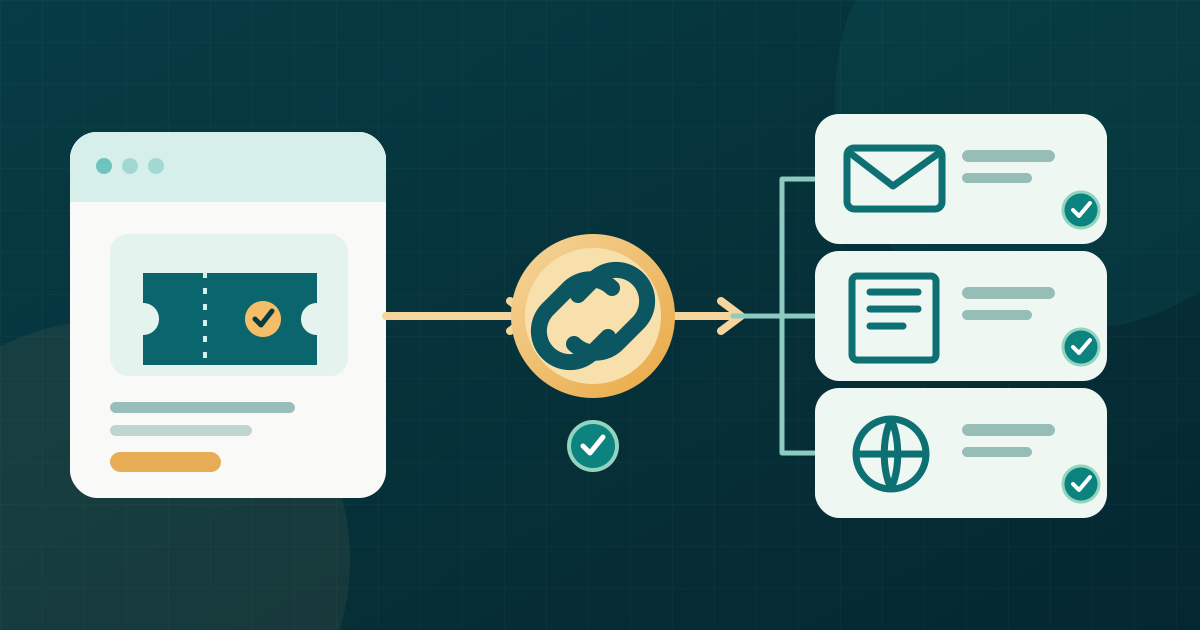
Start with the published destination
Download the editable event-link choice and release worksheet (English Markdown)
Open the event page that visitors should reach. Confirm its name, edition, date, location and current registration action. Share that page, not a temporary checkout, private order link or staff preview. For a recurring series, decide whether people need the series overview or a specific date. A short address cannot correct a destination that answers the wrong question.
Check how the share link is controlled
First see whether your event platform offers a custom event link. Eventbrite, for example, documents an editable event link using a chosen subdomain before you share it; its original event link still works, while its custom link cannot be redirected to a different web address. Those are Eventbrite rules, not promises about another provider. Verify your platform's allowed characters, ownership, ability to change the link and behavior of old addresses before saving.[1]
If the platform has no suitable option, a short path on a domain your team controls may point to the published event page. Treat an independent link-shortener address as a separate service with its own account and lifetime. Write down who can edit each link and where it actually leads. Do not swap destinations silently after people have printed or forwarded the address.
Make the address recognizable
Use a short event name plus a year or city when needed to distinguish editions. Avoid ambiguous abbreviations, personal information, temporary prices or a claim such as “sold out” that may become false. Check the result in lowercase and in the exact typeface used on the flyer; similar-looking characters can be hard to type. Print the readable address beside a QR code so a visitor has another route to the page.
In digital messages, label the link by its destination, such as “Tickets for [event and date],” instead of “Click here.” W3C advises meaningful link text that describes the target. Keep tracking parameters separate from the core public address, and do not put a guest name, email or ticket reference into a shareable URL.[2]
Test the version people will receive
Copy the link from the final email, artwork or partner draft rather than retesting only the source field. Open it on a phone and in a signed-out browser. Check that the address resolves without an unexpected account prompt, arrives at the intended edition, shows the right date and language, and leads to the appropriate live ticket action. For print, type the address shown on the proof and scan the final QR image separately.
Freeze the shared link and assign a change owner
After an address appears in print or sent messages, changing it can strand copies you cannot edit. Keep a small record of the chosen link, destination, platform or domain owner, channels used and last successful test. If the event moves or a new edition launches, inspect the provider's actual old-link behavior and make a deliberate destination decision. The separate redirect-mapping workflow is for links already in circulation; this check is for choosing the link before release.
Sources and further reading
- Customize your event linkEventbrite Help Center · Accessed
- Writing for Web AccessibilityW3C WAI · Accessed