How to resend an event invitation to unresponsive contacts
An unopened invitation does not prove a person ignored your event. Some inboxes report opens inaccurately, and a contact may already have registered through another route. Use a resend only when the invitation still has a useful action and you can check who should receive it.
Boletolibre editorial team
Published
Decide whether the invitation earns a second send
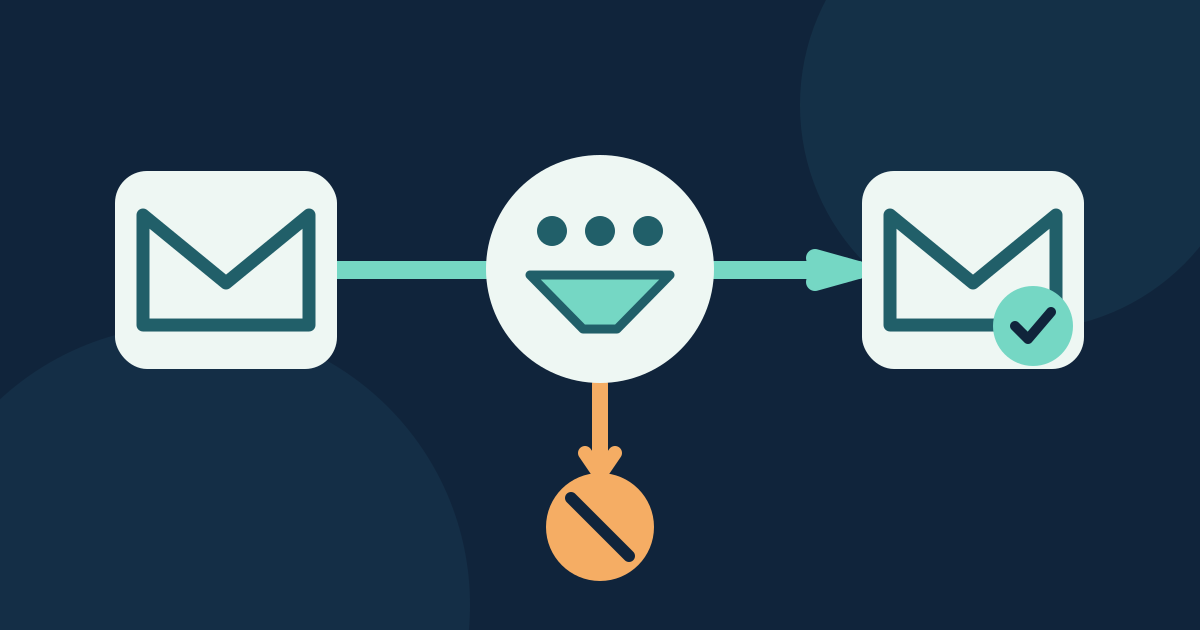
Name the event edition, original campaign, new information and current registration destination. A second note may help when a real deadline or newly confirmed program detail matters to people who missed the first message. If there is no new reason to write, a planned general update may be clearer. Keep this separate from ticket confirmations and practical reminders for people who already registered.[1]
Build the recipient group from the original campaign
Start with contacts who received the original invitation and remain eligible for this marketing message. Exclude anyone with a confirmed registration, an event-specific suppression or a previous resend, using a trustworthy event record; if the email tool lacks a reliable registration sync, check the exclusion outside it before approval. Mailchimp offers a resend-to-non-openers route for qualifying regular campaigns and a manual segment route, but those controls are Mailchimp-specific. Apple Mail Privacy Protection can mark a message opened without a human reading it, so “did not open” misses some people. Mailchimp suggests considering “did not click” instead; that also means only “no recorded click,” not “not interested.”[1][2]
- No-open is an imperfect signal; review the mail provider’s tracking limitations.
- No-click is also a proxy; do not infer an individual’s intent from it.
- Inspect the actual recipient preview or export before approving the send.
Update the message before you send it again
Recheck the event date, time zone, venue or online format, price or access condition, registration availability and destination. Change the subject or preview when it makes the reason for the second message clearer; never invent scarcity. Keep one primary action that leads to the current event page. Send a test to a controlled address, inspect the delivered subject, preview and link, and confirm that no old placeholder or expired offer survives from the original.
Approve, send and close the loop
Record the final audience rule, excluded registered people, recipient count, reviewer and send owner in the English card below. Check for another scheduled invitation or reminder that would reach the same people. After sending, compare delivered volume, clicks, opt-outs and replies with the original campaign, and route questions to a monitored inbox. Do not treat an open count as proof of attendance or a sale. If the event changes or registration closes before the resend, stop it and correct the destination instead.
Download the invitation resend decision card (Markdown, English)
Sources and further reading
- Resend an Unopened EmailMailchimp · Accessed
- Apple Mail Privacy Protection (MPP) FAQsMailchimp · Accessed