Run a task-based event website audit before ticket launch
A launch checklist can confirm that a page contains a date and a ticket link. It cannot show whether a first-time visitor finds the right date or recognizes the official ticket path. A short task-based audit catches that gap before the on-sale announcement, using observable answers instead of opinions about the page design.
Boletolibre editorial team
Published
Freeze the facts and choose three tasks
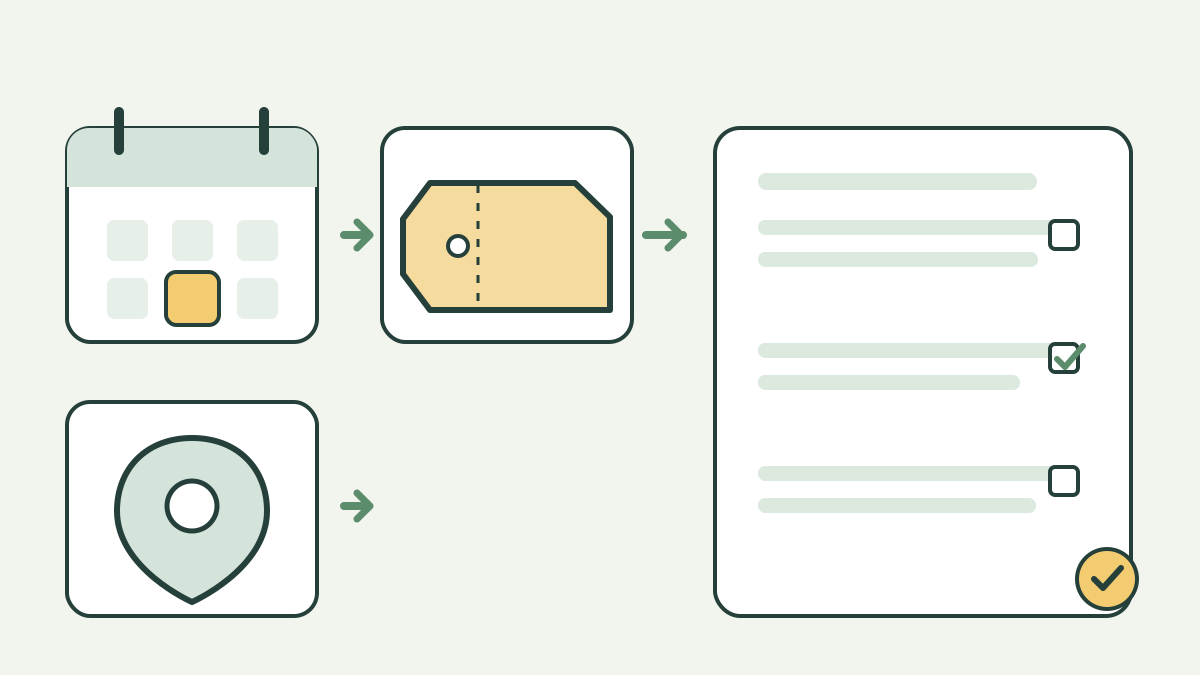
Write the approved answer to each question before anyone tests the site. For a public event this might be the local start date and time, the venue entrance or transit address, and the official ticket destination and current sale state. Name the content owner who can confirm each answer. If the event details are not approved yet, use a clearly labelled staging page; do not count an uncertain fact as a navigation failure. This is an audit of the visitor route, not a substitute for checking the underlying event facts.[1]
Give each task a believable goal without revealing the menu label or button. For example: “You are planning to arrive by train. Find where you should go and when doors open.” A second task could ask which session happens first on Saturday. A third could ask the participant to find where tickets would be obtained, stopping at the official handoff before any purchase. GOV.UK advises tasks that are relevant, clear and challenging without hinting at the answer. Keep the same task wording across sessions so differences are interpretable.[1]
Invite people who do not know the page
Choose likely attendees who have not memorized the site. Include someone arriving on a narrow phone, someone comparing session options, and—when feasible—people who use different access methods. Record the page, language, device and starting point for each session. One colleague can pilot the wording, but a teammate who built the page is not a useful stand-in for a new visitor. Do not claim a representative sample from a handful of observations.[1]
Keep this audit small enough to finish and act on before on-sale. A moderator reads the prompt; a note-taker writes down the route and words used. GOV.UK describes moderated testing as watching people attempt specific tasks and advises actual or likely users, a consistent discussion guide and neutral prompts. Tell participants that the website is being tested, not their ability. If a task would enter live checkout, use the approved safe stopping point instead of creating an order.[1]
Observe the path without coaching
For each task, note the first link chosen, any backtracking, the page where the participant stops, the answer they give and whether they sound unsure. Watch for a correct answer found on an outdated event edition, a venue map that hides the written address, or a ticket label that leads to the wrong organiser. “Found the page” is not the same as “understood the current fact.” Ask an open question after the attempt to learn why a choice seemed right.[1]
Resist explaining the interface mid-task. GOV.UK recommends clear, neutral instructions and mostly watching and listening; help only when a participant is completely stuck and you need to continue learning. Capture one concrete observation per row, such as “opened the 2025 programme from the 2026 homepage.” Avoid a single success percentage when the sample is small or the tasks differ. A route, quoted uncertainty and verified answer give the repair owner more to work with than a vague “confusing navigation” note.[1]
Turn notes into repairable findings
Sort findings by the visitor consequence and by the cause you can verify. A wrong date or unofficial ticket destination needs a fact or link correction; a correct page hidden under an unclear label needs wayfinding work; a control that cannot be reached needs a technical or accessibility review. Record the affected task and exact starting page so an editor can change copy while a developer handles a template issue. Do not assign every failed task to a broad redesign.
Keep task observations separate from accessibility conformance claims. W3C says involving users can reveal issues that conformance checks miss, but user evaluation alone cannot establish accessibility. Use its Easy Checks as a preliminary pass for obvious barriers, then route standards questions to an appropriate evaluation. A person getting stuck does not prove a WCAG failure; a person completing a task does not prove the page meets WCAG. Record what happened and what remains untested.[2][3]
Retest the visitor route before release
For each repair, write an acceptance question: can a new visitor starting at the same page give the approved answer and reach the correct next step? Publish the smallest coherent change, then rerun the failed task on the actual version that will receive the on-sale traffic. Recheck both phone and desktop if the navigation differs, and check every supported language that changed. If a ticket link leaves the site, confirm the destination is the intended public event before stopping at the handoff.
Use the worksheet to preserve the task prompt, expected answer, observed route, finding, owner and retest result. Reconcile every high-impact open row before the announcement; move lower-impact work to a dated follow-up. Keep a separate launch gate for factual approval, accessibility review and technical checks. The audit supplies evidence about how people use the site; it does not guarantee sales, search ranking or a complete compliance result.[2]
Sources and further reading
- Using moderated usability testingGOV.UK Service Manual · Accessed
- Involving Users in Evaluating Web AccessibilityW3C WAI · Accessed
- Easy Checks – A First Review of Web AccessibilityW3C WAI · Accessed