How to publish security.txt for an event website
If someone finds a weakness in an event website, registration flow or ticket handoff, they need a route to a team that can act. A security.txt file gives researchers a standardized way to find that contact. It does not fix the weakness, authorize testing or replace a disclosure policy. This guide shows what to publish, how to route reports across the organizer and vendors, and how to keep the contact working after an event ends.
Boletolibre editorial team
Published
Decide which domain and team can actually respond
Download the security.txt example and routing worksheet (Markdown, English)
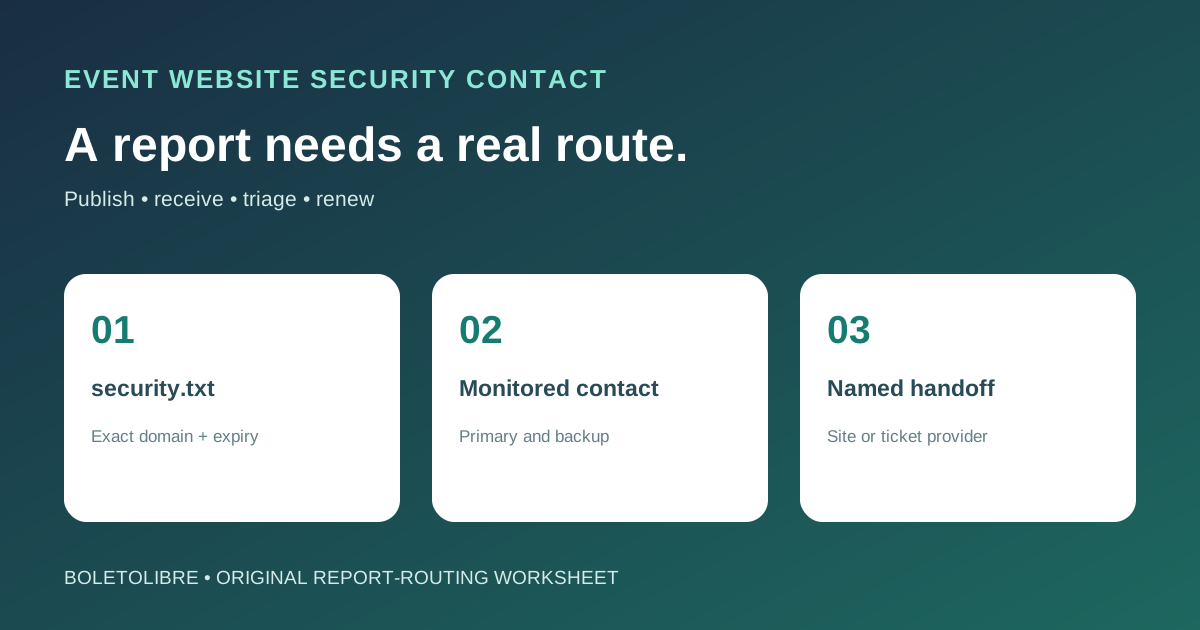
List each public hostname that handles event information, registration, tickets or account access, and name its operator. RFC 9116 says a security.txt file applies to the domain from which it is retrieved; it does not automatically cover parent or subdomains. If the ticket checkout is hosted by another company, do not claim authority over that provider’s systems. Give reporters a monitored contact for what you operate, and a clear handoff to the provider when a report concerns its service. Test that the route still reaches the right person after an agency or event team changes.[1][2][3]
Choose a monitored reporting channel
Use a dedicated security inbox or secure reporting form that a named person and backup review. Keep it separate from attendee support and spam-heavy general contact forms. Decide how a report is acknowledged, privately triaged and escalated to the technical owner. Avoid inviting reporters to send passwords, full attendee exports or card information in email. If you publish an encryption key, ensure someone can actually decrypt incoming reports; do not list a key merely to look complete.[1][2][3]
Publish the minimum valid security.txt
The RFC requires Contact and Expires fields. Contact must be a URI such as mailto:security@example.com or an HTTPS reporting page, not a bare email address. For web services, serve the file at https://your-domain/.well-known/security.txt over HTTPS as text/plain with UTF-8. Set Expires to a date you will renew; the RFC recommends less than one year ahead. Optional Canonical identifies the official URL, but if you include it, that URL must match a location where the file is actually retrieved. Use the downloadable example as a structure, replacing every placeholder before publication.[1][2][3]
Keep disclosure terms separate from the contact file
A Policy field can link to a real vulnerability-disclosure policy, but a security.txt file does not itself define permission to probe systems, legal safe harbor, a bounty, or a guaranteed response time. Have the appropriate owner review those commitments before publishing them. State which domains and vendors are in scope, where a report should go, and how private handling works. The UK NCSC toolkit treats the communication channel, policy and security.txt as related parts of a disclosure process; do not pretend the file alone supplies the other parts.[1][2][3]
Check the public file and the receiving workflow
Fetch the exact public HTTPS URL without a staff login. Confirm it is readable plain text, has unexpired Contact and Expires values, and does not redirect to a different organization. Send a harmless internal test message through the listed contact and confirm the primary and backup know where it arrived. Repeat for each hostname in scope, after DNS or hosting migration, and before the expiry date. Do not use a real vulnerability report as a test.[1][2][3]
Route reports without mixing them with incidents
Record the affected hostname, report time, contact route, owner, acknowledgement and next action. Preserve the private report and avoid posting details publicly while the issue is investigated. A vulnerability report is not the same as a confirmed compromise: RFC 9116 explicitly distinguishes vulnerability response from incident response. If there is evidence of active abuse or exposed attendee data, use the separate incident plan and qualified local advice. Close the loop with the reporter under the policy your organization actually adopted.[1][2][3]
Sources and further reading
- How to Setup security.txt: A Detailed GuideSiteSecurityScore · Accessed
- RFC 9116: A File Format to Aid in Security Vulnerability DisclosureIETF RFC Editor · Accessed
- Vulnerability Disclosure ToolkitUK National Cyber Security Centre · Accessed