How to publish sensory information for an event
A “sensory-friendly” badge says less than a verified description. This guide and editable worksheet help event teams publish useful pre-visit details, identify uncertain conditions and keep the page current when the programme changes. Sensory needs differ; describe options instead of promising one experience for everyone.
Boletolibre editorial team
Published
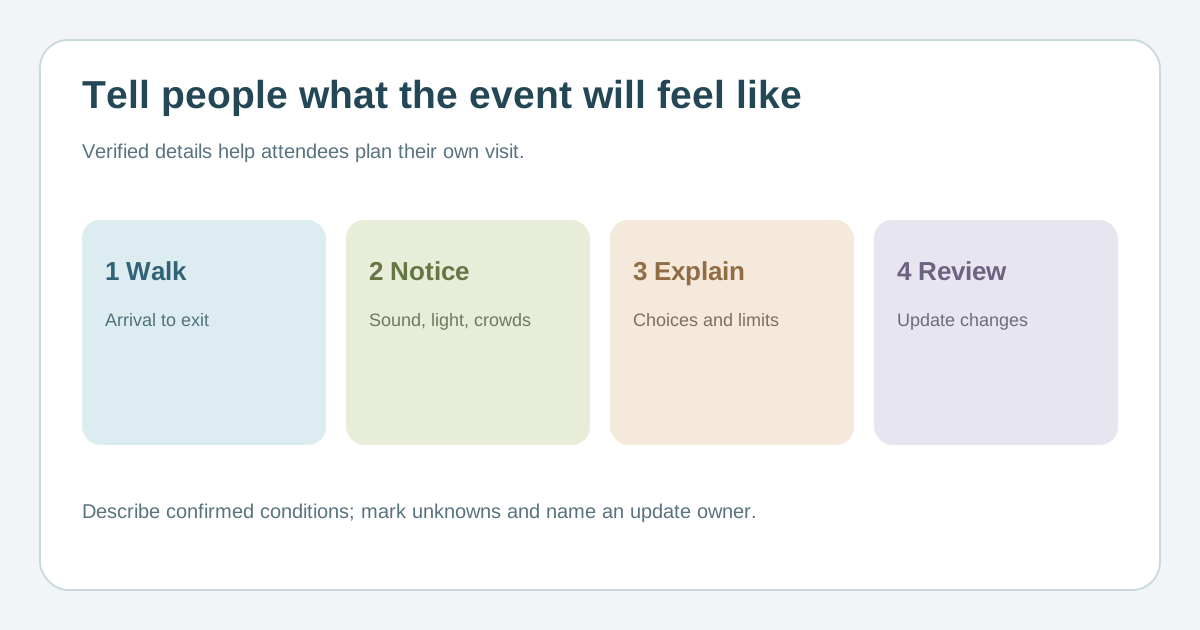
Walk the real attendee journey
Download the sensory-information verification sheet (Markdown, English)
Start at transport or parking, then trace entrance, queue, check-in, toilets, seating, food and exit. Confirm which areas have amplified sound, bright or changing lights, strong smells or dense crowds. Use plain descriptions by place and programme segment. If the schedule is not settled, say what is still being checked and name the update owner.[1][2][3]
Describe actual options and limits
If there is a quieter space, publish its location, route, hours, access conditions and what visitors will find there. Say whether a companion may enter and who can answer questions; do not call it silent if nearby activity is audible. Note seating, step-free routes, exits from busy areas and whether re-entry is allowed. Keep operational promises aligned with the approved venue plan.[1][2][3]
Publish information people can navigate
Put key facts on the event page and link a clear text guide with headings; provide a simple route map or photos with useful text alternatives when available. Give programme times and warn about planned flashes, music peaks or sudden changes where known. A downloadable file can supplement, but should not be the only source. Offer a contact route that does not require disclosing a diagnosis.[1][2]
Verify, update and invite corrections
Ask the venue and production lead to check each claim before publishing. Log the observed condition, source, owner, last review date and planned update. Recheck after a room move, programme change or supplier change, and tell ticket holders how important changes will be communicated. Invite attendee feedback without treating any one person as representing everyone.[1][2]
Sources and further reading
- Hosting an Inclusive Event for Autistic ParticipantsReframing Autism · Accessed
- Accessible environmentsNational Autistic Society · Accessed
- Light the Way event accessibility informationNational Autistic Society · Accessed